By El Ghali Bennis · Published
Click and Collect for Small Business: Easy Setup Guide
Click and collect for small business made simple: add a pickup option, set time slots and send ready-for-pickup emails in one afternoon.
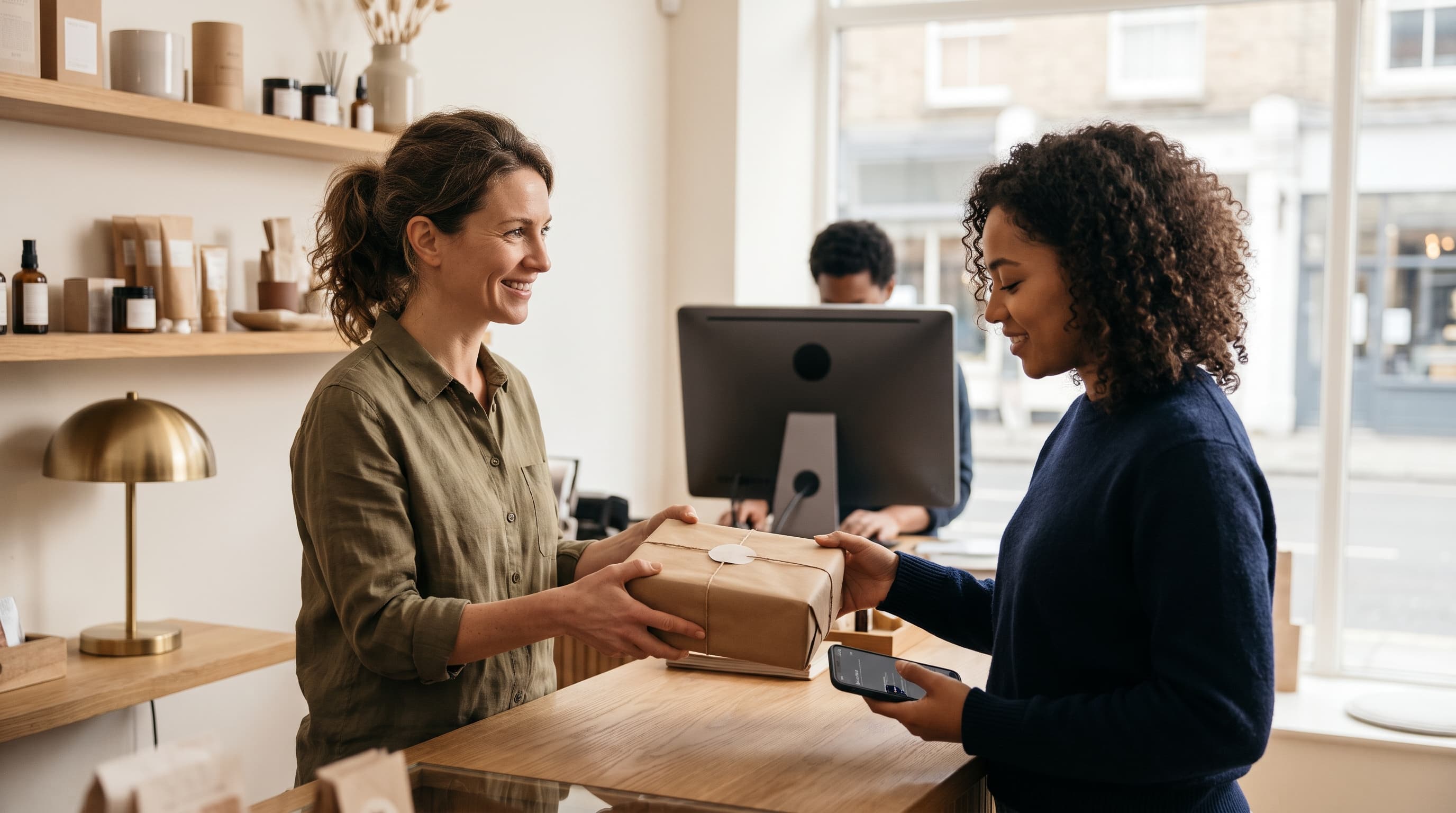
Click and collect for small business means customers order and pay on your website, then pick the order up at your shop or a set curbside spot instead of paying for delivery. To offer it, you need a pickup option at checkout, accurate inventory, a ready-for-pickup email, and a simple handoff routine. Most owners can set it up in a day.
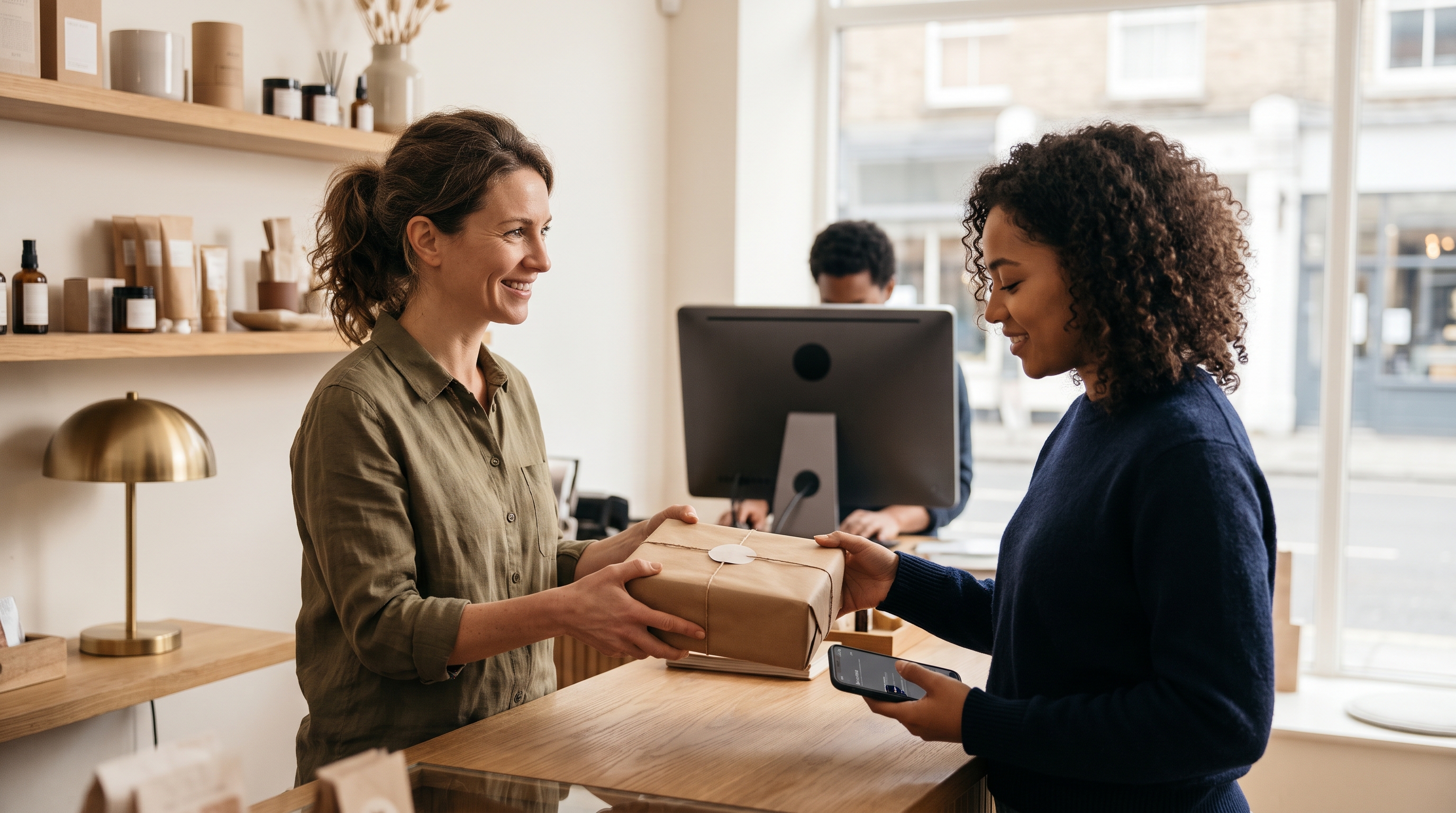
You've probably heard it called BOPIS (buy online, pick up in store), local pickup, or curbside. The names differ, the mechanics don't. A shopper reserves and pays online, you pull the order, and they walk in or drive up. It's one of the cheapest ways to turn a physical shop into an online seller, because you skip shipping labels, carrier fees, and damaged parcels.
This guide covers why click and collect is worth doing, how to add it to your site, how to handle time slots and notifications, and how to run curbside without chaos.
Why click and collect works for small shops
Click and collect works because it gives shoppers the speed of online browsing with none of the shipping cost, and it brings them through your door where they often add to the basket. For a small retailer, that's a rare combination of low cost and higher average order value.
Many shops first offered curbside pickup in 2020, and plenty of shoppers kept the habit. Published retail surveys on buy-online-pick-up-in-store use differ by year, market and sample, so I haven't quoted a single headline figure here. Check the latest report from a source such as the National Retail Federation for your market. A better test is your own data: ask customers at the till how they'd like to receive online orders, and count how many pick the pickup option in your first month.
For you, the math is simple:
- No shipping cost. A typical $4-$9 parcel fee disappears, and so does the cart abandonment that high shipping charges cause.
- Add-on sales. Say someone picks up a $30 candle and adds $12 matches from the shelf by the till. That's a 40% bigger basket from one impulse buy.
- Fewer delivery problems. Nothing gets lost or crushed in transit, and customers can check the item on the spot.
- Foot traffic you can plan for. Time slots spread visits across your day.
Here's an illustrative example, not a benchmark: a gift shop that gets 15 pickup orders a week at an average of $38 saves roughly $90 a week in shipping it would otherwise have absorbed or passed on (15 x about $6). If just a third of those customers add a $10 item, that's another $50 a week. Swap in your own order count and average parcel cost before you launch. Also subtract the labor: if each order takes 8 minutes to pick and pack, 15 orders is two hours of staff time, which is still usually cheaper than packing and posting.
If you're still deciding whether to sell online at all, read how to start selling online from a physical store first. Pickup is often the easiest first step.
How to offer pickup on your website: the setup steps
To offer pickup on your website, add a "Pickup" shipping method at $0, list your address and hours, and make sure stock counts are accurate. Then test one full order from checkout to handoff. Here's the order I'd follow.
1. Decide what's eligible for pickup
Not everything needs to be pickup-ready. Start with your 20-50 best sellers that you keep on the shelf. Skip special orders and anything that takes days to prepare, or label those with a longer prep time.
2. Add an in-store pickup checkout option
The in-store pickup checkout option is a shipping choice that replaces the address form. When the customer picks it, the shipping line shows $0, your store address appears, and no delivery address is required. Name it clearly: "Pick up in store (free)" beats "Local collection."
On Shopify, the path is typically Settings, then Shipping and delivery, then Local pickup. Choose your location, turn on pickup, set the expected pickup time (for example "Usually ready in 2 hours"), and add any instructions. Pickup is configured per location, and the steps are documented at Shopify's help center. Menu names change, so follow the current docs if yours differs.
On WooCommerce, go to WooCommerce, then Settings, then Shipping. Add a shipping zone, click "Add shipping method," and choose Local pickup. Set a cost of $0 and tax status as needed. Extras like time slots usually need plugins.
3. Get inventory right
This is where small shops get burned. If your website says an item is in stock and it isn't, you've created a refund and an annoyed customer. Read how to sync in-store and online inventory before you launch. At minimum, hold a small buffer: if you have 3 on the shelf, show 2 online.
4. Set pickup hours and prep time
Pick a promise you can keep, such as "ready within 2 hours during opening hours." Promising 30 minutes and delivering at 90 is worse than promising 2 hours and delivering at 45.
5. Test it yourself
Place a real order, pay, receive the email, and collect it. Time the whole thing. You'll find at least one thing to fix.
Pickup time slots and ready-for-pickup emails
Pickup time slots let customers choose a window, while a ready-for-pickup email tells them the order is packed and waiting. Together they cut the "is my order ready?" calls and keep your counter from getting jammed at 5 p.m.
Pickup time slots for ecommerce
Do you need pickup time slots ecommerce tools? Not on day one. If you get under 10 pickup orders a day, "ready in 2 hours" is enough. Once you pass that, or if you're a bakery or restaurant with perishable stock, slots help.
A workable slot setup looks like this:
- 30- or 60-minute windows during opening hours.
- A cap of 3-5 orders per window, based on how fast you actually pack. If one order takes you 8 minutes, a 30-minute window with one person fits about 3.
- A cut-off, such as no same-day slots within 90 minutes of closing.
- Blocked windows for lunch rushes or staff breaks.
The ready-for-pickup email
The ready for pickup email is the single most important message in the flow. Send it the moment the order is packed, not when the order is placed. Include:
- The order number and name it's held under.
- Your address, with a map link, and opening hours.
- What to bring: a photo ID or the confirmation email.
- How long you'll hold it, commonly 5-7 days.
- Curbside instructions, if offered.
Add a reminder 24 hours before the hold expires. Track your uncollected-order rate for a month before and after adding it, so you know what it does for your shop. Keep the tone warm and short; nobody wants a 400-word email about a bag of coffee.
Curbside pickup setup without the chaos
A curbside pickup setup needs three things: a marked spot, a way for customers to say they've arrived, and a staff member assigned to run orders out. Without those, curbside turns into people circling the block while you search for a name.
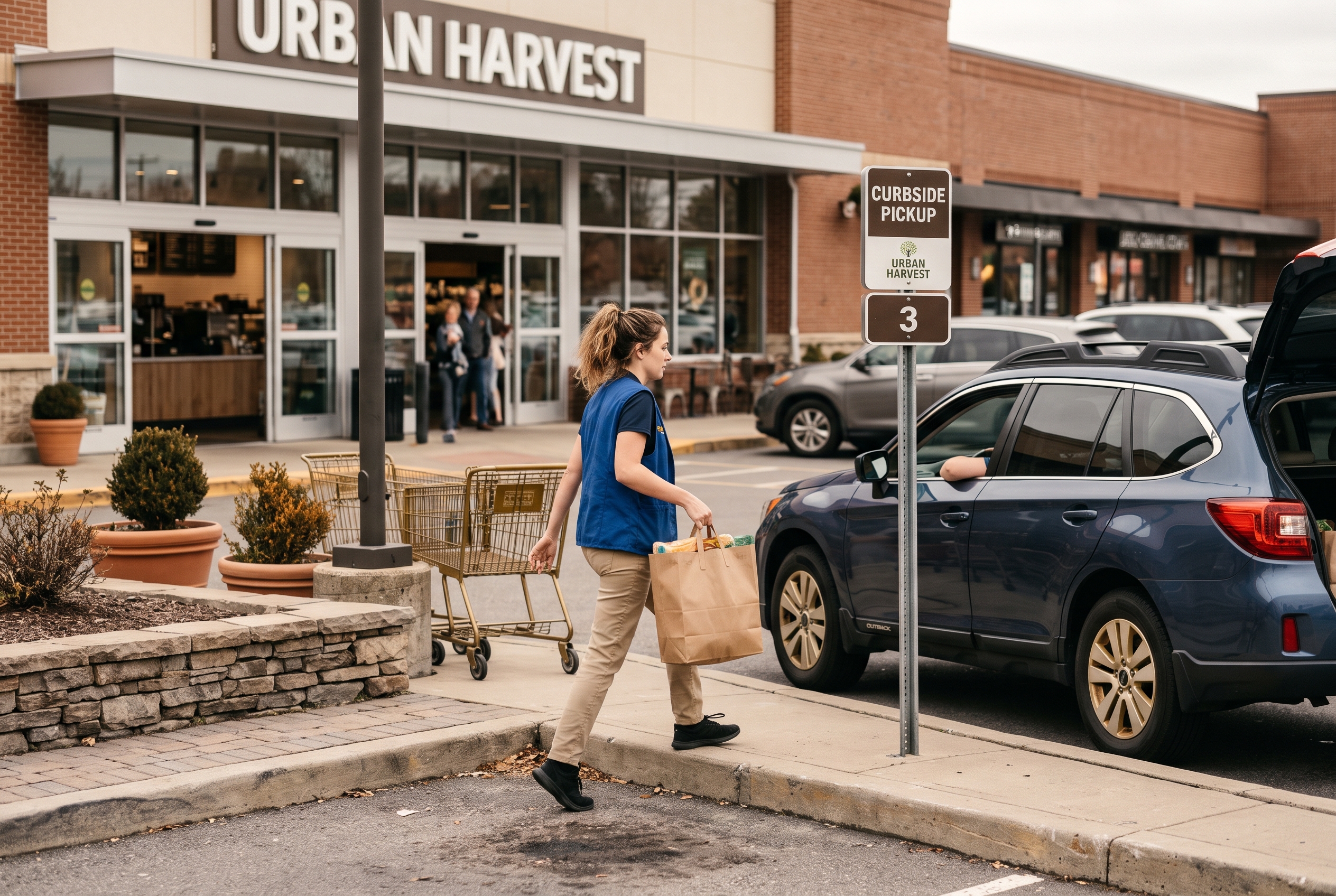
Here's a simple routine that works for one- and two-person shops:
- Mark the space. A sandwich board or sign reading "Pickup parking" is enough. Check local parking rules first; if you don't own the curb, ask your city about a short-term loading zone.
- Collect arrival signals. A phone number to text, or a "I'm here" link in the confirmation email. Keep it simple.
- Stage orders by name. A shelf near the door, labeled with order numbers, saves three minutes per handoff.
- Verify, then hand over. Confirm the name and order number. For age-restricted items, check ID in person.
Prefer to keep the whole thing inside? Many shops skip curbside and use a "pickup shelf" by the entrance. Choose what fits your space. It's also worth pairing pickup with delivery for customers who live farther out; our guide to an online store with local delivery shows how, and how much to charge for local delivery helps you price it.
Click and collect mistakes and pricing
The biggest BOPIS mistakes are overselling stock, slow notifications, and treating pickup as a second-class order. Fix those three and you'll avoid most complaints. As for pricing, pickup should almost always be free, but your online prices need a consistent policy.
| Mistake | What happens | Fix |
|---|---|---|
| Stock counts lag behind the shelf | Cancelled orders, refunds | Hold a buffer; sync after every in-store sale |
| No ready-for-pickup email | Customers show up early or call | Trigger an email when you mark the order packed |
| Vague hours | Missed pickups | Show hours at checkout and in every email |
| No hold limit | Stock stuck in bags for weeks | State a 5-7 day hold and send a reminder |
| One person does everything | Slow handoffs at peak times | Use time slots and a labeled shelf |
Should pickup prices match in-store prices?
Generally yes. If a customer orders online for pickup and sees a different price at the till, trust drops. The exception is a deliberate online-only promotion, which you should label clearly at checkout. A small incentive, such as 5% off or a free sample for pickup orders, can nudge customers away from paid shipping, but make sure it still covers your margin. We break down the trade-offs in should online prices match in-store prices.
Do you need a business license?
If you already run a licensed shop, adding online orders doesn't usually require a new one, but sales tax collection still applies. For pickup, tax is generally charged based on your store's location, since the sale is completed there, though rules vary by state and country. Confirm with your state revenue department or an accountant. Also check that your insurance covers customers collecting at a curbside spot. For the wider picture, see whether you need a business license to sell online. Payment processing is straightforward with Stripe or PayPal; see Stripe for supported payment methods.
How do you let people find your pickup option?
Tell people it exists. Add a banner on your homepage, a line on product pages ("Pick up today, free"), and link your store from Google. Our guide on how to add an online store link to Google Business Profile walks through that last piece, which is often where local shoppers first look.
Which platform makes BOPIS easiest for a small retailer?
The easiest platform is the one that includes pickup, slots, and emails without a stack of paid add-ons. A BOPIS setup for a small retailer usually breaks when you glue together three or four apps that don't talk to each other.
On Shopify, basic local pickup is built in, but custom pickup emails and time slot selection typically mean paid apps on top of your plan. You can see current plan costs on Shopify's pricing page. On WooCommerce, you're managing plugins and updates yourself. Neither is wrong, but add up the monthly total before you commit.
Rovela takes a different route: you describe your shop in plain words, and it builds the store with Stripe checkout, customer accounts, transactional email, and shipping tools included on one flat subscription, no commission on sales. A new store goes live in hours, and an existing one migrates in about 30 minutes with catalog and customers preserved. If you want pickup running without hunting for plugins, you can try Rovela or check the pricing page.
Your click and collect launch checklist
Launch click and collect in one afternoon by working through this list, then adjust after your first 20 orders.
- Choose 20-50 products that are always on the shelf.
- Add a free pickup method at checkout with your address and hours.
- Set a stock buffer and sync inventory.
- Write a ready-for-pickup email and a 24-hour reminder.
- Pick a handoff method: curbside spot, shelf, or counter.
- Place a test order and time it.
- Announce it on your homepage, social channels, and Google profile.
Click and collect is a modest project with an outsized payoff: no shipping costs, happier regulars, and extra sales at the counter. Start small, keep promises you can meet, and let customer feedback shape slots and curbside later. If you'd rather not wire it together yourself, Rovela can build the store, including checkout and pickup-friendly emails, from a simple conversation.