
By El Ghali Bennis · Published
Online Store With Local Delivery: Setup Guide for 2026
Set up an online store with local delivery: zones, fees, click and collect, routing tools, tax and platform costs. Start building today.
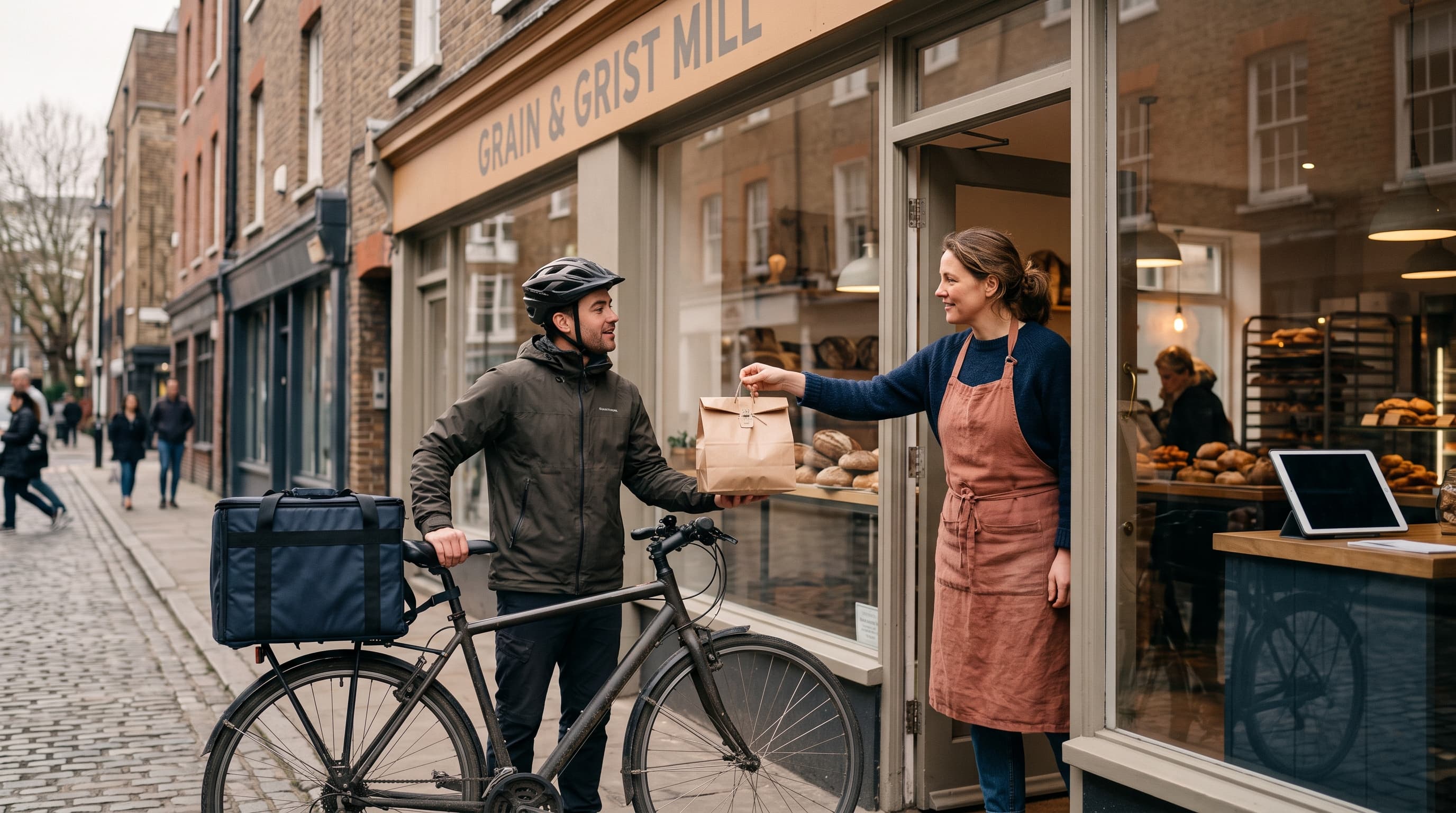
An online store with local delivery lets customers in your area order on your website and receive goods by your own van, bike or driver, or collect them in person. To set one up, you need delivery zones, a flat or tiered fee, order cutoffs and a pickup option. Most platforms handle this, but not all include it by default.
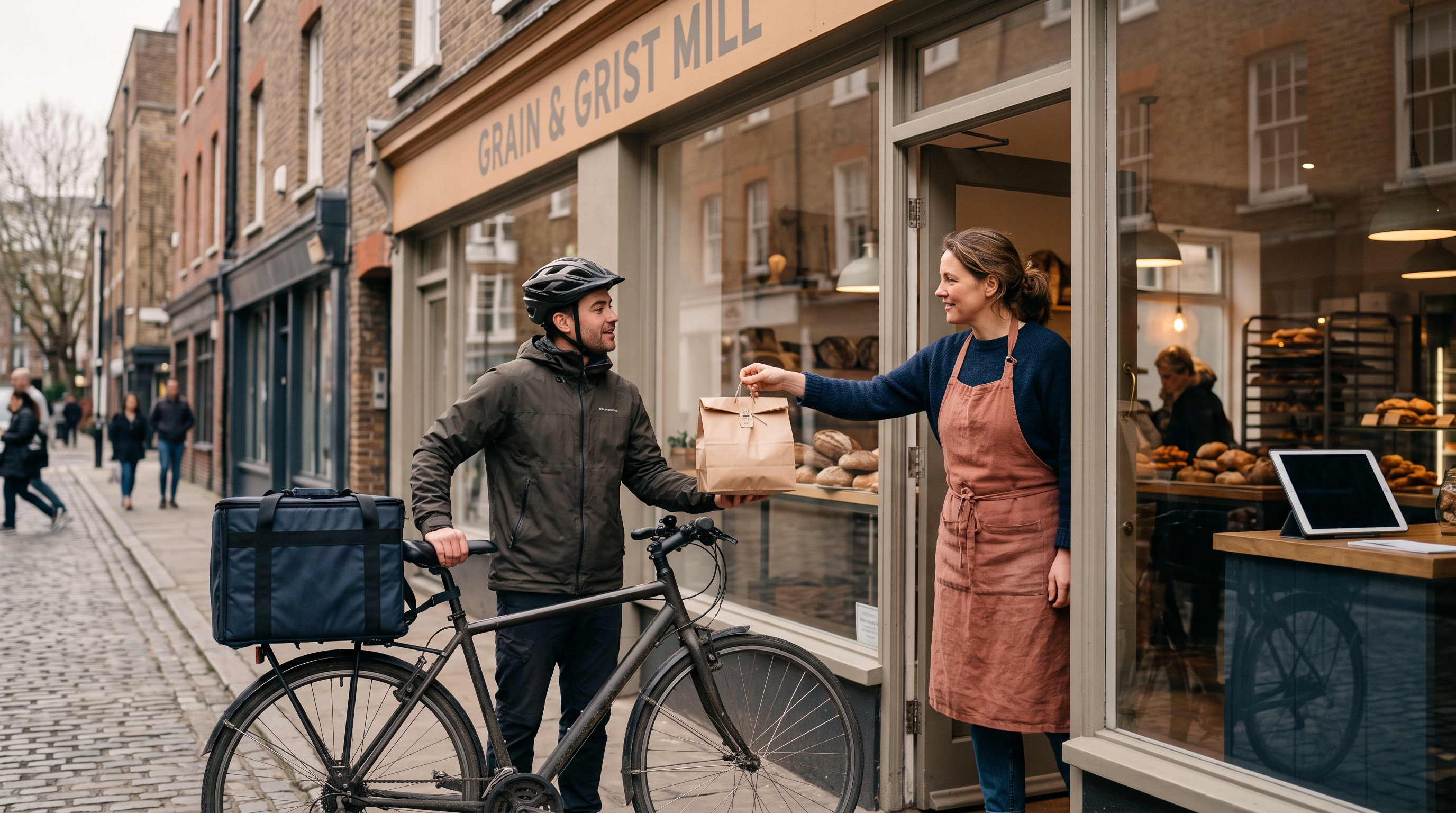
Local delivery is the cheapest shipping you'll ever run. No carrier markups, no lost parcels, no two-week waits. If you own a bakery, flower shop, garden center, pharmacy or neighborhood grocer, it's often your best conversion lever against Amazon, because you can deliver in hours, not days.
This guide covers the delivery models, how to configure delivery zones, routing tools, packaging, tax and tipping, what it costs on the main platforms, and how to get live without hiring a developer.
What Are Your Local Delivery Options in Ecommerce?
There are four main local delivery options ecommerce merchants use: self-delivery, courier partners, scheduled routes, and customer pickup. Most small businesses start with self-delivery plus pickup, then add a courier once volume grows past what one person can drive.
Self-delivery
You or your staff drive the orders. It's the cheapest model and gives you control over the unboxing experience. It works best when you batch orders into one or two daily runs rather than chasing each order individually.
Courier or gig-driver partners
Services like Uber Direct, DoorDash Drive and Stuart let you request a driver per order through their business tools. You pay per delivery, usually a few dollars within a few miles, and pass some or all of it to the customer. It scales without hiring, but margins thin out fast on small baskets.
Scheduled delivery days
You deliver to each neighborhood on set days, such as Tuesdays for the north side and Thursdays for the south. Customers choose a slot at checkout. This is the model many farms, meal-prep businesses and florists use because it keeps routes dense and cost per drop low.
Local pickup and click and collect
A local pickup online store setup lets customers pay online and collect at your shop, a locker or a curbside spot. For a click and collect small business model, there's no delivery cost at all, and shoppers often add extra items when they arrive.

How to Offer Local Delivery on My Website
To offer local delivery on your website, define where you deliver, set a fee, choose delivery windows, and show these options at checkout. The whole setup takes a few hours if your platform supports it natively, and days if you're stitching together plugins.
- Map your delivery area. Drive time matters more than distance. A 3-mile radius across a river may cost you more than 8 miles on a highway.
- Pick your pricing model. Flat fee, tiered by zone, or free above a minimum order. Free above a threshold is the most common way to lift basket size.
- Set order minimums. A $15 minimum keeps tiny orders from eating your margin.
- Define cutoffs and slots. "Order before 2pm for same-day delivery" is clear and protects your prep time.
- Add a pickup option. Offer it alongside delivery, with a pickup address and ready-time estimate.
- Write the rules on the page. Show your zones, fees and windows on the product page and cart, not just at the last step.
- Test with real addresses. Try addresses inside, outside and on the edge of each zone before you launch.
Baymard Institute's checkout research, which compiles survey data from thousands of US online shoppers, has repeatedly found that unexpected extra costs such as shipping, taxes and fees are the number one reason for cart abandonment, cited by roughly half of respondents. That's why showing the delivery fee early matters as much as the fee itself.
Setting Up Delivery Zones in Your Online Store
Delivery zones online store settings group addresses by postal code, radius or drawn map area, and attach a fee and minimum to each. Postal codes are the simplest and least error-prone method for most small merchants.
Three ways to define a zone
- Postal or ZIP codes: Easy to explain to customers and easy to validate at checkout. Best for city and suburban routes.
- Radius: Good for rural areas, but it ignores real driving time.
- Custom map polygon: The most precise. Useful if you serve certain neighborhoods and skip others.
A sample zone structure
| Zone | Distance | Fee | Minimum order | Free delivery above |
|---|---|---|---|---|
| Zone 1 (core) | 0-3 miles | $4 | $15 | $40 |
| Zone 2 | 3-7 miles | $8 | $25 | $60 |
| Zone 3 (scheduled days only) | 7-15 miles | $12 | $40 | $90 |
These numbers are an example, not a benchmark. Run your own math: fuel, driver time per stop, packaging and the odds of a failed drop. If a stop costs you $6 all in, a $4 fee means you're subsidizing it, which is fine only if the average basket supports it.
A worked example: cost per stop
Here is an illustrative calculation for a flower shop running one afternoon route. It is a hypothetical model, so swap in your own figures.
- Driver at $18/hour for a 3-hour route: $54
- Fuel and vehicle wear for 25 miles at about $0.70 per mile: $17.50
- Packaging and cards for 12 orders at about $1.25 each: $15
- Total: $86.50 across 12 stops, or about $7.20 per stop
At $7.20 a stop, the $4 core fee loses $3.20 per order, but a free-above-$40 threshold that lifts the average basket from $32 to $45 more than covers it at a 50% gross margin. Add a second route in the same area and the stop cost drops, because the driver and van are already out.
Handle the edge cases
Decide up front what happens with an address just outside a zone, a gated building or a customer who isn't home. Write a short policy: one redelivery attempt, then the order goes to pickup. It saves you awkward emails later.
Routing and delivery software
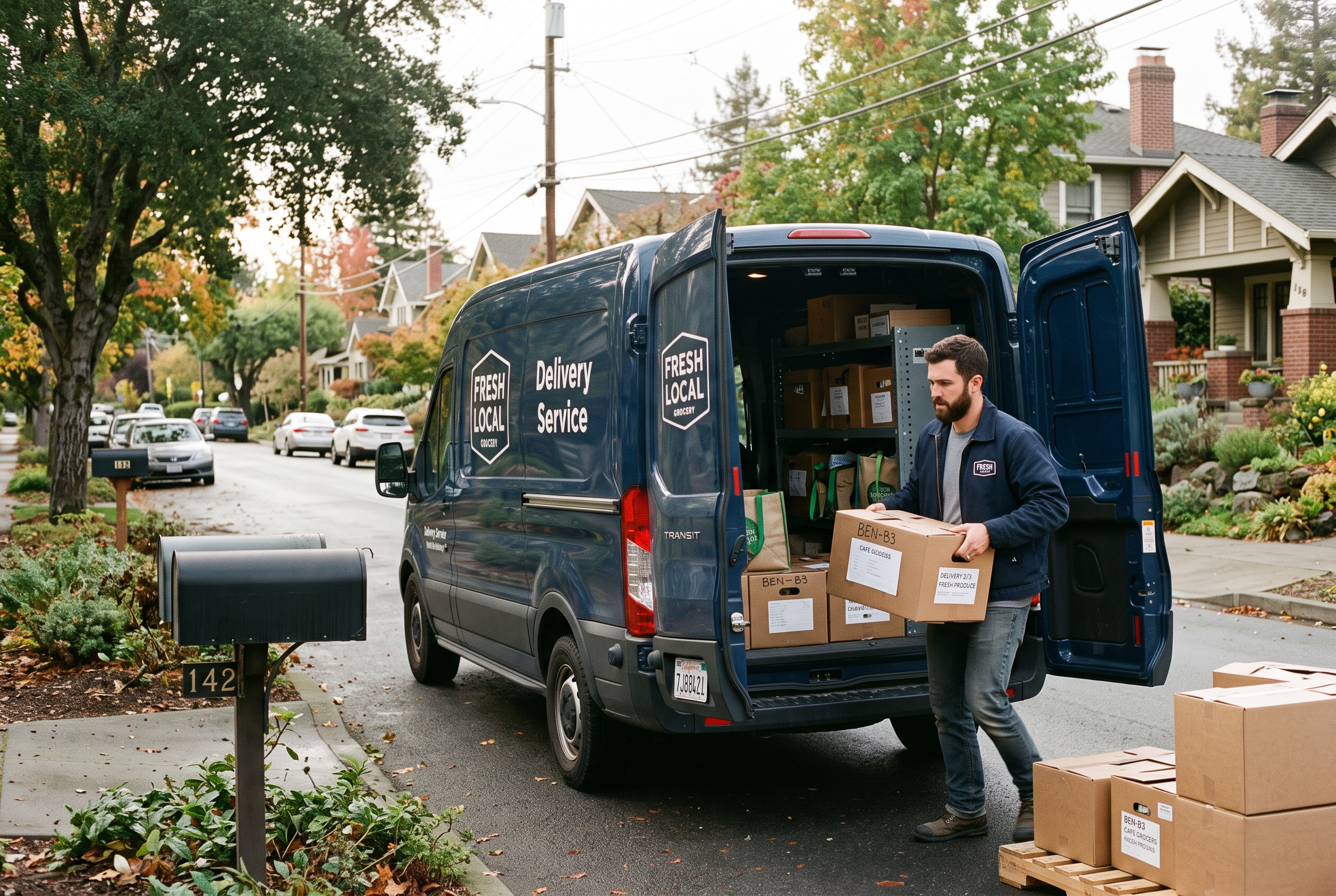
Once you pass about 10 stops a day, plan routes with a tool instead of by memory. Route planners such as Circuit, Routific and OptimoRoute order stops, estimate arrival times and send customers tracking links. Most charge per driver per month, so compare pricing on their sites. Many stores also use Google Maps multi-stop routes for free until volume justifies paying.
Packaging perishables
For food, flowers and anything temperature-sensitive, pack for the longest delivery window, not the average. Insulated bags with reusable ice packs work for same-day runs. Label the order with a prep time and "keep cool" or "this side up" notes. Flowers need water tubes or wet wraps, and bakery boxes should be rigid enough to survive a turn in the van.
Sales tax and tipping
Sales tax on delivery fees varies by state: some tax them, some tax them only when the goods are taxable, and some don't at all. Confirm with your state revenue department or an accountant before you set fees. For tips, add an optional tip field at checkout, and pay it to the driver in full. Check local rules on how tips are reported if you employ drivers.
Which Platforms Support an Online Store With Local Delivery?
Shopify, WooCommerce, Wix, Squarespace and Rovela all support local delivery in some form. The real difference is cost and effort: some include zones and pickup out of the box, while others push you toward paid apps or plugins.
| Platform | Local delivery and pickup | Typical cost to run it | Watch out for |
|---|---|---|---|
| Shopify | Built-in local delivery and pickup settings; advanced slots and routing often need apps | $39-$399/month base plus apps | Scheduling and route tools are usually paid add-ons |
| WooCommerce | Flat rate and local pickup built in; zones and slots via plugins | $30-$100/month hosting plus plugins and upkeep | Plugin conflicts, maintenance falls on you |
| Wix | Local delivery and pickup options on ecommerce plans | Paid Business plans only; roughly $30-$160/month depending on tier and billing term | Limited depth for scheduling and complex zones |
| Squarespace | Local delivery and pickup options on commerce plans | Commerce plans roughly $25-$75/month on annual billing | Fewer customization options for zones |
| Rovela | Zones, pickup and delivery rules configured by chat; included in the flat subscription | Single flat plan, no commission | Newer platform, so check the feature fit for your niche |
Wix and Squarespace prices change often, so treat those ranges as approximate and confirm on their pricing pages. You can verify current Shopify plan pricing on Shopify's pricing page, and WooCommerce's shipping and pickup documentation lives on woocommerce.com. If you're weighing the move, our Shopify alternatives roundup and ecommerce builder comparison go deeper on cost and fit.
Is there a free online store builder with local delivery?
A free online store builder local delivery setup exists, but "free" usually means a trial, a limited plan or a template with transaction fees. WooCommerce's software is free, yet hosting, plugins and maintenance add up. Our breakdown of WooCommerce maintenance costs shows where the hidden spend lands.
Rovela offers a free trial so you can build and test your zones before paying. A free trial is the honest way to check whether a platform handles your delivery rules before you commit.
Building Your Online Store With Local Delivery Without a Developer
You can build an online store with local delivery without coding by describing your business and delivery rules in plain language to an AI store builder, then refining by chat. Our guide to building an online store without coding covers the full process.
With Rovela, you describe the shop, your products and your delivery area, and the platform generates the storefront, catalog, Stripe checkout and admin dashboard. A new store typically goes live in hours rather than weeks. Abandoned cart recovery, customer accounts, reviews and transactional email come included, which matters for local stores: a customer who abandons a cart after seeing a fee is exactly who a reminder email brings back.
What to prepare before you start
- Your delivery area (postal codes or a neighborhood list)
- Fees, minimums and free-delivery thresholds
- Your daily cutoff time and delivery windows
- Pickup address, hours and ready-time estimate
- Product photos and descriptions; see how to add products to your online store
Do you need a business license first?
Often, yes. Food, alcohol and pharmacy items have specific rules, and local delivery can trigger sales tax or insurance questions. Check our guide on whether you need a business license to sell online, then confirm details with your city or state. The U.S. Small Business Administration at sba.gov is a reliable starting point.
Common Mistakes That Hurt Your Local Delivery Store
The biggest mistakes are hiding fees until checkout, promising windows you can't hit, and ignoring pickup. Each one costs orders or reviews, and all three are fixable in an afternoon.
- Hiding the fee. Show "Delivery from $4, free over $40" on product pages and the cart.
- Overpromising speed. Same-day delivery is only a win if you hit it. Use cutoffs you can keep 95% of the time.
- Skipping pickup. Pickup costs you nothing and catches customers outside your zones or unwilling to pay the fee.
- Ignoring order notes. Gate codes, leave-at-door instructions and gift messages belong in a visible field at checkout.
- Not tracking cost per stop. If you don't know it, you can't price the zones. Log it for two weeks.
- Forgetting local SEO. Name your delivery areas on the page so people searching "flowers delivered in [your town]" find you. Our piece on whether AI websites rank on Google explains what matters.
How do you grow beyond your local area later?
Start with local, then add national shipping for non-perishable items. Keep the same store and catalog; just add a shipping profile. That's the benefit of picking a platform that scales without re-platforming.
Our Recommendation and Next Steps
If you only deliver within a few miles and want the lowest cost, any platform with native zones and pickup works. If you want delivery rules, abandoned cart recovery, loyalty and email without stacking paid apps, pick a platform where those are included. Start with pickup plus one or two zones, measure cost per stop, then adjust.
If you'd like to see this running for your own business, Rovela lets you describe your shop and delivery rules in plain words and get a complete store, with zones, pickup and checkout, live in hours. You can try it free at rovela.ai or compare plans on the pricing page.
