By El Ghali Bennis · Published
Bakery Online Ordering System: How to Choose in 2026
Compare bakery online ordering system options and see which features, like order limits and delivery zones, protect your margins and your weekends.
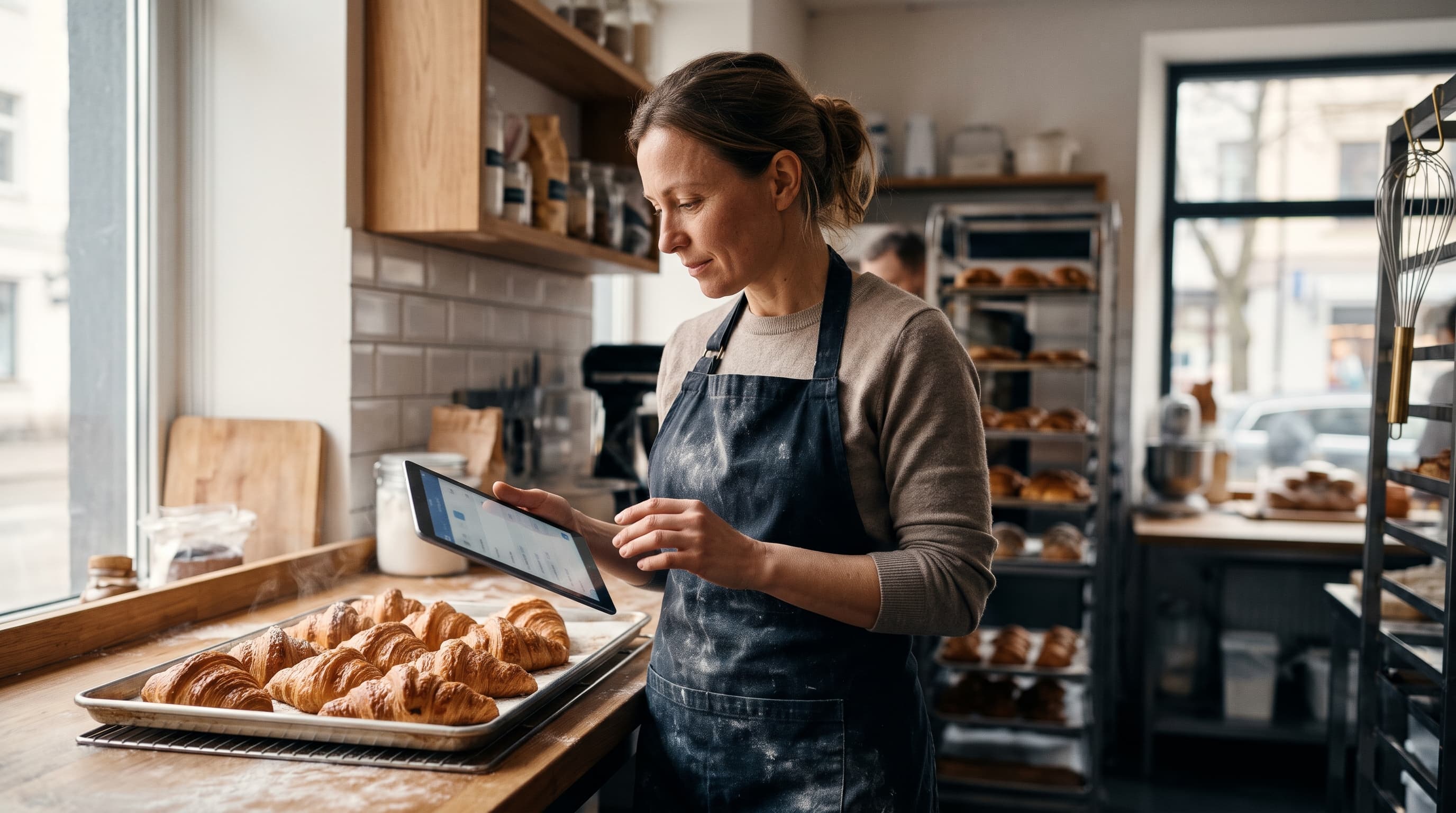
A bakery online ordering system lets customers pick products, choose a pickup or delivery slot, and pay on your own website. The best ones also cap daily orders, enforce lead times, and limit delivery to your zones. For most small bakeries, a dedicated online store beats a form plus a payment link.
Bakeries have problems most retailers don't. You can't make 80 birthday cakes on a Saturday if 80 people order at once. Your product spoils. Your delivery radius is a few miles, not a continent. A generic cart doesn't handle any of that, so choosing the right system matters more than the logo on it.
This guide compares your realistic options, lists the features that actually protect your margins and your sanity, and gives a straight recommendation.
What does a bakery online ordering system need to do?
At minimum, it must take payment, assign each order a date and a fulfillment method, and stop selling when you're full. Everything else is a bonus. If a tool can't limit orders per day, you'll end up refunding customers or burning out.
Here's the checklist we'd use before paying for anything:
- Daily order limits: cap total orders, or cap specific items (say, 12 custom cakes per Saturday). Once the cap hits, that date greys out.
- Lead times: a wedding cake might need 7 days' notice, a loaf of sourdough 24 hours.
- Pickup and delivery slots: time windows so the line at your counter doesn't spike at 9 a.m.
- Delivery zones: postcodes or radius-based fees, so you're not driving 20 minutes for a $6 fee.
- Custom fields: cake message, flavor, allergies, size, a reference photo upload.
- Deposits or full prepayment: the fastest way to kill no-shows on custom work.
- Allergen and ingredient labeling: required in many places and a trust builder everywhere.
- Customer accounts and reorder: your Friday-morning regulars shouldn't retype anything.
- Tax handling: many places tax prepared food and bakery items differently from groceries, and delivery fees can be taxable too. Confirm with your local tax authority, then make sure the system lets you set rates per product category.
- Kitchen output: a printable daily production list and order tickets, sorted by date and time slot, so the team bakes from one sheet instead of scrolling an inbox.
If you're still deciding whether to sell beyond your counter at all, our guide on starting to sell online from a physical store covers the groundwork.
Which bakery online ordering options are there?
You have four realistic routes: a form with a payment link, a restaurant-style ordering tool, a general store builder like Shopify, or an AI-built store with bakery features included. They differ mostly in how well they handle limits, slots, and cost over time.
| Option | Typical cost | Order limits and slots | Delivery zones | Best for |
|---|---|---|---|---|
| Form + payment link (Google Forms, Stripe link) | Near free, plus card processing fees | Manual | Manual | Testing demand with a few custom orders |
| Restaurant ordering tool (Square Online, Toast Online Ordering, ChowNow) | Varies by plan; some charge a monthly fee, others a commission per order. Check each vendor's current pricing page | Usually good for same-day | Basic | Bakery-cafés with hot food and walk-in traffic |
| Shopify plus apps | $39+ per month plus apps, per Shopify's pricing page | Needs paid apps | Needs paid apps | Bakeries shipping nationwide |
| AI-built store (Rovela) | Flat subscription, no sales commission | Built in | Built in | Local bakeries selling pickup, delivery, and pre-orders |
Forms and payment links
A custom cake order form website built from a free form tool is tempting. It works for your first ten orders. Then you're copying details into a spreadsheet, chasing payments by text, and double-booking Saturday. The time you save on setup, you lose in admin.
Restaurant ordering tools
Tools such as Square Online, Toast and ChowNow handle same-day food well, and Square is a sensible fit if you already use Square in the shop because inventory and in-store sales stay in one place. They're weaker at the "order in three days, collect Saturday" rhythm that cakes and celebration orders follow. Watch for commissions: marketplace-style platforms take a percentage of each order, which hurts on a product where ingredients and labor already eat most of the price. Run your own numbers: if a platform takes 15% and your net margin is 10%, every order loses money. Our online ordering system for restaurants guide compares this category in more depth.
Shopify and similar builders
Shopify is capable, but delivery dates, order caps, and local delivery zones typically come through paid apps. According to Shopify's pricing page, plans start at $39 a month on monthly billing before apps. Delivery-date and order-limit apps are usually billed separately each month, so price the whole stack before you commit. For a bakery with thin margins, that adds up quickly.
How do you set up online ordering for a small bakery?
Start with a short menu, set your capacity, define your pickup and delivery rules, then publish. Most small bakeries can run a first version in a weekend if they resist listing every product they've ever baked.
- Pick 10-20 hero products. Your best sellers, plus custom cakes. A smaller menu means fewer mistakes.
- Set daily limits. Count how many units your oven and team can really produce. Then set the cap about 10% lower to leave room for walk-ins.
- Define lead times per product. Cookies: 24 hours. Tiered cakes: 5-7 days.
- Draw your delivery zones. Three rings usually works: free or cheap close by, a mid-priced ring, and a "special request only" outer ring.
- Add the custom cake form. Flavor, size, message, allergies, photo upload, and a deposit.
- Set up tax and your kitchen workflow. Assign tax rates, then print a production list for tomorrow and check it matches what your team can bake.
- Test a full order yourself. Order as a customer, on a phone, and check the confirmation email.
Cap the first weeks conservatively. It's far easier to raise a limit than to apologize for a cancelled birthday cake.
A worked example: a bakery with two ovens that can turn out roughly 50 finished items on a Saturday sets a total cap of 45, then limits custom cakes to 8 and tiered cakes to 2. By Thursday the calendar shows Saturday as full, and the team has a printed list on Friday afternoon instead of a stack of text messages. The numbers are illustrative, so replace them with your own production counts.
How to sell cakes online with local delivery
To sell cakes online with local delivery, restrict delivery to postcodes you can reach in under 20 minutes, charge by zone, and require a delivery window. Cakes are fragile, so delivery is a promise you have to keep, not a nice-to-have.
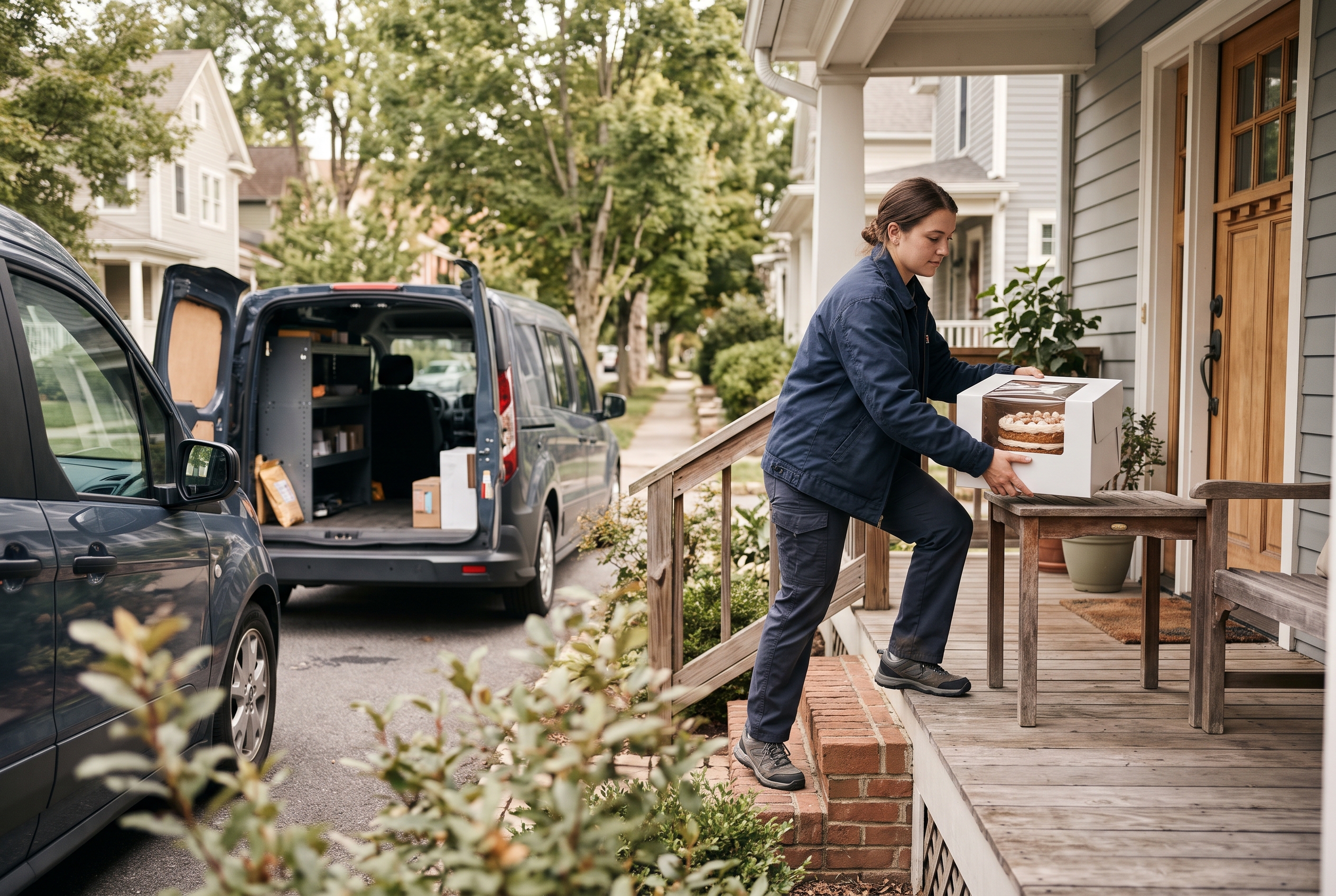
Bakery delivery zones that protect your margin
Set bakery delivery zones by travel time, not distance. A 3-mile trip through downtown can take longer than 6 miles of open road. A sample structure many local bakeries could start from: Zone 1 at $5, Zone 2 at $9, Zone 3 at $15 or a minimum order of $75. These are example figures, so test them against your own driver time and fuel costs. Our breakdown on how much to charge for local delivery goes deeper on the math, and the full local delivery setup guide walks through the configuration.
Bakery website with pickup and delivery
A bakery website with pickup and delivery should let the customer choose at checkout and see the available dates change accordingly. Pickup is your cheapest channel: no driver, no packaging risk, and customers often add a coffee or cookie at the counter. If you haven't set it up yet, read our click and collect setup guide.
Pack for the road. Use rigid boxes, non-slip mats, and chilled cakes for summer deliveries. One crushed wedding cake costs more than a year of delivery fees.
Pre-orders and daily limits: the features that save you
A pre-order bakery online store lets customers buy for a future date, so you bake exactly what's sold. That cuts waste and gives you a production list the night before instead of a guess.
Daily order limits online store settings
The most useful daily order limits online store setup has two layers: a total cap per day and a per-item cap for labor-heavy products. Example: 40 total orders, but only 8 custom cakes and 2 tiered cakes. When a day fills up, it disappears from the calendar. No more Sunday-night panic.
Selling baked goods online locally, not nationally
If you want to sell baked goods online locally, local-only rules are a feature. Hide shipping, show pickup and zone delivery, and say so on your homepage. Local intent also helps search: a store that clearly states where you deliver is easier to find for "cakes near me" searches. Connecting the store to your Google Business Profile sends those searchers straight to your order page.
Reviews and trust
Cakes are a high-stakes purchase, so social proof matters. Ask for a review a day after pickup or delivery, show photos of finished cakes on product pages, and keep your Google reviews visible. A system that sends an automatic follow-up email saves you from doing it by hand.
Check the rules for your area too. Cottage food laws, allergen labeling, and licensing vary by state and country, and our piece on whether you need a business license to sell online is a good starting point. For allergen rules in the US, the FDA publishes food labeling guidance.
Our recommendation: which bakery online ordering system should you pick?
If you run a local bakery and take custom or pre-ordered work, pick a store platform with limits, slots, and zones built in rather than bolted on. Skip commission-based tools and app stacks. Your margins are too thin to pay a percentage of every croissant.
- Testing the idea: a form and a payment link, for up to 10-15 orders.
- Café with walk-in traffic: a restaurant ordering tool, if commissions are low.
- Nationwide shipping of cookies or brownies: Shopify can work, budget for apps.
- Local bakery with cakes, pre-orders, and delivery: an all-in-one store with flat pricing.
That last group is who Rovela is built for. You describe your bakery in plain words, and it builds the storefront, catalog, Stripe checkout, customer accounts, abandoned cart recovery, and admin dashboard in hours, with no per-app billing and no commission on sales. The store runs on standard Next.js code you can download, so you're never locked in.
Common questions about bakery online ordering
How much does a bakery online ordering system cost?
Expect anywhere from free (forms) to $40-$300 a month once apps or commissions are included. Compare the total monthly stack, not the headline plan price, and check whether a percentage of each sale is taken.
Can I take custom cake orders without a developer?
Yes. Modern builders let you add fields for flavor, size, message, and image upload without code. The key is requiring a deposit so unserious inquiries drop off.
How do I avoid overbooking?
Set daily and per-item order limits, and set lead times. Review the first month's orders and adjust the caps up or down based on how your team actually coped.
Do I need a POS connection?
Only if you also sell heavily in-store and want shared inventory. Read our guide to POS systems with ecommerce integration before deciding.
Start taking orders before your next busy weekend
A good bakery online ordering system does three things: it fills your calendar, protects you from overbooking, and keeps delivery inside zones you can serve. Start small, with a short menu and conservative caps, and expand as you learn your real capacity.
If you'd rather not stitch together forms, apps, and plugins, Rovela builds a complete bakery store from a simple conversation, with order-ready features included in one flat subscription. Take a look at Rovela's pricing or start from the homepage and see your store before your next Saturday rush.