By El Ghali Bennis · Published
How to Create a Shoppable Lookbook That Sells
Learn how to create a shoppable lookbook: plan looks, shoot photos, tag products in images, and build a page that sells. Start with a free weekend plan.
To create a shoppable lookbook, you photograph products styled together as complete looks, tag each item in the image, and link every tag to its product page so shoppers can add the whole outfit or room to their cart without leaving the page. It's editorial inspiration with a checkout attached.
A traditional lookbook is a pretty PDF. A shoppable one is a sales page. Below you'll find the full process: how to plan looks, shoot them, tag products in images, build the page, and measure whether it earns its place in your store. Everything here works for clothing, home decor, jewelry, and beauty.
What Is a Shoppable Lookbook (and Why It Works)?
A shoppable lookbook is a curated set of lifestyle images where each product is clickable or tappable, leading straight to its product page or into the cart. It's the core of shop the look ecommerce: you sell a styled combination instead of a single item.
Why does it work? Shoppers rarely know how a product fits into their life from a white-background catalog shot. A lifestyle image answers the question "what would I wear this with?" before they have to ask. It also raises basket size, because three items in a photo are easier to buy than three items found separately.
Lookbook vs catalog: what's the difference?
A catalog lists every product in a grid so shoppers can compare and filter. A lookbook tells a story with a limited set of styled scenes. You need both, and they do different jobs.
| Factor | Catalog | Shoppable lookbook |
|---|---|---|
| Goal | Find a specific item fast | Inspire and sell combinations |
| Imagery | Clean product shots | Lifestyle, styled scenes |
| Shopper mindset | "I know what I want" | "Show me ideas" |
| Best metric | Conversion per product | Items per order, time on page |
| Update rhythm | Whenever stock changes | Per season or drop |
Think of the lookbook as your top-of-funnel browsing experience and the catalog as the place shoppers land once they've picked a direction.
Do lifestyle photos really increase conversion?
Evidence points that way, though your results will vary and we can't promise a specific lift. Baymard Institute's product page usability testing has repeatedly found that shoppers lean on images to judge scale, fit, and use, and that a lack of in-context images leaves some of them unsure the product suits their needs. We're describing the pattern, not quoting a number, because no honest universal figure exists. To increase conversion rate with lifestyle images, don't just add them. Tie each one to a clear next step: a tag, a button, a bundle.
The reliable way to know is to test it yourself. Run the lookbook for four weeks, then compare conversion and average order value for sessions that touched it against sessions that didn't. Keep in mind that lookbook visitors are often more engaged to begin with, so treat the comparison as a signal, not proof.
How to Create a Shoppable Lookbook: Step by Step
You can build a first version in a weekend. Follow these seven steps in order and you'll avoid the usual rework.
- Pick a theme. One season, one occasion, or one customer. "Weekend in the Algarve" beats "Spring collection."
- Choose 8 to 15 hero products. Favor bestsellers, high-margin items, and anything in stock deep enough to survive a spike.
- Plan 5 to 10 looks. Each look should hold 2 to 5 products at different price points.
- Shoot or generate the images. Details in the next section.
- Tag products in images. Place a hotspot on each item and link it to the right variant.
- Build the page. Layout, mobile behavior, and speed matter more than decoration.
- Promote and measure. Send it to email, social, and the homepage, then watch the numbers.
If you're short on inspiration for step one, our roundup of online lookbook ideas for boutiques covers twelve formats you can borrow.

Plan looks around real baskets
Start with how your customers already buy. Pull your last 90 days of orders and find the products that most often ship together. Those pairings are your first looks, because you already know people want them.
Here's a simple way to do it. Export orders to a spreadsheet, filter for orders with two or more items, and count how often each pair of products appears. The top five pairs become the skeleton of your first five looks. Most stores find the pairs are less obvious than expected, such as a tote bought with a specific scarf, which is exactly the kind of combination a stylist wouldn't guess.
Then add a "stretch" item to each look: something slightly pricier or newer. A look with a $60 base item, a $35 accessory, and a $120 statement piece gives shoppers three entry points.
A worked example: planning one look
Say you run a small linen clothing store and your order data shows the sand-colored overshirt and the wide-leg trouser ship together often. Build the look "Market Saturday" around that pair at $85 and $70. Add a $28 woven belt as the low-cost add-on and a $140 leather tote as the stretch item. Four tags, four price points, one story. If shoppers add only the belt, the look still raised the order value. If they add the whole set, you've turned a $85 order into a $323 one.
How to Make a Lookbook for a Clothing Brand
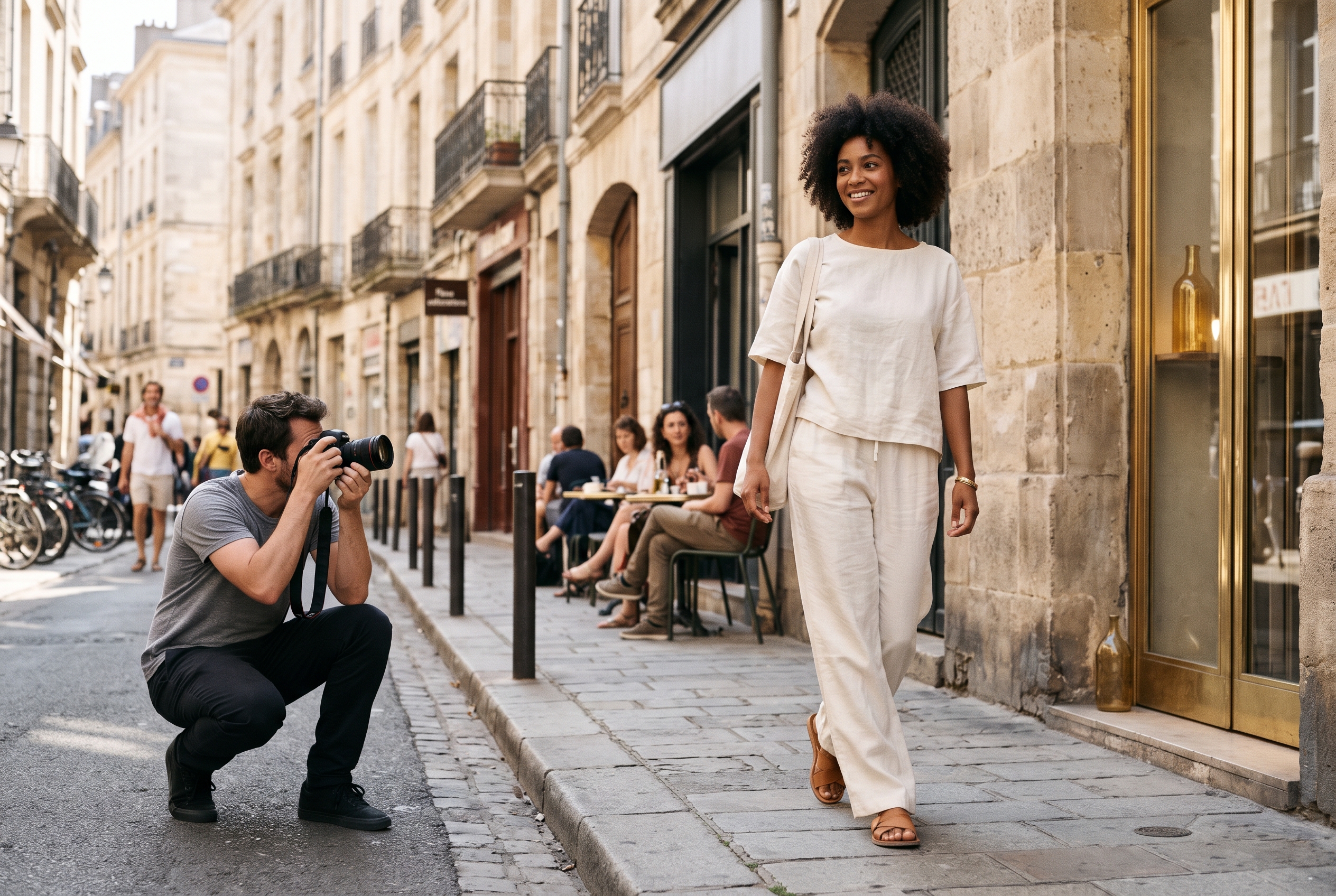
For fashion, shoot on real people in real settings, keep a consistent visual style, and show every garment from at least two angles. Fit is the number one objection in apparel, so the photography has to answer it.
Shot list for a clothing lookbook
- Full-length hero shot of the complete outfit.
- Waist-up crop showing fabric and neckline details.
- Movement shot (walking, sitting) to show drape.
- Detail close-up of texture, stitching, or hardware.
- Flat lay of the pieces for mobile thumbnails.
Note the model's height and the size worn in a caption. It cuts returns and pairs well with a good size chart for clothing.
No studio? No problem
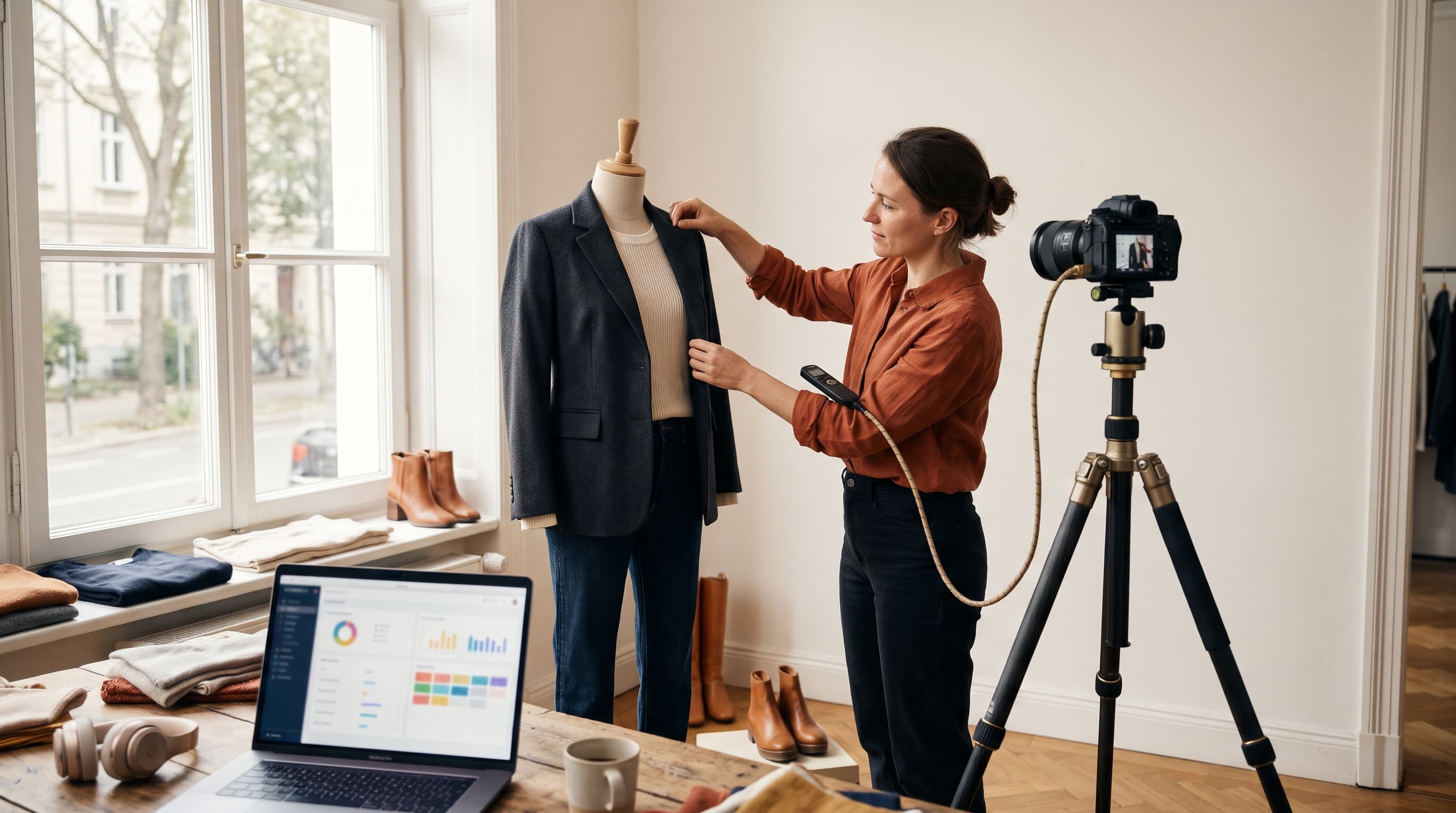
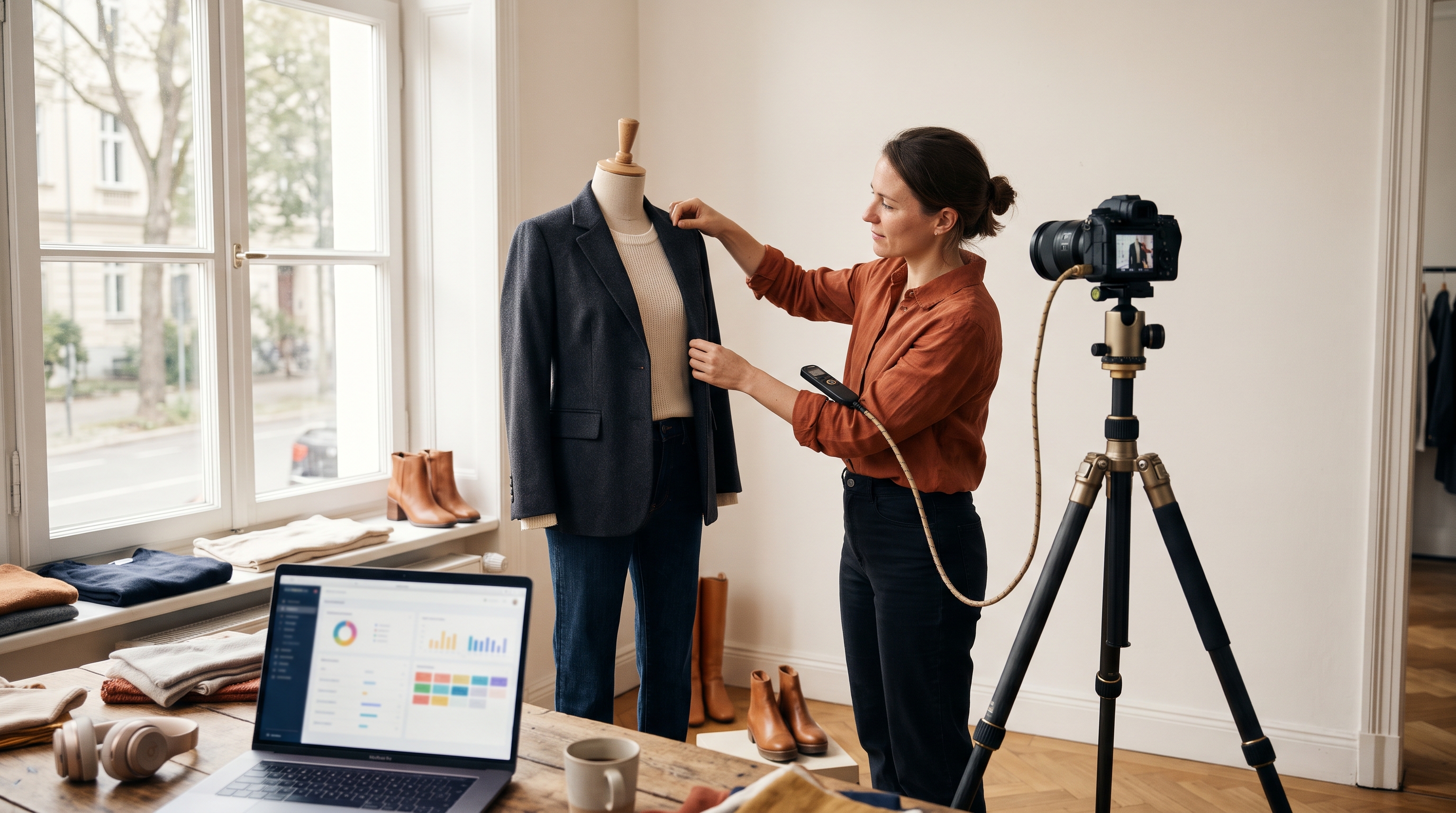
You don't need a rented space. Natural window light, a neutral wall, and a tripod get you most of the way. In our experience a small brand can shoot an 8-look lookbook in half a day with one friend as photographer, though styling and steaming garments take longer than people expect. If you'd rather skip some of the shoot, you can create product images with AI for backgrounds and variations, as long as the garment itself is shown accurately.
Lookbook ideas for ecommerce beyond fashion
The format isn't just for clothes. Furniture and decor brands shoot full rooms and tag the lamp, rug, and side table. Jewelry brands show layered necklaces on a neckline. Beauty brands show a full routine on a bathroom shelf. Our guide to home decor online store builders shows how room-based merchandising plays out on different platforms.
How to Tag Products in Images and Build the Page
To tag products in images, upload each photo, drop a hotspot on the item, and link it to the product (ideally the exact variant). Each hotspot should open a quick-view card with name, price, size picker, and an add-to-cart button.
A typical tagging walkthrough
The exact menus differ by platform, but the flow is nearly the same everywhere. On Shopify, for example, shoppable image features usually come from a theme section or an app from the Shopify App Store, so check your theme's options first. The steps look like this:
- Add an image-hotspot or shoppable-gallery section to a new page.
- Upload the look photo and add alt text describing the outfit or room.
- Click the garment in the preview to drop a hotspot. Drag it to the center of the item.
- Search for the product and pick the specific variant pictured, such as the sand color rather than the parent product.
- Repeat for each item, then preview on a phone and tap every hotspot to confirm it opens the right card.
- Publish, then re-check after your next restock or price change.
Rules for good tagging
These are working guidelines from common practice, not research-backed laws, so test them against your own audience.
- Limit tags to 3 to 5 per image. More than that and the photo looks like a minefield.
- Use visible, tappable hotspots. Apple's Human Interface Guidelines suggest a minimum tap target of 44 by 44 points, and Google's Material guidance suggests 48 dp, so aim for at least that on mobile.
- Show price in the tag card. Surprises at the product page kill clicks.
- Handle out-of-stock items. Show a "notify me" option rather than a dead link.
- Offer "add the whole look" as one button when sizes are simple.
Designing the lookbook page for your online store
Your lookbook page for an online store should be fast, visual, and scannable. Two layouts dominate:
- Editorial scroll: one large look per screen with a story caption. Best for brands with a strong point of view.
- Masonry grid: a Pinterest-style layout of looks at varying heights. Best for large collections and browsing.
A shoppable gallery also works on the homepage as a 4-look teaser that links to the full page. If you're choosing what else belongs up there, see which products to feature on your homepage.
Keep it fast
Big images are the enemy of speed. Compress to WebP, lazy-load everything below the fold, and set image dimensions so the layout doesn't jump. Google's web.dev documents Core Web Vitals thresholds worth checking, including a Largest Contentful Paint of 2.5 seconds or less as the "good" mark. A lookbook that takes six seconds to load on a phone won't sell anything, no matter how good the photos are.

Online Lookbook Examples and Ways to Use Them
The best online lookbook examples share three traits: a clear theme, tight tagging, and an obvious path to checkout. Rather than copying a brand, borrow the structure that fits your catalog. Fashion retailers such as Reformation and Anthropologie have long run editorial-style "shop the look" pages, and IKEA's room-set images with product lists are the classic home version. Browse them to see how many items they tag per scene and where the add-to-cart sits, then adapt the pattern to your own range.
Four formats that work
- Seasonal campaign: a dedicated page each season, archived afterward for SEO value.
- Occasion-based: "Wedding guest," "Office to dinner," "Housewarming gifts."
- Customer-style gallery: real buyers' photos, tagged to the products they wear. It doubles as social proof.
- Room or routine: a complete scene, from sofa to coffee table, or a full skincare sequence.
Where to put your lookbook
Don't bury it in the footer. Link it from the main navigation, feature a teaser on the homepage, and embed individual looks on relevant collection pages. Also place a small "Complete the look" block on product pages, which turns one-item visits into multi-item carts. Shopify's own pricing page is worth a look if you're counting what apps for this feature would cost, because many platforms treat shoppable galleries as a paid add-on.
Metrics to track
| Metric | What it tells you | Action if low |
|---|---|---|
| Tag click rate | Whether hotspots are visible and tempting | Make hotspots larger; reduce tag count |
| Add-to-cart rate from lookbook | Whether the quick-view card convinces | Show price, sizes, and reviews |
| Items per order | Whether looks drive bundles | Add "add the whole look" button |
| Page load time | Whether images are too heavy | Compress and lazy-load |
| Exit rate | Where interest drops | Shorten the page or reorder looks |
Review these after two to four weeks. Swap the weakest look for a new one, and keep the best at the top.
Common Mistakes (and Quick Answers)
How many looks should a shoppable lookbook have?
Between 6 and 12 for a first version. Fewer feels thin; more than 20 and shoppers stop scrolling. Add new looks seasonally rather than inflating the page.
Do you need a developer to build one?
Not anymore. Many platforms now handle hotspots natively, though on some you'll pay for an app and then deal with slower load times. Coding it yourself is possible but rarely worth the maintenance.
What mistakes hurt shoppable lookbooks most?
- Tagging items that are out of stock or sold out in the pictured size.
- Using photos where the product is barely visible.
- Linking tags to a collection instead of the exact product.
- Skipping alt text, which wastes image search traffic. Describe the outfit or room plainly.
- Forgetting mobile, where most lookbook traffic arrives.
Can a lookbook help SEO?
Yes. A well-named page with descriptive headings, captions, and alt text can rank for queries like "summer linen outfits" or "small living room ideas." Write an intro paragraph for each look and link to the products it features.
Build Yours Without the App Stack
A shoppable lookbook is simple in concept: styled images, tagged products, a fast page, and a clear route to checkout. Start with five looks built from your real bestsellers, measure tag clicks and items per order, then expand. If you're still setting up the store itself, this guide to creating an online store is a good starting point.
If you'd rather not stitch together plugins to do this, Rovela builds complete stores from a plain-language conversation, with features like galleries, reviews, and abandoned cart included in one flat subscription. You can see pricing or describe your store at rovela.ai and have a first version live in hours.