
By El Ghali Bennis · Published
Online Lookbook Ideas: 12 Formats for Boutiques That Sell
12 online lookbook ideas for boutiques, with layouts, shoppable tactics, brand examples and a 7-step build plan for a lookbook that sells.
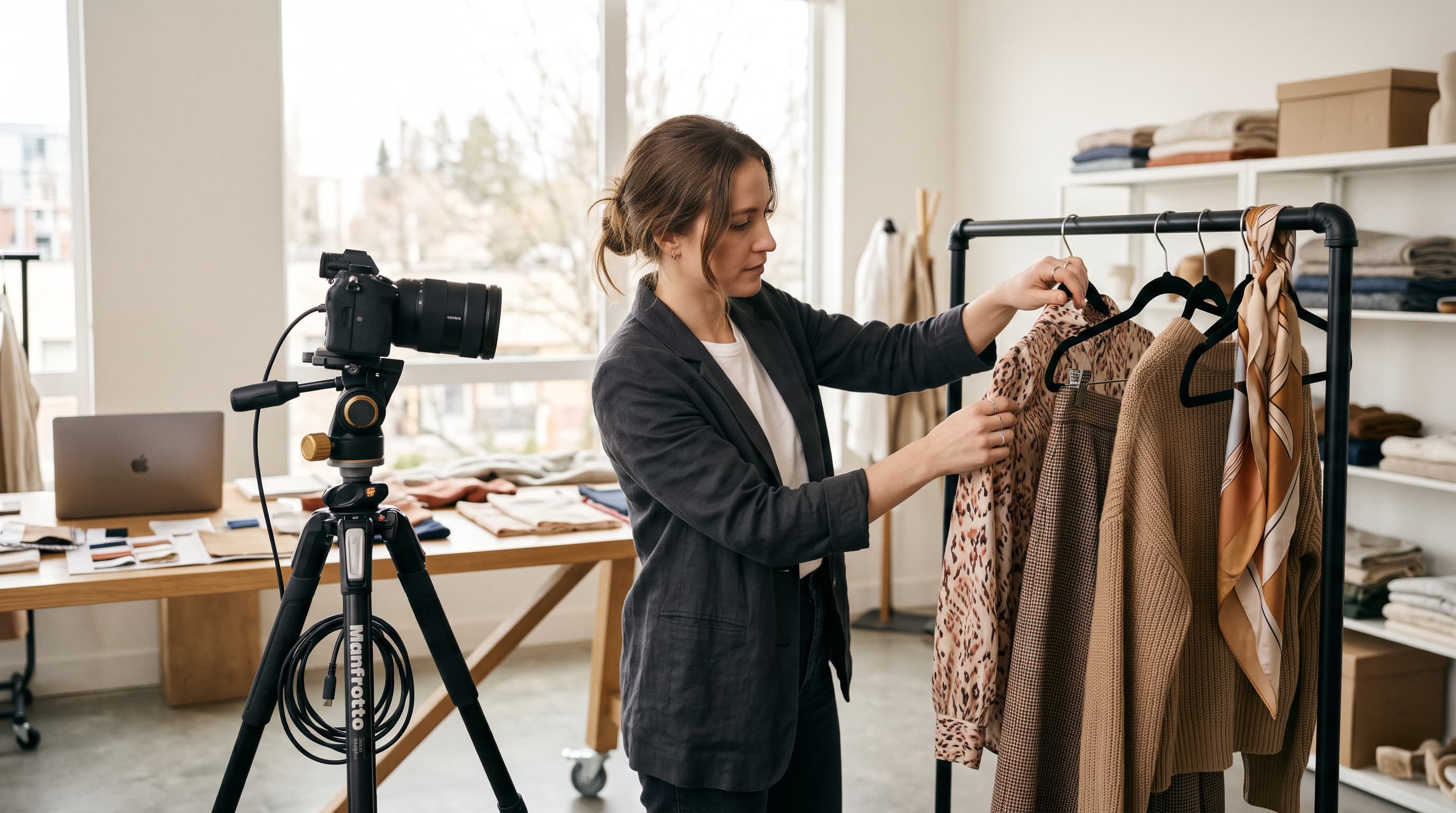
The best online lookbook ideas turn styled photos into a shopping path: one theme per collection, full outfits shown on real people, and every piece tagged so shoppers can tap, pick a size and buy. A lookbook isn't a gallery. It's a sales page that happens to look like a magazine.
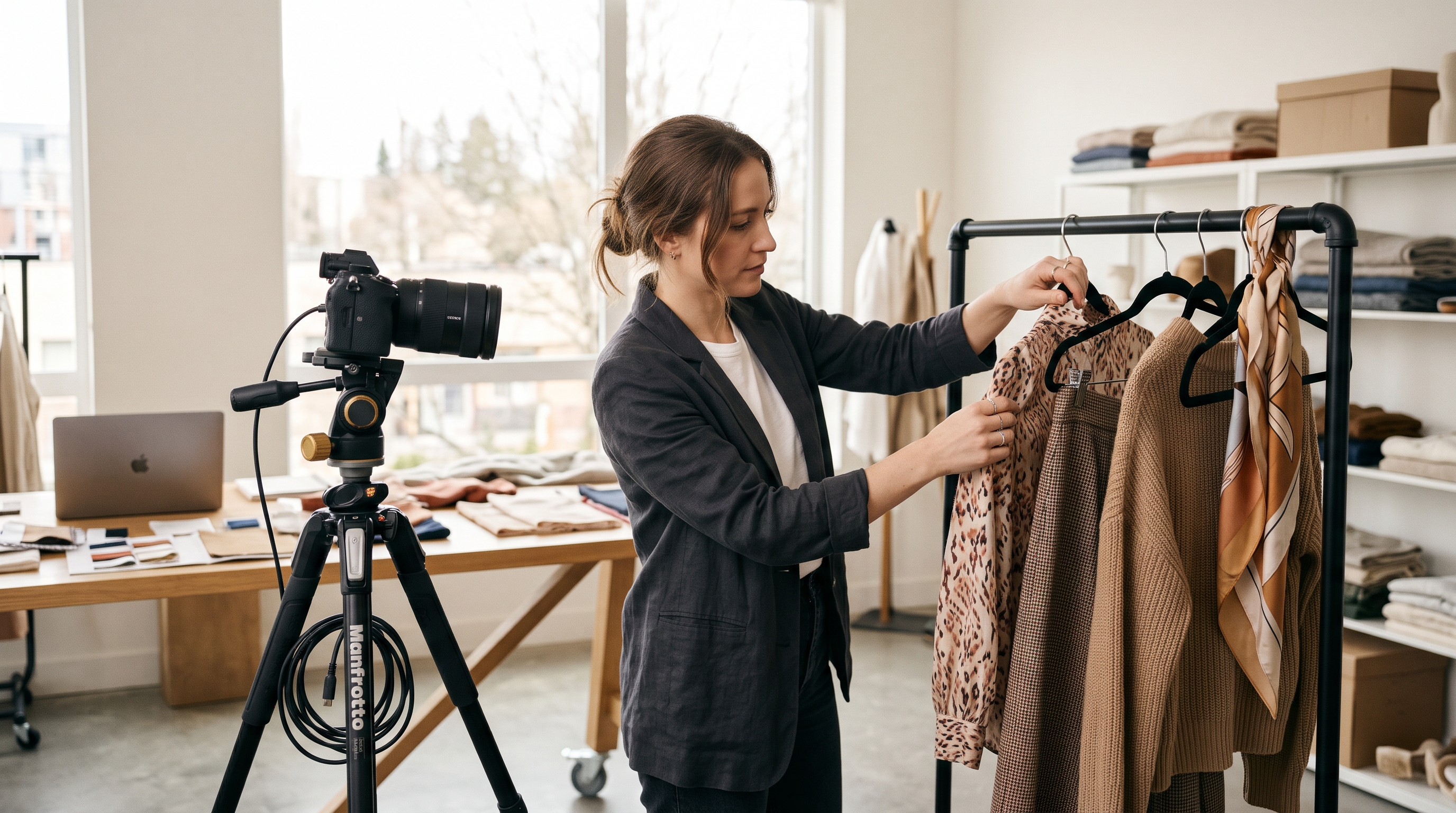
This guide covers 12 formats you can copy, the layouts that work on phones, how to make a lookbook shoppable, and a seven-step process to build one. It's written for boutique owners and small clothing brands, not agencies with a creative director on retainer.
What Is an Online Lookbook (and Why Boutiques Need One)?
An online lookbook is a curated set of styled images, usually grouped by season or theme, that shows how your pieces work together. Unlike a catalog grid, it sells an outfit and a mood, not a single SKU.
That matters because shoppers rarely know what to pair with a piece. A lookbook answers the question "what do I wear this with?" before they leave. Done well, it raises average order value because customers add the top, the trousers and the bag in one visit. You can check this on your own store: compare the average order value of sessions that touched the lookbook with sessions that didn't, and judge it after a full collection cycle rather than a few days.
It also gives you content for email, Instagram and Pinterest. One shoot can feed a fashion lookbook website page, three campaign emails and a month of social posts. If you're still shaping your brand voice, read how to build a clothing brand identity from scratch first, because a lookbook exposes weak branding fast.
12 Online Lookbook Ideas You Can Copy
These boutique lookbook examples work at different budgets. Pick one or two, not all twelve. Each includes how to execute it.
Collection and story formats
- The seasonal drop. One page per season (spring linen, holiday party) with 8-12 looks. It's the classic seasonal lookbook for an online store and the easiest to repeat every quarter. Execution: write the theme in one sentence, give it a short name, and open with a hero look on a full-width image.
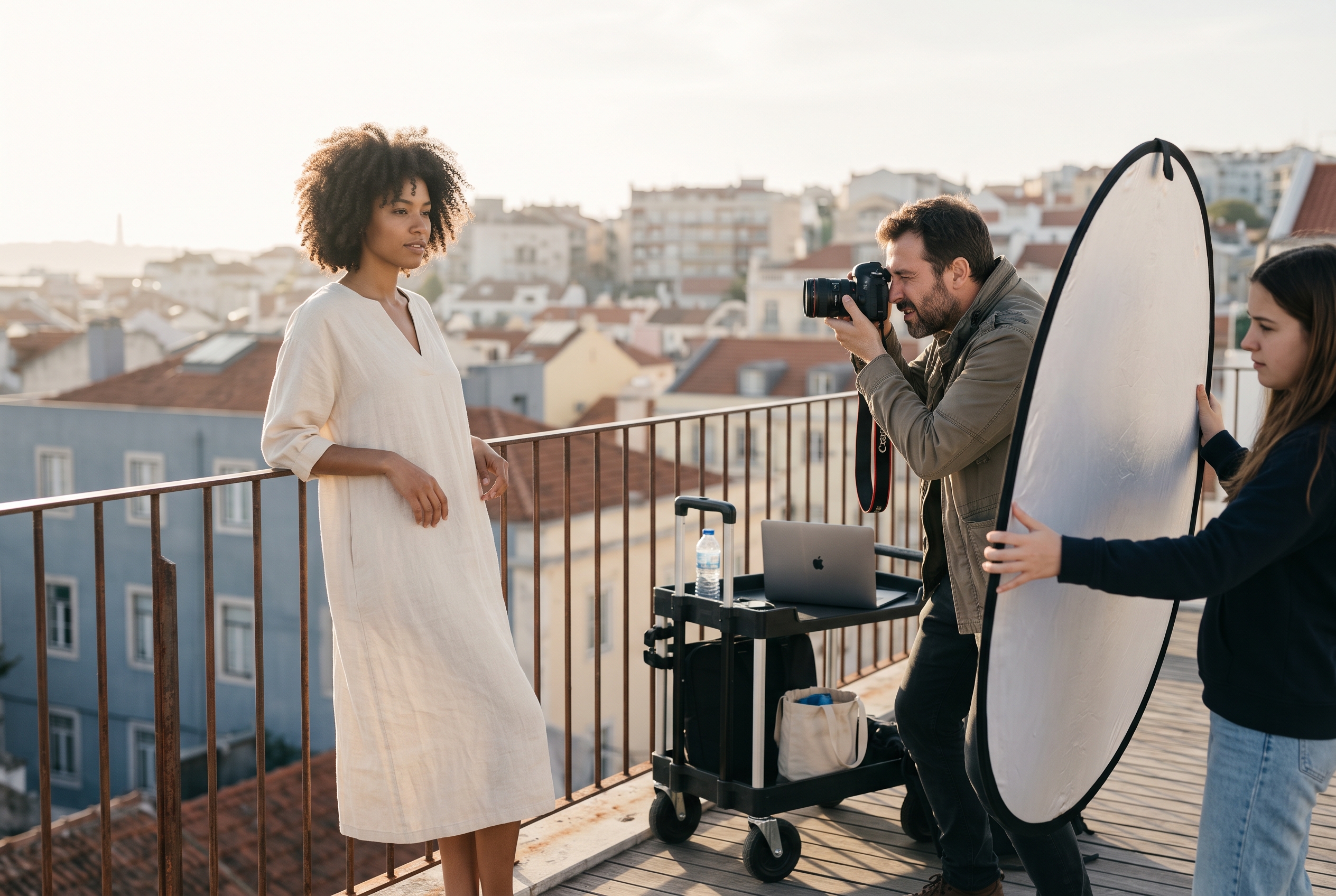
- The single-location story. Shoot everything in one place: a flower market, your own shop, a rooftop. The consistency makes a small collection feel expensive. Execution: scout the location at the hour you plan to shoot and plan three corners with different backgrounds so looks don't repeat.
- The day-in-the-life. Morning coffee, office, dinner. Each scene is an outfit, and each outfit is shoppable. It teaches customers when to wear things. Execution: use a vertical story-style scroll with a time stamp on each scene ("8:15 a.m.").
- The capsule wardrobe. Show 10 pieces styled into 20 outfits. It's a strong fit for boutiques that curate other brands. Execution: number each piece, then label every outfit with the numbers used, so shoppers see the math and buy the whole capsule.
- The customer lookbook. Real customers wearing your pieces, with their height and size noted. It builds trust and cuts returns caused by fit doubts. Execution: offer a store credit for photos, get written permission, and pull the best shots from tagged posts.
Interactive and format-led ideas
- The scroll-through editorial. Full-width images with short captions, like a magazine spread. Great for digital lookbook design on a brand-heavy site. Execution: one image per screen, one caption line, and a single "shop this look" link.
- The shoppable lookbook. Hotspots or product tags on each image open a quick-view with sizes and a buy button. Execution: limit tags to three or four per image so the photo stays readable.
- The "shop the look" bundle. Each outfit has one button that adds every piece to the cart, with a small bundle discount. Execution: a modest 10% off the set is enough to nudge the choice without eroding margin; test 5% against 10% and keep the winner.
- The short-video lookbook. 6-10 second clips of movement, such as a skirt turning or a coat being buttoned. Fabric behavior is hard to judge in stills. Execution: shoot vertical, keep it muted-friendly with on-screen text and loop the clip.
- The style-by-occasion guide. Wedding guest, weekend trip, work week. It matches how people actually search and shop. Execution: name each section with the phrase a shopper would type, such as "what to wear to a summer wedding."
- The flat-lay lookbook. No models, just styled overhead shots. It's the cheapest option and ideal for accessories, jewelry and shoes. Execution: use one consistent surface, such as linen or pale wood, and shoot near a window.
- The behind-the-collection zine. Sketches, fabric swatches and a founder note between looks. It suits small-batch brands whose story is the selling point. Execution: add a swatch close-up and one sentence about why each fabric was chosen.
Real brands that use these formats
Established fashion brands show how the formats play out, and they're worth studying before you shoot.
- Reformation publishes editorial-style lookbooks with outfits tied directly to product pages, a good model for the shop-the-look approach.
- Everlane leans on clean, minimal imagery with simple captions, which is the scroll-through editorial style at its plainest.
- Free People mixes mood-heavy photography with styled outfit pages, closer to the day-in-the-life and occasion formats.
Check each brand's current site for how they've evolved these pages, since layouts change often. For more inspiration on full-site design, see these online boutique website examples, which show how stores present collections around the lookbook.
Lookbook Layout Ideas That Work on Phones
Most fashion traffic is mobile, so design the lookbook for a thumb first. Statcounter's global stats have put mobile at roughly 60% of worldwide web traffic in recent years, so a desktop-only layout loses most visitors. Check your own analytics, because your split may differ.
The layouts below hold up on small screens.
| Layout | Best for | Mobile behavior |
|---|---|---|
| Full-bleed single image | Hero looks, mood-led brands | Excellent, one look per screen |
| Two-column staggered grid | Large collections (20+ looks) | Good, tap to enlarge |
| Horizontal swipe carousel | Outfit sequences | Excellent, familiar gesture |
| Split image and product card | Shoppable lookbook pages | Stacks cleanly, image above products |
| Story-style vertical scroll | Day-in-the-life concepts | Excellent, mimics Instagram |
Rules for clean digital lookbook design
- Lead with your strongest look. Most visitors won't scroll past the first three images.
- Mix wide, medium and detail shots. Alternate a full-body frame with a close-up of texture or stitching.
- Keep captions short. Name the piece, the size worn and the price. Skip the poetry.
- Compress images. Heavy photos slow the page. Google's web.dev documents Core Web Vitals, including a Largest Contentful Paint target of 2.5 seconds or less, and a lookbook full of 5 MB files will fail it. Aim for images under about 200 KB each in a modern format such as WebP.
- Add descriptive alt text so each look can show up in image search.
How to Make a Shoppable Lookbook
A shoppable lookbook links every item in an image to its product page or a quick-view. The goal is to remove the step where a shopper has to hunt for the jacket they just liked.
There are three practical approaches:
- Tagged hotspots. Small dots on the image open a product card. Best experience, a bit more setup.
- Product strip under each look. Thumbnails of every item with size selectors. Simple and reliable on mobile.
- One-click outfit bundle. A single "add the look" button. This is the fastest route to a bigger basket.
Whichever you choose, show live stock. Nothing kills trust faster than a styled outfit where the hero piece is sold out in your size. Link back to an strong product page so the shopper lands somewhere that converts.
Then close the loop with email. Send the lookbook to your list, and follow up with an abandoned cart email for anyone who added a bundle but didn't check out. Measure three numbers per lookbook: visits, clicks on tagged products and orders containing two or more lookbook items.
How to Create a Lookbook for a Clothing Brand in 7 Steps
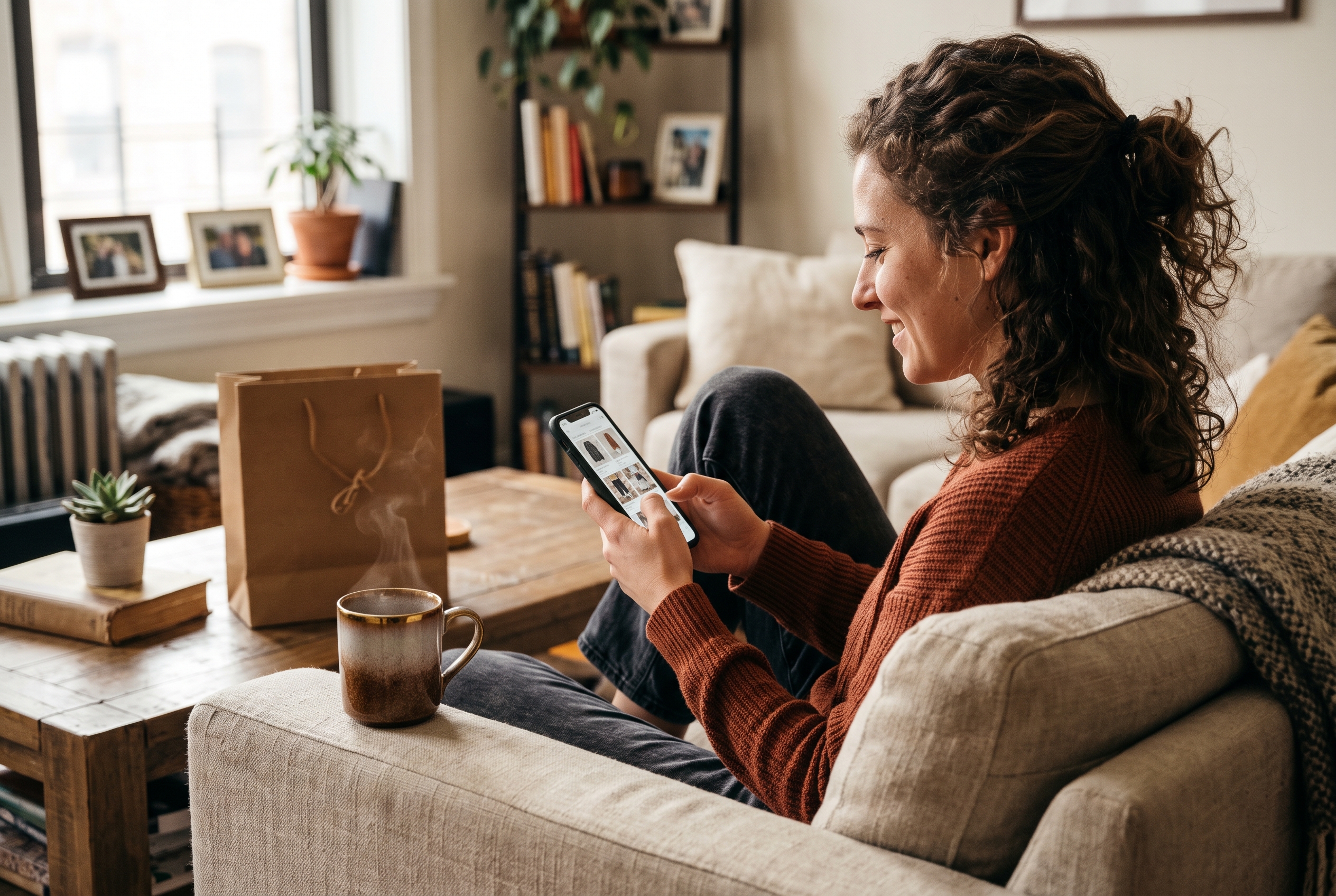
Creating a lookbook for a clothing brand takes a theme, a shot list, one shoot day and a page that links to products. In our experience, a small team can finish the whole thing in two to three weeks, though samples arriving late can stretch that.
- Pick one theme. "Coastal weekend" beats "new arrivals." A theme decides your colors, location and styling.
- Choose 8-15 looks. Fewer, better looks outperform a 40-image dump. Make sure each piece is in stock.
- Write a shot list. For every look, list the pieces, the pose, the framing (wide, medium, detail) and the location.
- Shoot in natural light. A window or open shade, a phone with a good camera or a rented mirrorless, and a friend as assistant. Shoot in the first two hours after sunrise or the last two before sunset for soft light. Plenty of boutiques get strong results this way.
- Edit consistently. Apply one preset or color grade across every image. Mismatched tones make a collection look scattered.
- Build the page. Choose a layout from the table above, add product tags and write short captions.
- Promote it. Email your list, cut 10 vertical crops for Instagram and Pinterest, and add the lookbook link to your homepage hero.
Plan a seasonal lookbook for your online store
Run a calendar so you're never scrambling. A workable rule of thumb is to shoot six to eight weeks before a season starts, publish four weeks ahead, and refresh the page when stock changes. Adjust to your supplier lead times. A simple yearly rhythm is spring, summer, autumn, holiday, plus one mini-lookbook for a sale or event. Keep old lookbooks live as an archive, since they keep collecting search traffic.
Common Lookbook Mistakes to Avoid
The most common mistakes are too many images, no links to products and slow pages. Each one stops a browser from becoming a buyer.
- Treating it as art only. If there's no path to purchase, it's a portfolio.
- Using only one body type or size. Show range, and note the size worn.
- Hiding it. Link it from your main navigation, not the footer.
- Forgetting the homepage. Feature your current lookbook in the hero. Our guide to ecommerce homepage design shows how.
- Never updating it. A "Spring 2024" label in late 2026 tells shoppers the store is stale.
Turn Your Lookbook Into a Real Store Page
Good online lookbook ideas only pay off if the page connects to checkout. Pick a format, shoot one tight collection, and make every look shoppable. Start small: a single seasonal lookbook with 10 looks is enough to test what your customers respond to.
If you'd rather not wrestle with themes and plugins to get there, Rovela builds a complete boutique store from a plain-language description, with Stripe checkout, wishlist, abandoned cart and reviews included, and you can ask in chat to add a new lookbook page whenever a collection drops. See pricing for the flat monthly plans.
