
By El Ghali Bennis · Published
Product Page Examples: 9 Brands and Layouts That Convert
Study product page examples from Apple, Allbirds and Glossier, then copy the layout, mobile rules and checklist to lift conversions.

The best product page examples share one trait: they answer every buying question before doubt sets in. Big images, a clear price, honest specs, visible reviews, an obvious buy button and low-friction shipping info. Below are nine real patterns, the layout behind them, and a checklist to copy. Treat it as product page design inspiration you can act on, not a gallery to admire.

What Do Good Product Page Examples Have in Common?
Good product page examples put the decision-making information in a predictable order: image, name, price, proof, action. Shoppers should never hunt for size, delivery time or return policy. The rest of the page exists to remove doubt, not to decorate.
The Baymard Institute, which runs large-scale ecommerce usability research, has repeatedly found that product imagery and clear specifications are among the most common problems on product pages. Baymard's checkout research also puts average cart abandonment at close to 70%, so every unanswered question on the page has a real cost. That matches what operators see: pages fail because of missing answers, rarely because of ugly design.
Across the examples below, you'll notice the same five jobs getting done:
- Show it: multiple images, zoom, video or in-use shots.
- Price it clearly: total cost, variants, and any discount visible without a click.
- Prove it: reviews, ratings, real photos from customers.
- Reduce risk: returns, shipping, guarantees near the button.
- Make the action obvious: one primary button, high contrast.
If you want to see how complete stores put these together, our roundup of ecommerce website examples shows the same patterns at the homepage and category level.
What makes the best product page design?
The best product page design is the one that answers the buyer's top objection fastest. For a visual product that means photography; for a risky purchase it means guarantees; for a technical product it means specs. Pick your category's biggest doubt and design the page around it.
A useful way to find that doubt: read your last 50 customer emails and returns notes, and tally the questions. The top two or three are your page's real job. Most stores discover that the answer is something mundane, like delivery timing or fit, rather than anything a designer would flag.
9 Product Detail Page Examples Worth Studying
These product detail page examples each do one thing unusually well. Page designs change often, so check the live pages before copying details. None of these brands publish page-level conversion numbers, so treat the notes below as observed design patterns and the reasoning behind them, not proven lift figures. You don't need to copy a whole page. Steal the one move that fits your catalog.
1. Apple: let the product do the talking
Apple's product pages (apple.com) use large imagery, short copy and a clear, high-contrast buy button, with configuration choices laid out step by step for products like the iPhone and Mac. Each step reveals only one decision (model, finish, storage, trade-in), which keeps a complex purchase from feeling complex. The lesson: if your product is visual and your brand is trusted, spend your space on photography, not paragraphs. It works less well for unknown brands that need to build trust first.
2. Allbirds: sustainability proof beside the price
Allbirds shows material details and carbon footprint information on its product pages, close to sizing and color selection. It turns a values-driven reason to buy into a visible product attribute, not a footer promise. If your brand has a story, attach it to the product, not a separate About page. The takeaway for small stores: a claim only persuades when it's specific, so give a number or a material name rather than a vague "eco-friendly."
3. Glossier: reviews that carry the page
Glossier puts star ratings under the product title and leans on customer reviews with filters and photos. Beauty is a high-doubt category (will it suit my skin?), so social proof does much of the selling. Any category with fit, taste or skin concerns should copy this. Review filters matter as much as review count: a shopper with dry skin wants to read dry-skin reviews, not scroll through hundreds.
4. Warby Parker: try-before-you-buy removes risk
Warby Parker built its brand around a Home Try-On program, in which customers choose several frames to try at home before buying, and its product pages promote that option alongside the main purchase button. The risk of buying glasses online is the biggest objection, so the page answers it directly. Find your category's biggest fear and put the answer within one scroll of the button. Small stores can mimic this with free returns, sample sizes or swatch kits.
5. Casper: comparison blocks reduce choice paralysis
Mattress shoppers face several sizes and firmness levels. Casper presents its mattress range with side-by-side comparisons of feel, features and price, so buyers can choose without opening five tabs. It also states its trial period and returns terms prominently; the brand has long marketed a 100-night trial, though you should confirm the current terms on its site. The pattern matters more than the exact number: for a high-price, hard-to-judge product, a long risk-free trial near the button does the persuading. If you sell tiered products, a small table beats three paragraphs.
6. Patagonia: specs, fit and care in tidy accordions
Patagonia packs fabric details, fit notes and care instructions into collapsible sections, and highlights its Ironclad Guarantee and repair services. Skimmers get a clean page; researchers get depth. Accordions are the right tool for secondary information, but keep price, shipping and sizing visible.
7. Gymshark: model sizing details
Gymshark's product pages note the model's height and the size they're wearing, alongside fit descriptions and a size guide. It's a tiny line that can cut size-related returns because shoppers can calibrate against someone they can see. Clothing sellers should add it today, and if you have the budget, show models of different heights and builds across your range.
8. Bellroy: scenario photography
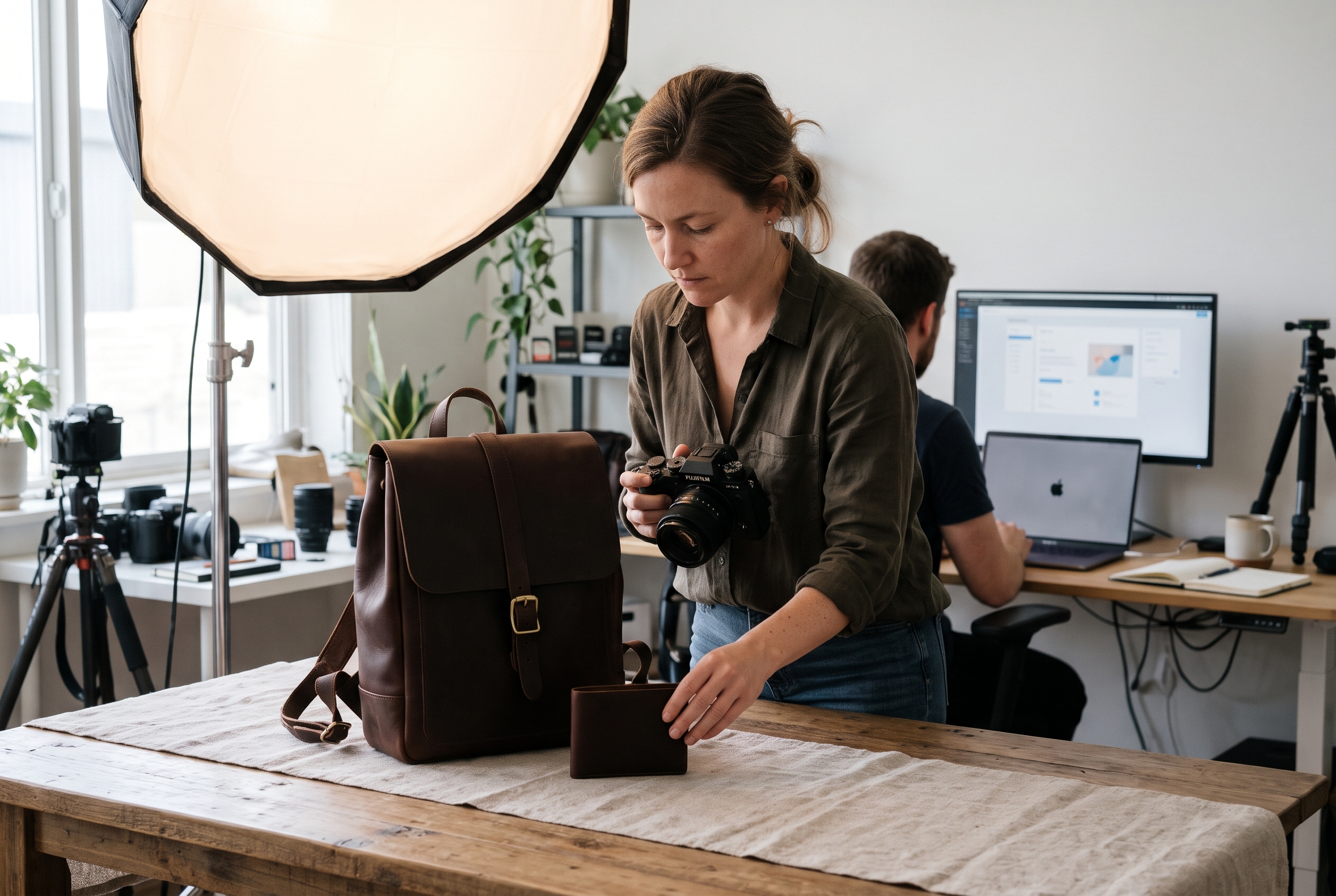
Bellroy shows wallets and bags in use, often with cards, cash or everyday items visible, plus interior shots and dimensions. Buyers want to know what fits, and the brand answers with pictures instead of claims. If your product has an inside, an attachment or a scale question, show it in photography, not prose. The jewelry product photography guide covers the same idea for small, detail-heavy items.
9. Nike By You: live configurators
Nike By You lets shoppers customize a shoe and see a live preview as each option changes. That visual feedback removes the "will it look right?" worry. Furniture and engraved-gift brands use the same approach. If you sell made-to-order goods, read our product configurator guide.
The Best Product Page Layout, Block by Block
A proven product page layout puts the gallery on the left (or top on mobile), the buying panel on the right, and supporting proof below. That structure appears on nearly every strong store because it matches how shoppers scan: look, decide, verify. This is the core of effective ecommerce product page design.
Above the fold: gallery and buying panel
Your first screen should hold the product name, price, rating, variant selectors and the add-to-cart button. Keep the gallery to 5-8 images that include a clean front shot, detail, scale, in-use and packaging or back view. Add one short video if the product moves, folds or changes shape.
Directly below: benefits, specs and shipping
Lead with three to five benefit bullets, not a wall of text. Follow with specs, materials, dimensions and care. Shipping cost, delivery window and return policy belong close to the button, not hidden in a footer link. Baymard's checkout surveys consistently find extra costs such as shipping, tax and fees to be the number one reason shoppers abandon carts, cited by roughly half of respondents, so surface them early.
Lower page: proof, questions and cross-sells
Next come reviews, customer photos and a Q&A block. Finish with related products and a recently viewed strip. A shopper who has scrolled this far is interested but not convinced, so give them proof, not more promotion.
| Page zone | What belongs there | Job it does |
|---|---|---|
| Top left / top | Gallery, zoom, video | Show the product |
| Top right | Title, price, rating, variants, buy button | Enable the decision |
| Under the button | Shipping, returns, guarantees | Cut risk |
| Mid page | Benefits, specs, size guide | Answer questions |
| Lower page | Reviews, Q&A, related items | Prove and extend |
How many product images should a page have?
Aim for five to eight. Fewer than four usually leaves scale, detail or use-case questions unanswered; more than eight tends to bury the best shots. Apparel and furniture benefit from the high end, simple consumables from the low end.
Mobile Product Page Examples and Rules
Mobile product pages should be built first, not shrunk from desktop. Most ecommerce traffic arrives on phones, so a page that needs pinching, hunting or waiting loses the sale before the buy button appears.
Google's Core Web Vitals guidance sets targets for loading speed, responsiveness and layout stability, such as a Largest Contentful Paint of 2.5 seconds or less, an Interaction to Next Paint of 200 milliseconds or less, and a Cumulative Layout Shift of 0.1 or less. Core Web Vitals feed into Google's page experience signals, and slow, jumpy product pages hurt both search and sales.
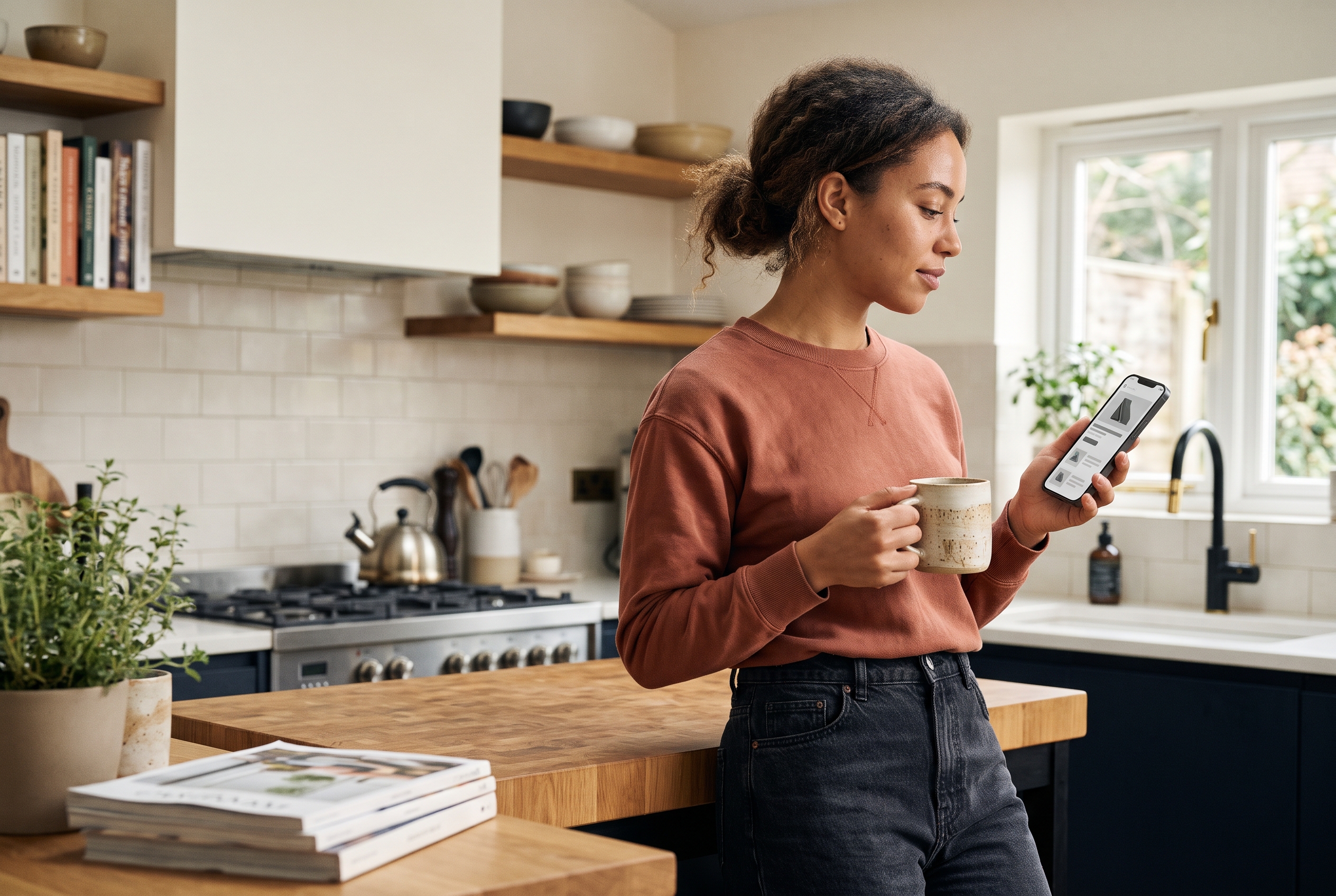
Strong mobile product page examples, like those from Allbirds and Gymshark, follow these rules:
- Swipeable gallery with dots showing how many images remain.
- Sticky add-to-cart bar that follows the scroll once the main button leaves the screen.
- Thumb-sized selectors for size and color. Apple's Human Interface Guidelines recommend a minimum 44-point tap target, and Google's Material guidance suggests 48dp.
- Collapsed details in accordions so the page doesn't become a mile-long scroll.
- Express checkout such as Apple Pay, Google Pay or PayPal one tap from the page.
- Compressed images in modern formats so the first image loads fast on cellular data.
Speed deserves its own mention. Stacked apps and scripts are the usual cause of slow product pages on Shopify and WooCommerce stores, since each review widget or popup adds weight. Audit what loads on your page and remove anything you can't tie to revenue. A simple test: run the page through PageSpeed Insights, note the score, remove one script, and run it again.
One more mobile detail: never lazy-load the first gallery image. It is usually the Largest Contentful Paint element, so delaying it directly worsens your score. Lazy-load everything below it instead.
Product Page Best Practices and Conversion Tips
The product page best practices that move numbers are rarely exotic: clearer photos, honest copy, visible reviews and faster loading. Test one change at a time so you know what worked. Small stores often lack the traffic for a clean A/B test, so compare a few weeks of before-and-after data on add-to-cart rate and note any seasonal swings.
Write copy that sells the outcome
Describe what the product does for the buyer, then back it with specs. "Keeps coffee hot for 12 hours" beats "double-wall vacuum insulation" as an opener; the specs follow as proof. If you want help drafting, our AI prompts for product page design give you copy-ready starting points.
Add structured data so search engines understand the page
Product schema lets Google show price, availability and ratings in results. Schema.org documents the Product type, and our product schema markup examples give you JSON-LD you can paste in.
Use urgency honestly
Real low-stock messages and real delivery cutoffs help. Fake countdown timers erode trust and, in some regions, can break consumer protection rules. Show only what's true.
Build social proof that looks real
A page with 40 specific reviews beats one with 4 generic five-star ones. The Spiegel Research Center at Northwestern University analyzed review data and found that displaying reviews can lift conversion by as much as 270% compared with showing none, with the biggest gains coming from the first five reviews. The same research found purchase likelihood peaks at average ratings of roughly 4.0 to 4.7 and then declines as ratings approach a perfect 5.0, because shoppers read perfect scores as suspicious. Ask buyers for photos, show verified-purchase labels and answer questions publicly. Mixed reviews, handled well, make the good ones more believable.
Quick product page conversion tips
- Put shipping cost and delivery date near the button.
- Show the return policy in one sentence, not a link.
- Add a size guide or fit note for anything wearable.
- Use real customer photos beside studio shots.
- Keep one primary call to action per screen.
- Offer express checkout on the page itself.
- Remove any widget that slows load time and doesn't earn its keep.
Which product page change should you test first?
Start with whatever answers your most common customer-service question. If shoppers keep asking about delivery, move shipping details up. If returns cite fit, add model sizing and a size guide. Support emails are free research, and they usually point to the highest-impact fix.
Product Page Checklist You Can Copy
Use this product page checklist before publishing any new listing. If you can tick every line, the page is ready to sell. If you can't, start with the lines that cost you the most sales.
| Area | Check |
|---|---|
| Images | 5+ photos, zoom, one in-use shot, one scale shot |
| Title | Plain product name with key attribute, no stuffing |
| Price | Visible, with sale price and currency clear |
| Variants | Out-of-stock options greyed, not hidden |
| Copy | Benefit bullets first, specs second |
| Trust | Reviews, returns, secure checkout cues |
| Shipping | Cost and delivery window before checkout |
| Mobile | Sticky buy bar, thumb-sized buttons |
| SEO | Unique description, product schema, alt text |
| Speed | Fast first image, few third-party scripts |
What about ecommerce product page design for a new store?
If you're starting out, copy the layout above and spend your time on photography and honest copy. Design polish matters less than answered questions. Our guide on what to sell online helps if you're still choosing products.
Build Your Own Product Pages Without the App Pile
You now have nine product page examples, a layout blueprint, mobile rules and a checklist. The common thread is simple: show the product, remove risk, prove it works and make buying easy.
Most merchants stall on execution. On Shopify, features like abandoned cart recovery, wishlists and Q&A usually mean paid apps, and each one can slow the page. If you'd rather describe your store and get these pages built with reviews, wishlist and Q&A already included, Rovela builds a full store from a plain-language conversation, and you can check pricing to see the flat subscription.
