By El Ghali Bennis · Published
Shipping Costs and Cart Abandonment: How to Fix It
Surprise delivery fees are the top reason shoppers leave. Learn how to show shipping upfront, set zones and build a free shipping threshold that works.
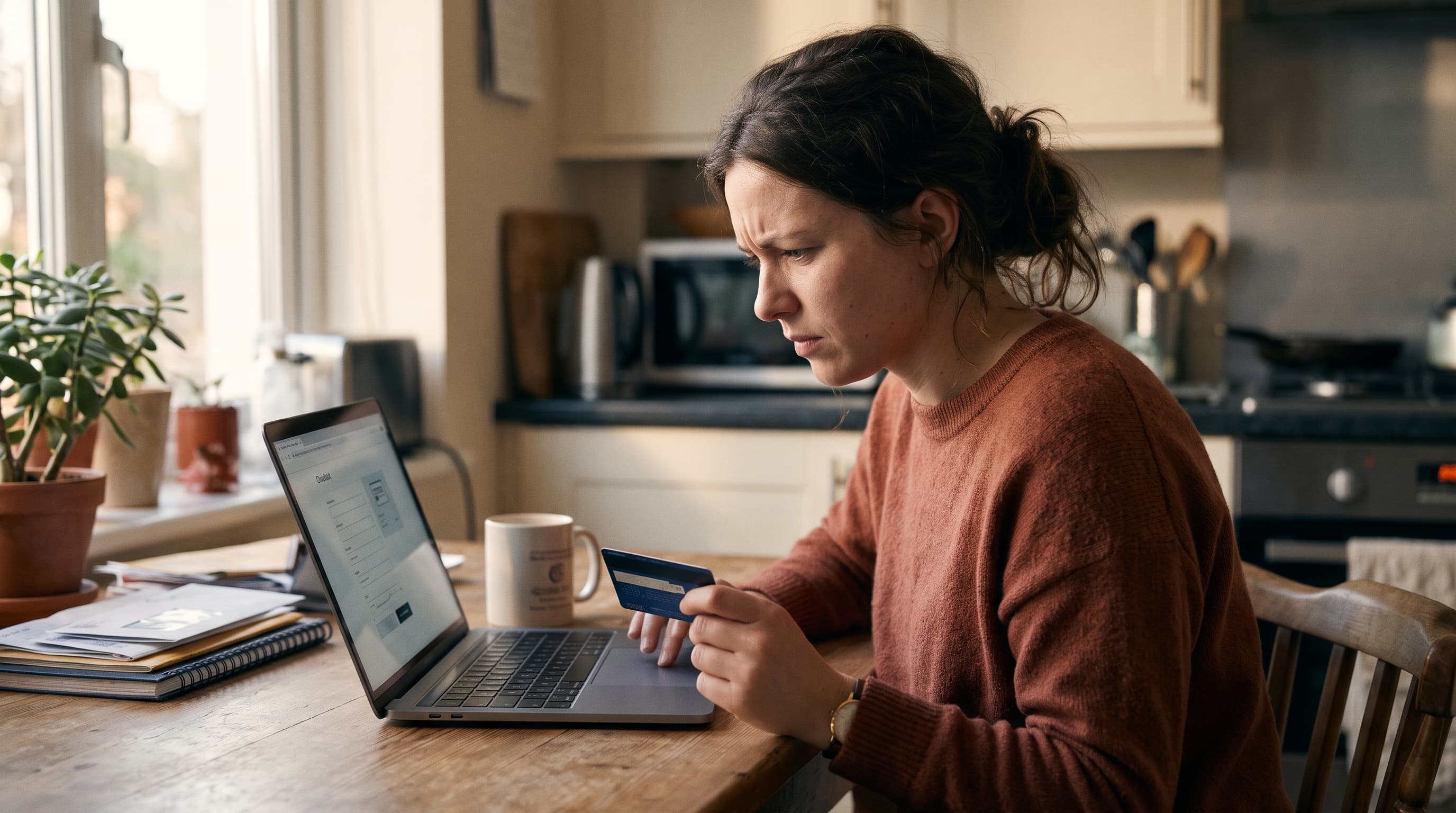
Shipping costs cart abandonment happens when shoppers add products, then leave once extra delivery fees appear at checkout. It's the single most cited reason for abandoned carts. The fix is simple: show the shipping cost before checkout, on the product page or in the cart, so the total never surprises anyone.
According to the Baymard Institute's long-running checkout research, roughly 48% of US online shoppers who abandoned a cart cited extra costs, such as shipping, taxes and fees, as a reason. That's more than account creation, slow delivery or site errors. Nothing else on your checkout comes close.
This guide covers why unexpected shipping costs at checkout hurt so much, what to display and where, how to choose between flat rate and calculated shipping, how to handle tax and duty surprises on international orders, and how to build a free shipping threshold that raises order value instead of eating your margin.
Why shipping costs cause cart abandonment
Shoppers abandon because the final price is higher than the price they agreed to in their head. The product page said $48. Checkout says $59.90. The extra $11.90 isn't just money, it feels like a broken promise.
This is one of the clearest checkout abandonment reasons, and it's a trust problem as much as a price problem. A shopper who has already picked a product, entered an email and maybe typed an address has invested time. Surprising them at that point turns mild interest into irritation.
The numbers behind hidden shipping fees abandonment
Here's what the major sources report:
- Baymard Institute: about 48% of shoppers who abandoned a cart said extra costs were too high, the top reason in its checkout usability research.
- Baymard Institute: its research puts the average documented cart abandonment rate near 70%, which means most of your traffic with buying intent never completes.
- Other trackers: published abandonment benchmarks vary by year, device and methodology, but they consistently land in the high 60s to low 70s percent. Treat any single figure as a range, and measure your own store's rate in your analytics instead of relying on an industry average.
The practical takeaway: if roughly seven in ten carts are abandoned and extra costs are the leading reason, even a small improvement in how you present shipping can recover a meaningful share of orders. For a store converting 1,000 carts a month at a 30% completion rate, lifting completion by just three points means 30 extra orders without any new traffic.
The mobile angle
Mobile makes it worse. On a small screen, a surprise line item feels bigger, and typing an address is already a chore. Shoppers on phones also tend to compare prices in another tab, so a late shipping reveal gives them an easy reason to leave. If mobile is most of your traffic, our guide on how to reduce mobile cart abandonment covers the other friction points to fix alongside shipping.
Why "surprise" matters more than "high"
Plenty of stores charge real shipping and convert fine. Amazon trained shoppers to expect free delivery, but smaller brands with $7.95 flat rates still sell every day. The difference is timing. A shipping cost the shopper saw on the product page is a known cost. The same cost revealed at step three is a betrayal.
That's the core principle for the rest of this article: don't try to hide shipping, move it earlier.
How to show shipping cost on the product page
To show shipping cost on a product page, add a shipping line near the price and Add to Cart button. It should state either a fixed rate, a threshold message, or a live estimate based on the visitor's location or postal code.

This is the most effective way to display shipping costs upfront. Shoppers decide whether the total is acceptable before they commit, so those who reach checkout have already accepted it.
Four ways to display shipping upfront
- A static line under the price. "Shipping $6.95 flat, free over $75." Works for stores with simple rates.
- A progress message. "You're $18 away from free shipping." Best in the cart or a mini-cart drawer.
- A postal code estimator. The shopper types a ZIP or postcode and sees a price and delivery date. This is the shipping estimate before checkout that heavier or larger products need.
- Geo-detected defaults. Pre-fill the country and show the most likely rate, with a link to change it.
Where to put the shipping message
Put it within one glance of the price and the buy button. Don't bury it in a tab or footer link. Shoppers read the price, the button, then look around for a catch. If the catch is answered in that scan, you've removed the doubt.
Also repeat it. Show it on the product page, in the cart and again at the first checkout step. Consistency is what builds trust. If you want other ways to answer buyer questions right on the page, see how customer Q&A on product pages handles the "how long does delivery take?" questions that never show up in your support inbox until they cost you a sale.
What to include in a shipping estimate
- The price, or "free" when it applies
- The delivery window ("arrives Nov 24-27")
- The carrier or service level, if shoppers care
- Any exclusions, such as islands, PO boxes or international orders
- Whether taxes and import duties are included
- The returns policy in a short line, since it affects perceived risk
Flat rate vs calculated shipping: which should you use?
Flat rate works best for small, similarly sized products. Calculated shipping works best when weight, size or destination change the cost a lot. Many stores combine the two: flat rate domestically, calculated for international.
| Factor | Flat rate | Calculated (live rates) |
|---|---|---|
| Shopper clarity | Very high, one number | Medium, needs an address first |
| Margin accuracy | Lower, you absorb variance | High, matches carrier price |
| Best for | Uniform, light products | Heavy, bulky or varied catalogs |
| Setup effort | Low | Medium, needs weights and dimensions |
| Abandonment risk | Low if shown early | High if only revealed at checkout |
When flat rate wins
If you sell candles, apparel, cosmetics or supplements, parcels fall in a narrow weight band. A flat $5.95 or $7.95 is easy to explain and easy to remember. You'll lose a little on some orders and gain on others, and your average should settle near break-even. The simplicity usually converts better than a precise price.
When calculated shipping wins
Furniture, equipment, heavy bundles and anything sold internationally can't be flat-rated safely. A 2 lb order to the next state and a 40 lb order across the country differ by multiples. Here you need live carrier rates, but you still need to surface them early. That's where a shipping calculator for online store pages comes in: it gives a price on the product page without forcing a full checkout.
The hybrid approach
A common setup is a flat domestic rate, a higher flat rate for nearby countries, and calculated rates for everything else. You keep the clarity where most of your orders come from and protect margin where costs spike.
International orders: taxes and duties are shipping surprises too
Shipping isn't the only late fee. Cross-border shoppers can face VAT, sales tax or import duties that appear at checkout or, worse, as a bill from the courier on delivery. Baymard groups taxes and fees with shipping under "extra costs" for a reason: to the shopper, it's all one unexpected number.
There are two ways to handle it:
- Delivered Duty Paid (DDP): you collect duties and taxes at checkout, so the shopper pays one total and nothing arrives later.
- Delivered at Place (DAP): the shopper pays duties on delivery. It's simpler for you, but it's a classic cause of refused parcels and angry reviews.
For most small stores, DDP converts better because the price is final. If you can't offer it, say so plainly on the product page: "International orders may incur import duties payable on delivery." Honest warning beats a nasty surprise. Rules vary by country and change often, so check current thresholds with your carrier or customs authority.
How to set up shipping zones and rates by postal code
To set up shipping zones in ecommerce, group destinations into regions (domestic, neighboring countries, rest of world), then assign a rate or rate table to each. For finer control, add rates by postal code to charge more for remote areas.
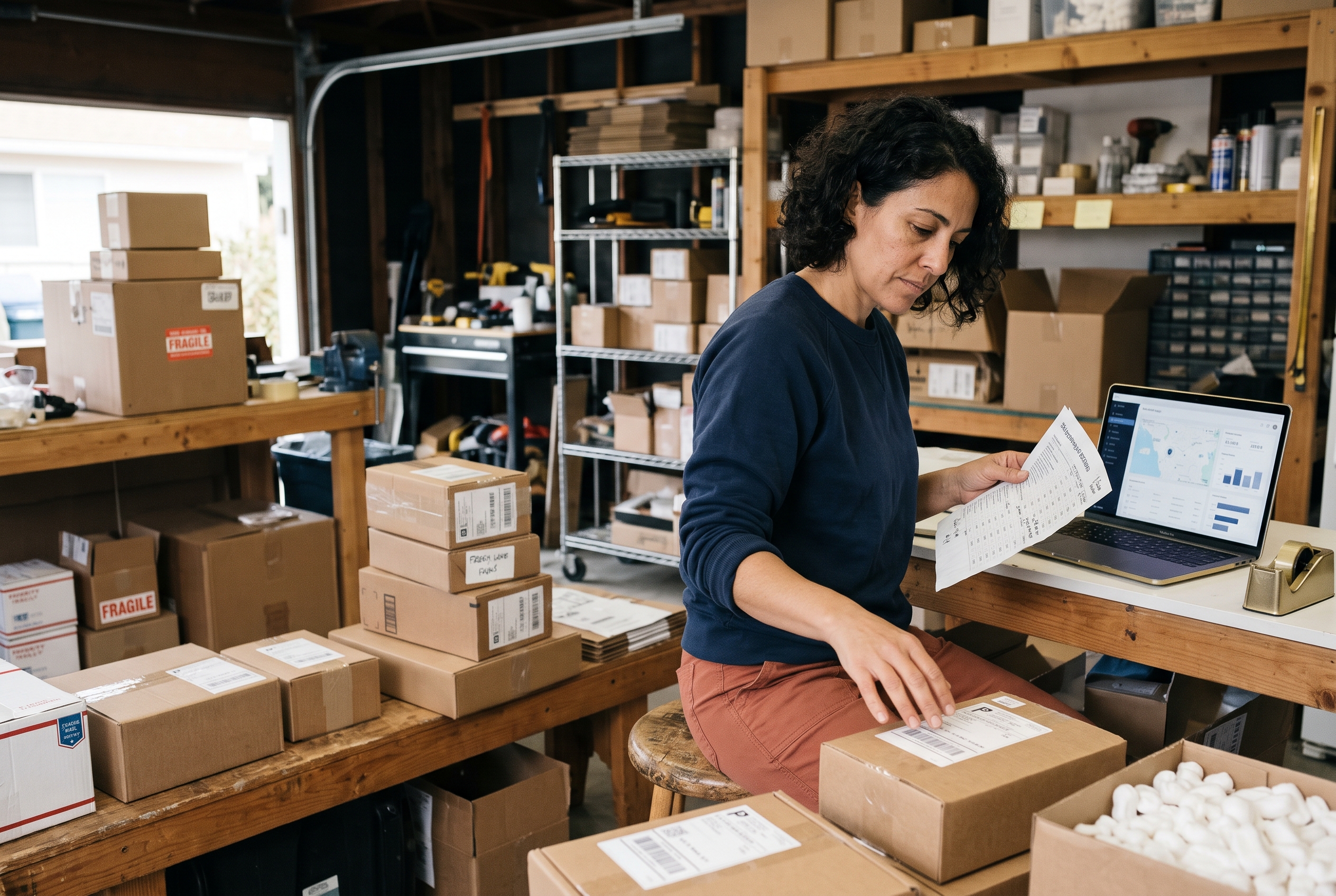
Step-by-step zone setup
- Pull your last 90 days of orders. Note destinations, weights and what you actually paid carriers.
- Group destinations into zones. Three to five zones is plenty. More than that gets hard to maintain.
- Price each zone from real carrier invoices. Use averages, then add a small buffer for packaging and handling.
- Decide per zone: flat or calculated. Use the table above.
- Add exceptions. Remote regions, islands and oversize items often need their own rules.
- Test with real addresses. Place test orders for each zone and check what the shopper sees.
For a full walkthrough of carriers, packaging and labels, read our step-by-step guide on how to set up shipping for an online store.
Using shipping rates by postal code
Postal code pricing matters when a handful of remote areas cost you far more than the rest. Instead of raising your rate for everyone, you add a surcharge only where it applies. Carriers like UPS and FedEx publish zone and remote area surcharge information on their own sites, so you can base your rules on facts rather than guesses.
The catch is timing again. If a postal code surcharge only appears after the shopper enters an address at checkout, you've recreated the surprise. Offer the postal code estimator on the product page, so the number is known earlier.
Common zone mistakes
- Building 15 zones nobody can maintain
- Forgetting that the cheapest carrier is slow, then promising fast delivery
- Ignoring dimensional weight, which carriers use to price light but bulky boxes
- Not updating rates after the annual carrier price increase
Free shipping threshold strategy that protects margin
A free shipping threshold offers free delivery above a set order value. A common rule of thumb among ecommerce operators, not a universal law, is to set it roughly 20-30% above your current average order value. That nudges shoppers to add one more item without wrecking your margin. Treat it as a starting point to test, not a guarantee.
How to calculate your threshold
- Find your average order value (AOV). Say it's $52.
- Set the threshold 20-30% higher. That's roughly $65 to $70, so $69 or $75 works.
- Check margin at the threshold. Gross profit on a $75 order must cover your average shipping cost, say $7.
- Add a progress message. "Add $14 more for free shipping" in the cart.
- Review after 30 days. Watch AOV, conversion and shipping cost per order.
A hypothetical worked example: a store with a 55% gross margin and a $75 threshold earns about $41 gross profit on that order. Shipping at $7 leaves $34. That's still a healthy order, and one the shopper wouldn't have placed at $52. Plug in your own margin and carrier costs before copying these numbers.
Free shipping for everyone, or a threshold?
Free shipping on every order works when your margins are high or your AOV is already comfortable. Build the cost into product prices and the headline looks clean. But it can make small orders unprofitable. For lower-margin catalogs, a threshold is safer.
Be honest about the tradeoff. A threshold still leaves some shoppers below the line paying shipping. That's fine as long as the rule is visible on every page. Pairing it with clear promotions helps too, and our piece on showing discounts on product pages shows how to present offers without cluttering the layout.
Other ways to soften the shipping bill
- Raise prices slightly and offer "free" shipping.
- Offer a local pickup option if you have a physical location.
- Use a paid loyalty tier with free shipping for members.
- Ship from the closest warehouse to reduce zone costs.
- Negotiate carrier rates once you pass a few hundred parcels a month.
How to reduce cart abandonment beyond shipping
Showing shipping early won't fix everything. To reduce cart abandonment more broadly, remove other checkout friction and recover shoppers who still leave.
Fix the rest of your checkout
Baymard's research lists several other leading reasons: forced account creation, a long or confusing checkout, not trusting the site with card details, and not enough payment options. Offer guest checkout, keep forms short, and show trust signals near the payment step. Our guide to increasing mobile conversion rate on product pages covers the pre-checkout half of this.
Recover carts that still get abandoned
Even with perfect transparency, many people leave to compare prices or come back later. An abandoned cart email sequence brings some back. Send the first message within an hour, the second after about a day, and mention the shipping terms again if they include free shipping or a threshold. Don't open with a discount, since that trains shoppers to abandon on purpose.
Test one change at a time
Change the shipping message, wait for enough orders, then measure. A simple tracker of three numbers works: product page to cart rate, cart to checkout rate, and checkout completion rate. If cart-to-checkout improves after you show shipping early, you've found your problem.
Frequently asked questions
What percentage of cart abandonment is caused by shipping costs?
Baymard Institute's research found about 48% of shoppers who abandoned a cart cited extra costs like shipping, taxes and fees. Shipping is the largest piece of that group.
Should I show shipping costs on the product page?
Yes, in most cases. A fixed rate or threshold message belongs near the price. For variable costs, add a postal code estimator so shoppers get a number before they reach checkout.
Is free shipping worth it?
It's worth it when the cost is covered by margin or higher order values. A threshold set 20-30% above your AOV is a sensible starting point for most stores, then adjust it with your own data.
What if my shipping costs vary a lot?
Use calculated rates with a product page estimator, or group destinations into a few zones with fixed rates. Avoid showing the real price only at the final step.
Fixing shipping costs and cart abandonment starts with your store
Shipping costs cart abandonment is one of the most fixable leaks in ecommerce, because you don't have to change your prices, only when shoppers learn them. Show the rate on the product page, offer a shipping estimate before checkout, keep zones simple, settle duties for international orders, and set a free shipping threshold from real margin math.
On most platforms, this means stitching together apps for estimators, progress bars and zone rules. If you'd rather have it built in, Rovela includes shipping tools, abandoned cart recovery and checkout features in a single flat subscription, and you can see the plans on the pricing page. Whatever platform you use, start tonight: open your own product page, add something to your cart, and ask whether the total would surprise you. For background on carrier pricing, check UPS or FedEx, and read the checkout research at the Baymard Institute.