
June 22, 2026
How to Set Up Shipping for Online Store: Step-by-Step
A step-by-step guide to setting up shipping for your online store — zones, rates, carriers, free shipping thresholds, and platform-specific setup.

Shipping is where a lot of online stores quietly bleed money. Set your rates too low and every order eats into your margin. Set them too high and shoppers abandon their carts at checkout. Learning how to set up shipping for an online store the right way means making three decisions on purpose — where you ship, how you charge, and what you absorb — instead of guessing and hoping. This guide walks through each one with real numbers, specific carriers, and platform-level steps, so you can build a shipping setup that converts buyers and protects your profit.

Why Shipping Setup Makes or Breaks Your Store
Unexpected shipping costs are the single biggest reason people abandon online carts. When a $40 order suddenly shows a $12 shipping charge at the final step, a large share of shoppers simply leave. The Baymard Institute has tracked this pattern across years of checkout research — surprise costs at checkout consistently top the list of abandonment reasons.
So shipping isn't a back-office detail. It's a conversion lever. The way you present rates, the thresholds you set, and the speed you promise all influence whether someone clicks "buy."
At the same time, shipping is a cost center. Carriers raise rates almost every year. Dimensional weight pricing means a light, bulky box can cost as much to ship as a heavy one. If you don't account for real costs, you'll discover them on your P&L months later. The goal is a setup that feels generous to the customer while staying honest to your margins.
The three decisions every store has to make
- Where you ship — domestic only, regional, national, or international (your shipping zones).
- How you charge — flat rate, calculated, weight-based, or free.
- What you absorb — how much shipping cost you build into product prices versus pass to the buyer.
Get those three right and the technical setup is straightforward. Get them wrong and no amount of configuration fixes the math.
How to Set Up Shipping for an Online Store Step by Step
Here's the order to work through it. Don't skip steps — each one feeds the next.

Step 1: Set up your shipping zones
A shipping zone is a geographic region you group together to charge the same rates. Most small stores start with two or three: a home region, the rest of the country, and maybe a single international tier. When you set up shipping zones, start narrow and expand only when you actually get orders from a region.
A typical first setup looks like this:
- Domestic local — your own country, your highest-volume area.
- Domestic standard — everywhere else in your country.
- International — added later, once demand proves it's worth the customs paperwork.
Resist the urge to "ship anywhere" on day one. International orders bring customs forms, duties, longer transit times, and more support tickets. Add zones deliberately.
Step 2: Measure and weigh your products
You can't price shipping you haven't measured. Weigh every product in its packaging and record the box dimensions. This data drives accurate quotes and tells you whether dimensional weight will hit you. A pillow weighs almost nothing but ships in a big box, so carriers bill it by volume, not weight.
Keep a simple sheet: SKU, packaged weight, length, width, height. You'll reuse it constantly.
Step 3: Choose your rate method
This is the big one — flat rate, calculated, weight-based, or free. We'll break down each option in the next section so you can pick what fits your catalog.
Step 4: Pick your carriers and packaging
Compare your national postal service against private carriers for the package sizes you actually ship. In the US, USPS Ground Advantage and Priority Mail usually win for light parcels under 1–2 lb, with rates commonly in the $5–$9 range for small boxes. UPS and FedEx Ground tend to come out ahead on heavier boxes (5 lb and up) or anything expedited, often $9–$18 depending on zone. In the UK, Royal Mail dominates small parcels while Evri and DPD compete on larger items. Standardize on two or three box sizes so your costs become predictable, and check whether carrier-supplied flat-rate boxes beat your own packaging for dense, heavy goods.
Step 5: Set it up on your platform
The configuration screen differs by platform, but the logic is identical everywhere:
- Shopify — go to Settings → Shipping and delivery, create shipping zones inside a shipping profile, then add either flat "price-based" rates, "weight-based" rates, or turn on carrier-calculated rates (available on higher plans or via apps like Shopify Shipping).
- WooCommerce — open WooCommerce → Settings → Shipping, add a shipping zone, then attach methods (Flat Rate, Free Shipping, or Local Pickup). For live quotes, add a carrier plugin such as the official USPS or UPS extension.
- BigCommerce — under Settings → Shipping, define shipping zones, then choose flat rate, free shipping, weight/order-total tiers, or real-time quotes from connected carrier accounts.
Step 6: Test a real checkout
Place a test order to every zone before you go live. Confirm the rate that shows at checkout matches what you'll actually pay the carrier. This five-minute test catches the expensive mistakes — like a zone charging $5 for a shipment that costs you $14.
How to Calculate Shipping for Your Online Store
The honest answer to how to calculate shipping for an online store is: total the real cost of getting the box to the door, then decide how much of it the customer pays. The real cost isn't just postage.

Your true shipping cost per order includes:
- Carrier postage — the rate the carrier charges for weight and zone.
- Packaging — box, void fill, tape, labels (often $0.50–$2 per order).
- Handling time — the labor to pick, pack, and print the label.
- Insurance or tracking — if you add it for higher-value items.
Add those up for a representative order and you'll know your blended shipping cost. That number is the floor. Charge below it and you're subsidizing every sale; charge well above it and you risk abandonment.
Dimensional weight, with a worked example
Carriers bill you on whichever is greater: actual weight or dimensional (DIM) weight. DIM weight is calculated by multiplying the box's length × width × height and dividing by a carrier divisor (commonly 139 for domestic US shipments in cubic inches).
Say you ship a pillow in a 14 × 12 × 10 inch box that actually weighs 2 lb. The math: 14 × 12 × 10 = 1,680 cubic inches. Divide by 139 = 12.1, which rounds up to a 13 lb billable weight. You weighed 2 lb but you'll pay as if it were 13 lb. That's why measuring your boxes — not just your products — is non-negotiable, and why squeezing into a smaller box can cut your bill dramatically.
The simple formula
A clean way to handle ecommerce shipping rates setup is to work out your average shipping cost per order, then choose a strategy that recovers it without scaring buyers. Many small stores blend approaches: a modest flat fee plus a free-shipping threshold that nudges order value up. The threshold does double duty — it covers your cost and increases average order value.
Set the free-shipping threshold roughly 20–30% above your current average order value. If your average order is $45, a $55 or $60 threshold pushes shoppers to add one more item to qualify.
A real-world example
Consider a small candle store with an average order value (AOV) of $38 and a blended shipping cost of about $7 per order. Instead of charging shipping outright, the owner baked $3 into product prices and set a free-shipping threshold at $55 — roughly 45% above AOV, on the aggressive end of the rule. Shoppers who had one $38 candle in the cart started adding a second small item to clear the threshold. Within two months, AOV climbed toward the high $40s, and the extra margin on each added item more than covered the absorbed shipping. The lesson: a threshold tuned slightly above AOV turns a cost center into an upsell.
Flat Rate vs Calculated Shipping: Which to Choose
The flat rate vs calculated shipping debate comes down to your catalog. If your products are similar in size and weight, flat rate is simple and predictable. If your products vary wildly, calculated rates protect your margins on the heavy stuff.
Here's how the main shipping options for an online store compare:
| Method | How it works | Best for | Watch out for |
|---|---|---|---|
| Flat rate | One fixed fee per order or per item | Similar-sized products; simple catalogs | Loses money on heavy or far-away orders |
| Calculated (live) | Real-time carrier quote at checkout by weight and zone | Varied catalogs; wide shipping range | Rate shock; requires accurate weights |
| Weight/price tiers | Bands like 0–1kg, 1–3kg, etc. | Predictable ranges; some variety | Edge cases at the band boundaries |
| Free shipping | No charge to buyer; cost built into price or absorbed | Boosting conversion and order value | Margin erosion if not priced in |
Most stores land on a hybrid. A common best shipping setup for a small business is flat rate for standard orders, with free shipping unlocked above a threshold, and calculated rates reserved for international or oversized items.
When flat rate wins
Flat rate is the easiest to communicate and the easiest to manage. Customers know the cost before checkout. If 80% of your orders fall in a tight weight range, pick a flat fee that covers the average and you'll come out ahead across the month, even if a few heavy orders run slightly under.
When calculated rates win
If you sell everything from a $5 phone case to a 20kg coffee table, a single flat rate can't serve both. Calculated rates pull a live quote so each customer pays what their order actually costs to ship. The tradeoff is potential rate shock — soften it with a small free-shipping option on lighter items.
Free Shipping Strategy and Smart Pricing
"Free" shipping is rarely free — someone pays for it. A good free shipping strategy for ecommerce decides who: you, through thinner margins, or the customer, through prices that quietly absorb the cost. The smartest stores build a portion of shipping into the product price, then market shipping as free above a threshold.
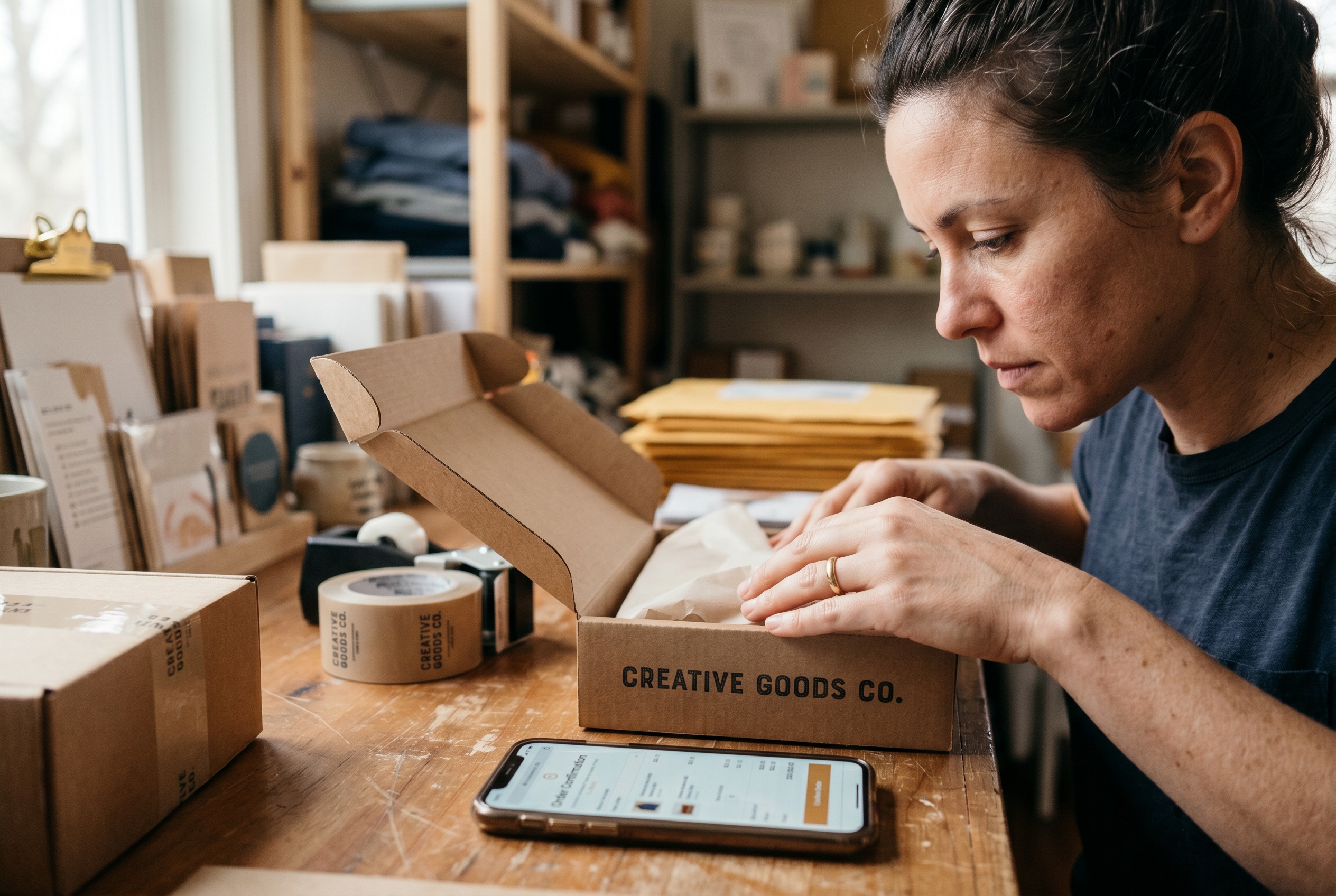
Three free-shipping approaches that work:
- Threshold-based — free over a set cart value. Lifts average order value and feels like a reward.
- Baked-in pricing — add a few dollars to each product and label everything "free shipping." Works best when your prices are competitive to begin with.
- Promotional — limited-time free shipping for launches, holidays, or to clear inventory.
The threshold method is the workhorse. It addresses the abandonment problem and the order-value problem at once. Watch your numbers after launch: if margins dip too far, nudge the threshold up rather than killing the offer entirely.
Insurance, signature, and delivery expectations
A few real-world details round out a professional setup. Shipping insurance is worth adding once an order's value clears roughly $100–$150 — below that, carriers' included coverage (often up to $100 on services like USPS Priority Mail) usually suffices. Signature confirmation adds a few dollars but protects you on high-value parcels and reduces "package never arrived" disputes. And set delivery time expectations on the product page and at checkout: a stated "arrives in 3–5 business days" reduces support tickets and abandonment more than a vague "ships soon." Buyers tolerate a longer wait far better than an unexpected one.
Don't forget returns
Returns shipping is part of the strategy too. Free returns lift conversion but cost you per package. For lower-margin goods, a flat return fee or store-credit-only policy keeps the math sane. Whatever you choose, state it plainly on the product page — surprise return costs erode trust fast.
Building Shipping Into Your Store Without the Headache
On most platforms, shipping setup means stitching together apps, carrier accounts, and rate tables that don't always agree with each other. Every change risks breaking something. That's the kind of friction that pushes new stores to give up before they ever ship an order.
The better approach is a store where shipping tools, zones, and rate logic come built in from day one — no extra plugins, no per-app billing, no conflicts. Rovela's AI store builder creates your full store from a plain-language conversation, with shipping, checkout, and 100+ other features included by default. You describe how you want to charge — flat rate, free over a threshold, zones for different regions — and the setup is handled, then refined in chat whenever your needs change.
That matters because shipping isn't a one-time decision. As you grow into new regions or add heavier products, your rates have to evolve. A setup you can adjust by asking, instead of rebuilding, saves the hours most owners lose to admin every week. You can compare what's included on the Rovela pricing plans or browse more ecommerce setup guides for the rest of your launch checklist.
Your Shipping Setup Checklist
Before you launch, run through this quick list. It captures everything covered above so you can ship with confidence.
- Defined 2–3 shipping zones, starting domestic.
- Weighed and measured every product, including packaging.
- Checked dimensional weight on bulky-but-light items.
- Calculated true cost per order (postage + packaging + handling).
- Compared carriers (USPS, UPS, FedEx, or your regional equivalents) by package size.
- Chosen a rate method that fits your catalog (flat, calculated, or hybrid).
- Set a free-shipping threshold 20–30% above average order value.
- Set insurance and signature rules for higher-value orders.
- Stated delivery times and return shipping terms clearly on product pages.
- Placed a test order to every zone and confirmed real costs.
Shipping done well is invisible to the customer and quietly profitable for you. Start simple, measure your real costs, and pick the rate method that matches what you actually sell. Refine the thresholds as orders come in — your first numbers won't be your final ones.
If you'd rather skip the app-stacking and rate-table wrangling, Rovela's store builder ships a complete store with shipping tools built in, set up from a single conversation and adjustable any time. Describe your business, and start selling with shipping that works from your first order.
