
By El Ghali Bennis · Published
Mobile Boutique Website Design: A Practical Guide
Most boutique shoppers browse on a phone. Here's how to design the nav, product pages, sticky add-to-cart and Instagram landing pages that turn taps into orders.
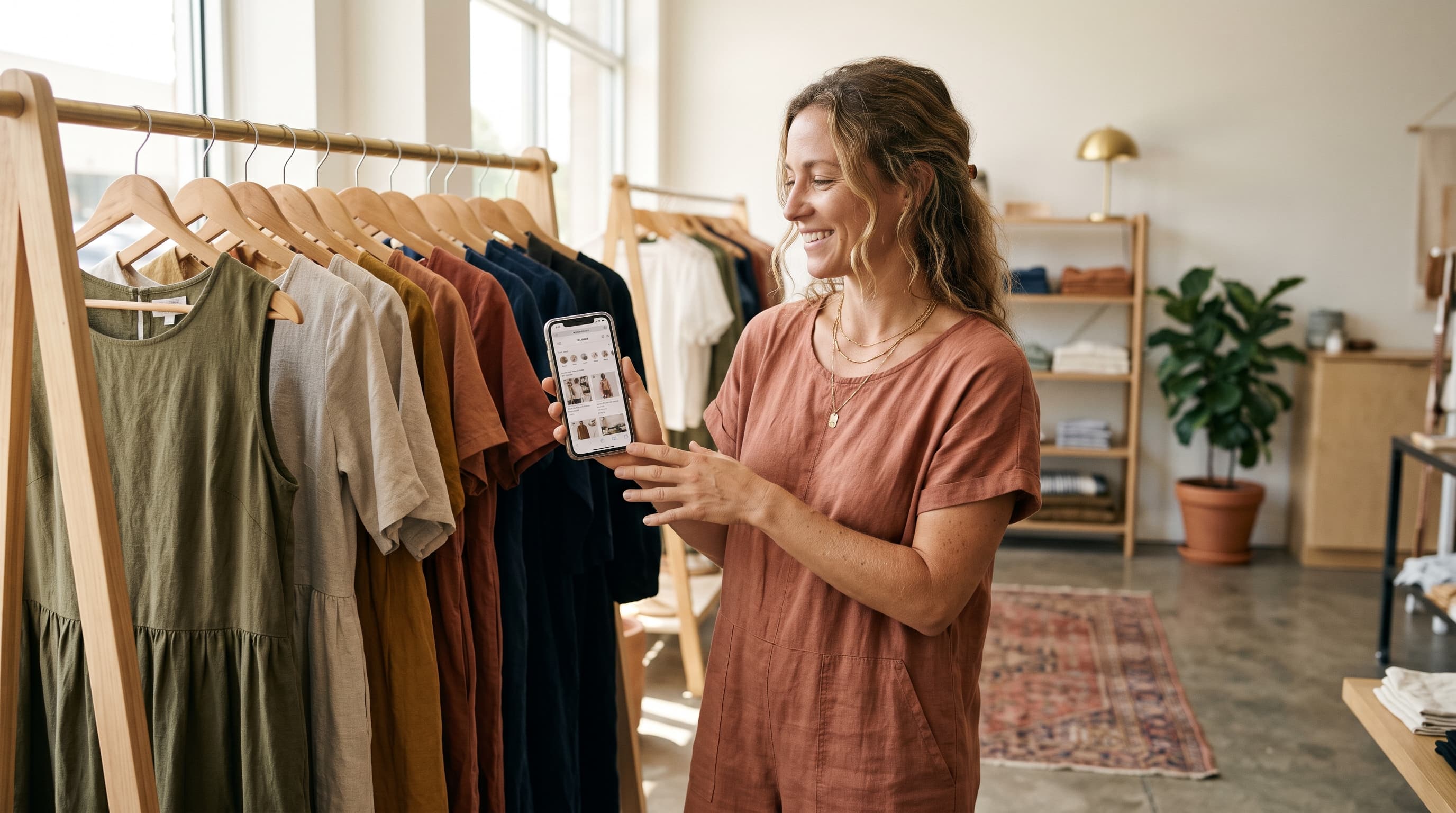
Mobile boutique website design means building your store for a thumb and a five-inch screen first, then scaling up to desktop. That means short navigation, large product photos, a product page that puts size, price and a sticky add-to-cart button within reach, and pages that load in under three seconds.

Fashion shoppers are the most phone-heavy buyers online. They find you on Instagram, scroll in bed, and decide in seconds. If your site was designed on a laptop and shrunk down, you're losing them at the first tap. This guide walks through each decision, in the order a shopper meets it.
Why mobile first boutique website design matters
A mobile first boutique website is designed for the phone layout before anything else, because that's where most of your visitors are. Desktop becomes the adaptation, not the other way around.
Google has used mobile-first indexing for years, meaning it crawls and ranks the mobile version of your pages (see Google Search Central's documentation). A clunky mobile page hurts your rankings and your sales at once.
Speed is the other half. Google's web.dev guidance on Core Web Vitals sets a Largest Contentful Paint target of 2.5 seconds or less. Fashion pages are image-heavy, so this is where boutiques most often fail.
The mobile-first mindset in three rules
- One job per screen. Each scroll section does one thing: show a collection, prove trust, or push a purchase.
- Thumb zone first. Put primary actions in the lower half of the screen, where thumbs reach easily.
- Weight is a feature. Every app, script and slider you add slows the page. Cut anything that doesn't earn its place.
Mobile navigation for an online store
The best mobile navigation for an online store is a simple menu with five to seven top-level items, a visible search icon, and a cart icon that never leaves the header. Everything else goes one tap deeper.
Boutiques tend to over-build menus because they want to show every category. Resist it. A shopper on a phone wants New In, Dresses, Tops, Sale and maybe one editorial link. That's it.
What to put in the menu
- New Arrivals first, since boutique shoppers return to see what's fresh.
- Two to four category links by product type, not by season or trend names that need explaining.
- Sale last, in a contrasting color if you run promotions.
- Search as an icon or full-width bar in the header. Add suggestions as the shopper types.
Navigation mistakes to avoid
- Hover menus. Phones have no hover, so nested items go unseen.
- Tap targets under 44 pixels. Apple's Human Interface Guidelines recommend 44 by 44 points as a minimum.
- Hiding the cart. Shoppers who can't find it assume checkout is broken.
- Pop-ups that cover the menu in the first few seconds.
For homepage structure beyond the menu, our breakdown of ecommerce homepage design layouts and examples shows how top stores order their sections.
Mobile product page layout that sells clothing
A strong mobile product page layout stacks content in this order: swipeable photos, title and price, size and color pickers, add-to-cart, then details, fit notes and reviews. Shoppers decide on the photos and the fit, so those come before any copy.
The ideal order, top to bottom
- Image gallery. Full-width, swipeable, with 5 to 8 images: front, back, detail, on-model, and one moving clip if you can.
- Name and price. Show the price without scrolling. If an item is on sale, show the original price crossed out.
- Variant pickers. Size as buttons, not a dropdown. Color as swatches. Mark sold-out sizes clearly.
- Add to cart. A large, full-width button.
- Trust line. Free returns, shipping time and payment options in one short row.
- Fit and details. Collapsible accordions for materials, care, and sizing. Include the model's height and the size she's wearing.
- Reviews and customer Q&A. Photo reviews outperform text alone for fashion.
- You may also like. A horizontal swipe row of four to six items.
Fit is the number one fear in online clothing. Spell out the model's measurements and add a size chart link that opens in a lightweight overlay, not a new page. For real layouts to study, see these product page examples from brands that convert.
Sticky add to cart on mobile
A sticky add to cart on mobile is a button fixed to the bottom of the screen that stays visible while the shopper scrolls through photos, details and reviews. It keeps the main action in the thumb zone at all times.
Done well, it shows the price and a single clear label like "Add to bag." Done badly, it covers content or fights with the browser's bottom bar. Follow these rules:
- Keep it under 64 pixels tall, with safe-area padding for iPhones.
- Appear only after the main add-to-cart button scrolls out of view, so you don't show two buttons at once.
- If no size is chosen, scroll the shopper back to the size picker instead of failing silently.
- Never stack it with a cookie banner or chat bubble. Pick one fixed element at the bottom.
Instagram traffic and your mobile landing page
Instagram traffic lands on your site from an in-app browser, usually from a single post or story. Your boutique's mobile landing page should show that exact item or collection immediately, not the homepage.
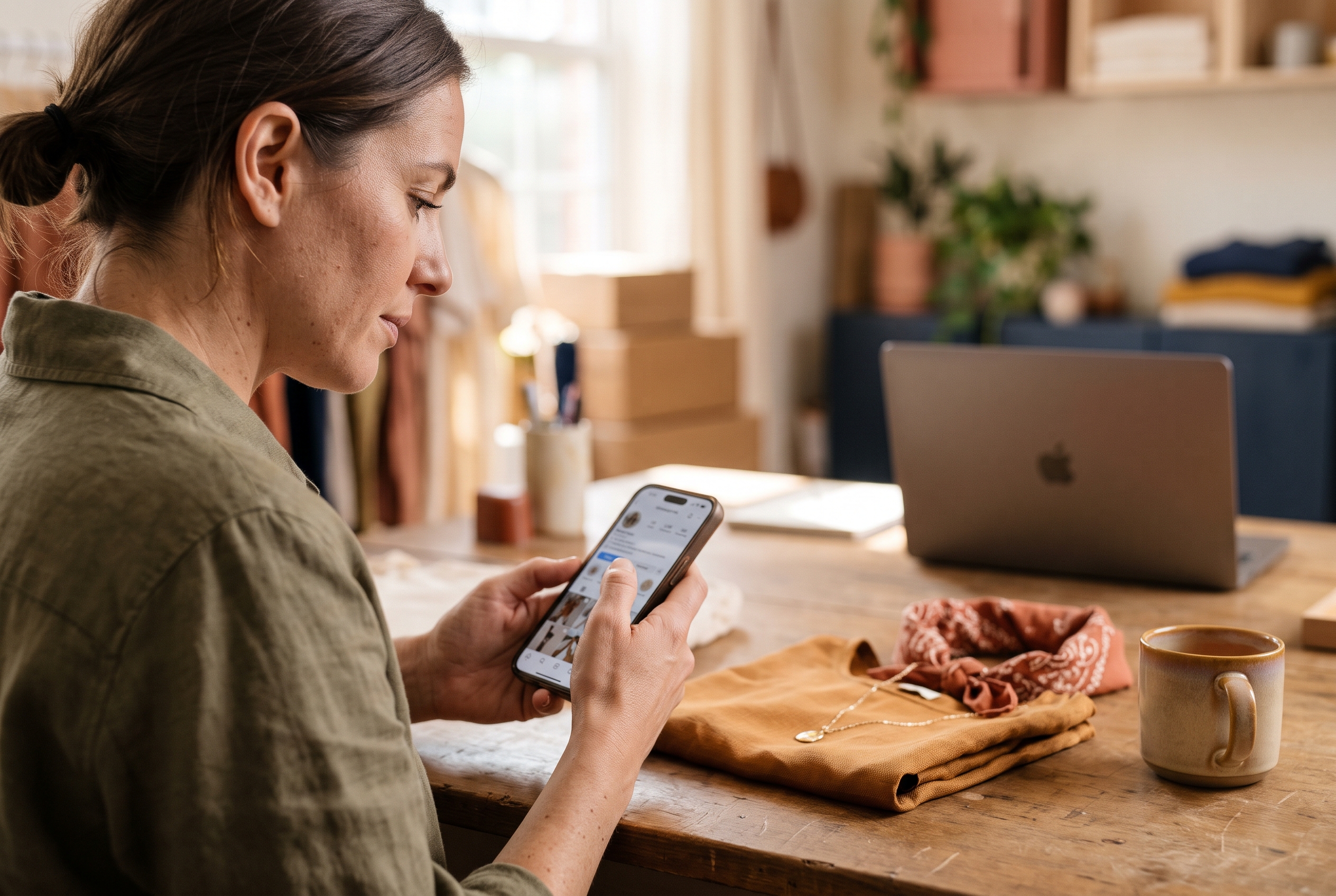
The classic mistake is sending every tap from your bio to the homepage. The shopper saw a green linen set and now has to hunt for it. Each post should link to the product, or a small collection page built for that campaign.
What a good Instagram landing page includes
- Matching visuals. The first image should echo the post so the shopper knows they're in the right place.
- A fast load. In-app browsers are slower than Safari or Chrome, so keep images compressed and scripts minimal.
- Express checkout. Apple Pay, Google Pay and PayPal cut typing on a small keyboard.
- One clear action. Skip the full menu on campaign pages if you can, and keep a cart icon only.
- Social proof. Two or three photo reviews near the top.
If Instagram is your main sales channel, our guide on how to start an online boutique on Instagram covers the full setup from profile to first sale.
Mobile friendly clothing store design: a checklist
Mobile friendly clothing store design comes down to speed, readable type, big tap targets and a short path to checkout. Use this table to audit your own store on a real phone, not a desktop preview.
| Area | Target | Why it matters |
|---|---|---|
| Largest Contentful Paint | 2.5 seconds or less | Google's Core Web Vitals threshold for a good experience |
| Body text size | 16px minimum | Prevents iOS auto-zoom on forms and keeps copy readable |
| Tap targets | 44 by 44 points minimum | Apple's Human Interface Guidelines recommendation |
| Product photos | 5 to 8 per item, WebP or AVIF | Fit and fabric are the main purchase doubts |
| Checkout fields | Autofill plus express pay | Less typing means fewer abandoned carts |
| Fixed elements | One at the bottom | Avoids buttons and banners colliding |
Baymard Institute's checkout research has repeatedly found that forced account creation and long forms are leading reasons shoppers abandon carts. On mobile, guest checkout and address autofill are not nice extras. They're the difference between a sale and a closed tab.
How to test your own store in 15 minutes
- Open your store on your own phone on cellular data, not Wi-Fi.
- Run your top product page through PageSpeed Insights and note the mobile score.
- Tap through from an Instagram story link to see how the in-app browser behaves.
- Try to buy one item with one hand. If you can't, neither can your customers.
- Ask a friend who has never seen the store to find a size chart. Watch where they hesitate.
Common questions about designing a mobile boutique site
Should I design for mobile or desktop first?
Mobile first. Most boutique traffic starts on social apps on phones, and Google indexes the mobile version. Design the phone layout, then let desktop use the extra space for larger images and wider grids.
How many products should show per row on mobile?
Two per row is the standard for fashion collection grids. It shows enough of each garment to judge style. A single column works for hero collections or lookbooks where imagery carries the story.
Do I need a custom app?
No. A fast mobile website with express checkout and Instagram-ready landing pages covers nearly everything a small boutique needs. An app only pays off once you have a loyal repeat base.
What slows down mobile boutique sites most?
Oversized images and stacked third-party apps. On platforms where every feature is a separate plugin, each one adds scripts that load on every page. Fewer scripts and compressed images fix most speed problems.
Build it right without hiring a developer
Good mobile design isn't about fancy effects. It's a short menu, honest photos, a product page in the right order, a sticky button and landing pages that match your posts. Get those five right and you'll beat boutiques with ten times the design budget.
If you'd rather not wrestle with themes and apps, Rovela builds a complete store from a plain-language description, with abandoned cart, wishlist, reviews and Stripe checkout included on a flat subscription. You can also ask for changes in chat, like "add a sticky add-to-cart on mobile." For prompt ideas, try these AI prompts for mobile website design, or look at online boutique website examples for inspiration before you start.
