By El Ghali Bennis · Published
How to Get Customers to Share Your Products: 9 Tactics
Learn how to get customers to share your products with the right buttons, link previews, UTM tracking and free ideas you can ship this week.

To get customers to share your products, make sharing take one tap, make the shared link look good, and give people a reason to pass it on. That means share buttons on product pages, proper link previews, a small incentive or moment of delight, and tracking so you know which shares actually sell.

Most stores treat sharing as an afterthought. A tiny icon sits in the footer, nobody taps it, and the owner concludes that "our customers just don't share." The truth is simpler: you never made it easy, and you never gave anyone a reason. This guide covers both, step by step, with free tactics you can ship this week.
Why Customer Sharing Matters More Than Ads
Shared products convert better than cold traffic because the recommendation comes from someone the buyer already trusts. It's word of mouth marketing for online stores, and it costs nothing per click.
Nielsen's Global Trust in Advertising survey has found that recommendations from people you know are the most trusted form of advertising. In its 2021 edition, roughly 88% of respondents said they trust them completely or somewhat, ahead of brand websites and paid ads. You can read the research on Nielsen's insights site. That's the whole logic here. A friend's message saying "look at this" beats any banner you can buy.
It also compounds. Every share is a free impression, and shared links often land on the exact product page, so the visitor arrives with intent. If you're still building your audience, pair this with the tactics in our guide on how to get customers for your online store for free.
What people actually share
In our experience working with online stores, shoppers share products for three main reasons. Treat this as a practical pattern rather than a formal study.
- Asking for opinions: "Should I get the green or the black?" This is the most common share, usually through WhatsApp or iMessage.
- Gifting and wishlists: "This is what I want for my birthday."
- Identity and inspiration: Pinning a room, outfit or recipe-ready tool to a Pinterest board.
Each reason needs a slightly different button and a different kind of product page. Design for those moments and shares go up.
What to expect: realistic benchmarks
Be honest about the numbers. Share buttons are a low-frequency action. As a rough rule of thumb, a healthy product page sees about 0.5% to 2% of visitors click a share button, and gift-heavy or visual categories sit at the top of that range. Visitors arriving from a friend's link often convert better than cold social traffic, but your own data is the only benchmark that counts. Record your baseline in week one, then compare after four weeks. A move from 0.4% to 0.8% share rate doubles your free referral traffic without touching ad spend.
How to Add Share Buttons to Product Pages
To add share buttons to product pages, place three to five buttons near the product title or the add-to-cart area, use each network's native share link, and keep them lightweight so the page stays fast. Choose networks your buyers use, not every network that exists.
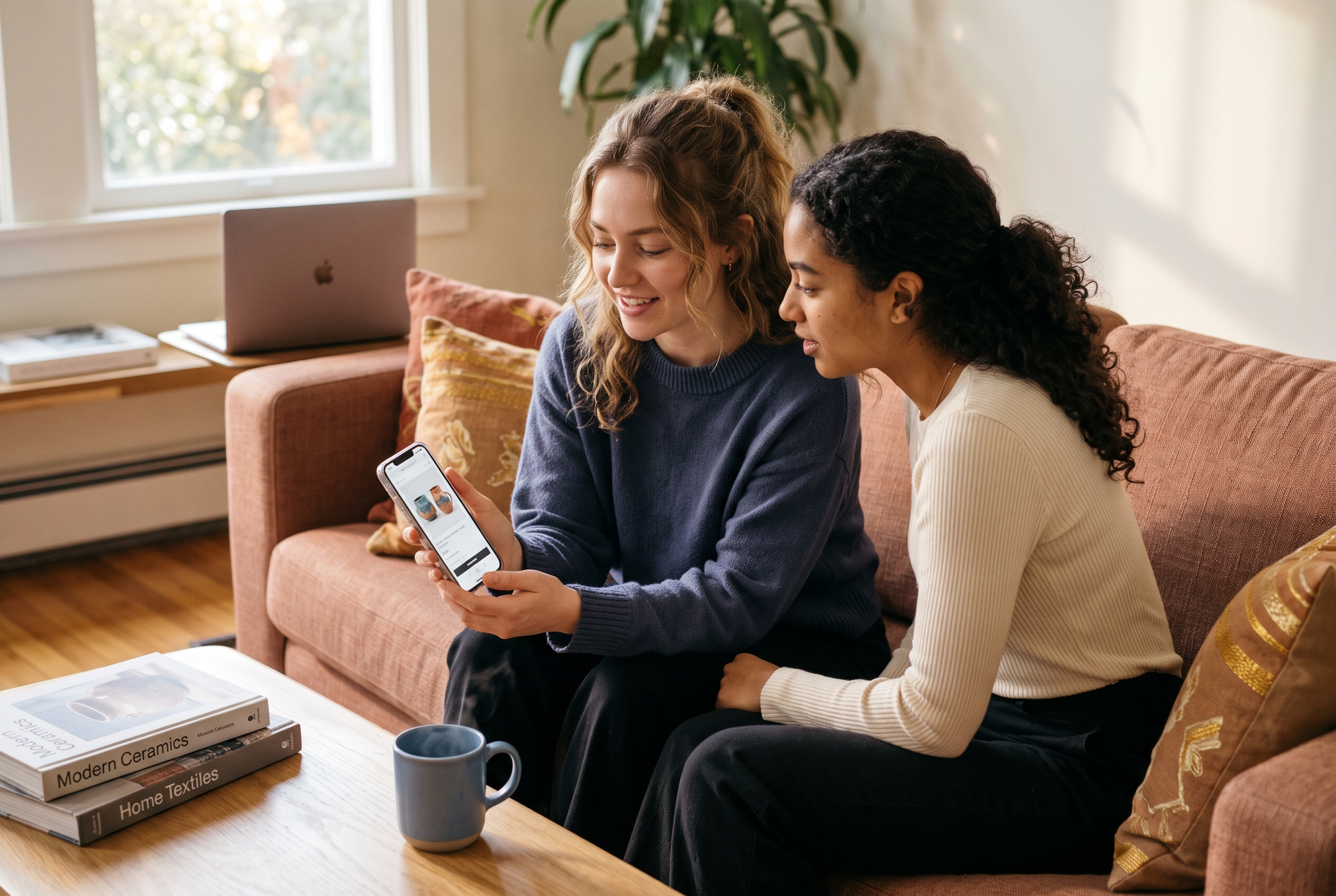
Good social share buttons for ecommerce are boring and obvious. Here's what to include and why.
WhatsApp share button for your online store
A WhatsApp share button is the highest-value button in most countries outside the US. WhatsApp's documentation describes a click-to-chat link format (wa.me) that opens a prefilled message. Prefill it with the product name and URL, for example "Thought of you: Linen Throw Blanket https://yourstore.com/products/linen-throw". On mobile, it opens the app directly. That's a one-tap share into a private conversation, which is exactly where buying advice happens.
Pinterest share button for products
A Pinterest share button matters if you sell anything visual: decor, fashion, jewelry, gifts, food gear. Pinterest's developer documentation covers the Save button and pin creation links. Pins keep driving traffic for months, unlike a post that disappears in a day. Make sure your product images are tall, clean and high resolution, because the image is the pin. A 2:3 ratio such as 1000 x 1500 pixels is the standard recommendation.
Copy link button on the product page
A copy link button is the most underrated option. It covers every channel you didn't think of: Slack, Discord, email, text threads, group chats. Show a short "Link copied" confirmation so the customer knows it worked. If you only add one button, add this one.
Where to place them
| Placement | Best for | Watch out for |
|---|---|---|
| Under the product title | High visibility, mobile friendly | Don't push add-to-cart below the fold |
| Next to the wishlist heart | Gifting and "ask a friend" moments | Keep icons clearly different |
| Order confirmation page | Post-purchase excitement | Share the product, not the receipt |
| Product image (Pin button on hover) | Visual categories | Hover doesn't exist on mobile |
One rule: share buttons should never compete with the buy button. Make them small, grey or outlined, and keep the primary color for checkout.
Make Every Shared Link Look Great
A shared link looks great when it shows a sharp image, a clear title and a short description. That preview comes from open graph tags for product pages, and without them, your product shows up as a bare URL that nobody taps.

The Open Graph protocol, documented at ogp.me, defines the tags platforms read when someone pastes your link. For each product page, set these:
- og:title: the product name, plus a short hook if it fits.
- og:description: one sentence on who it's for or what makes it different.
- og:image: a clean product shot, ideally 1200 x 630 pixels.
- og:url: the canonical product URL.
- og:type: "product" where supported.
Test a few product URLs by pasting them into WhatsApp, iMessage and Slack to your own account. If the preview looks cropped, blurry or empty, fix the image first. Pinterest also reads product metadata for Rich Pins, which can pull in price and availability.
This is the sort of detail that's easy to miss on a platform where you're stitching apps together. On Rovela, stores are built on standard Next.js code with search-ready metadata from day one, so previews don't depend on a plugin you forgot to configure.
How to Get Customers to Share Your Products Without Being Pushy
You get customers to share by timing the ask around a happy moment and giving them a reason that benefits them or a friend. Buttons make sharing possible; motivation makes it happen.
1. Ask right after delivery, not at checkout
The best moment is when the product arrives and works. A short email a few days after delivery, with a photo prompt and a link to the product page, feels natural. Our post on getting shoppers to come back covers similar post-purchase timing.
2. Give both sides a reason
A simple referral offer works: "Give a friend 10% off, get 10% credit." Keep the rules short. If a customer needs to read terms, they won't share. A loyalty program that awards points for referrals adds a second layer.
3. Build a product people want to show off
Packaging, a handwritten note and a small surprise item cost little. They're also what gets photographed. A practical example: a candle seller who tucks a matchbook printed with a "light it, then send this to a friend" line and a short URL gives people a prompt at the exact moment they enjoy the product.
4. Feature customer photos and reviews
Showing real customers on your product pages is social proof for an online store, and it also invites more of it. When shoppers see others featured, they send in their own photos. See our guide to social proof notifications for ecommerce for ways to surface that proof without cluttering the page.
5. Make wishlists shareable
Gift shoppers need to know what someone wants. A shareable wishlist link turns one customer into a small sales channel around birthdays and holidays.
6. Create a share-worthy reason to talk
Limited drops, bundles named after inside jokes, or a product with a story give people something to say. "Check out this blanket" is weak. "This is the one that's made from recycled fishing nets" gets forwarded.
Track Shares With UTM Parameters and Simple Metrics
You track shares by tagging every share link with UTM parameters, so Google Analytics can show which channels send visitors and sales. Without tagging, most shares appear as "direct" traffic and you can't tell what's working.

UTM tracking for social shares is straightforward. Google's Analytics help documentation explains the standard parameters. For share buttons, you only need three:
- utm_source: the channel, such as whatsapp, pinterest or copylink.
- utm_medium: use "social_share" for all button clicks.
- utm_campaign: something like "product_share" so reports group cleanly.
A tagged WhatsApp link might end with ?utm_source=whatsapp&utm_medium=social_share&utm_campaign=product_share. Keep names lowercase and consistent, because "WhatsApp" and "whatsapp" show up as separate rows.
Metrics worth watching
- Share rate: share clicks divided by product page views. Aim for 0.5% or more as a starting target.
- Share-to-visit: visitors arriving from tagged links.
- Share conversion rate: orders from those visitors, compared with your site average.
- Top shared products: they're usually your best candidates for ads and email.
Give it four weeks. If share rate on a product sits near zero, check image quality, price clarity and button placement before blaming customers.
Free Ecommerce Marketing Ideas to Increase Social Shares
If you want to increase social shares in ecommerce without spending money, use the channels customers already touch: emails, packaging, order pages and product pages. These free ideas take under an hour each.
- Add a "Share this" line to order confirmation emails with a link to the product they just bought.
- Insert a card in every parcel with a short URL and a friend discount. Use a unique code per card so you can count redemptions.
- Create a branded hashtag and print it on packaging, then check it weekly to find photos to repost.
- Repost customer photos (with permission) and tag the customer.
- Run a small giveaway where a share enters people into a draw. Check each platform's promotion rules first.
- Write product descriptions people can quote, with one punchy line that works as a caption.
- Add a "send to a friend" prompt on out-of-stock or low-stock pages, where shoppers are already thinking about who else would want it.
- Offer a "Which one should I get?" share link on variant-heavy products, with the chosen variant preselected so the friend sees exactly what was meant.
- Thank sharers publicly. A quick reply or story mention makes the next share more likely.
If your store is brand new, start with the first two. They need no audience, only buyers.
Common mistakes to avoid
- Too many icons. Eight networks create choice overload. Pick three or four.
- Slow third-party widgets. Many free share plugins load heavy scripts. Plain links with icons are faster.
- Floating bars that cover content on mobile. They annoy shoppers and can hurt usability.
- No preview testing. Broken images in link previews quietly kill shares.
- Sharing the wrong thing. Share the product page, not the cart or checkout.
Does this work for every kind of store?
Mostly yes, but the mix changes. Visual and gift products lean on Pinterest and wishlists. Practical products, like tools or pet supplies, lean on WhatsApp and copy link. Local or service-adjacent stores, such as a salon selling products online, often get their shares from in-person recommendations that a simple link then carries online.
Put It Together: A One-Week Plan
You can set this up in a week. Here's the order that gives the fastest results.
- Day 1: Record your baseline, then add copy link, WhatsApp and Pinterest buttons to every product page.
- Day 2: Set Open Graph tags and test previews on three devices.
- Day 3: Add UTM parameters to each button.
- Day 4: Write a post-delivery email asking for a photo and a share.
- Day 5: Launch a simple two-sided referral offer.
- Days 6-7: Review the data and fix the weakest product pages.
If your platform makes any of this painful, that's a signal. On many stacks, each step means another app, another bill and another thing to keep fast. Rovela includes share buttons, wishlists, reviews, loyalty and referral-style automations in one flat subscription, and you set them up by chatting instead of installing plugins. You can see what's included on the pricing page, or describe your store and see it built.
Customers share what's easy to share and worth sharing. Fix the buttons, fix the previews, ask at the right moment, track the results, and your happiest buyers start doing your marketing for you.