
By El Ghali Bennis · Published
Size Guide Page Design: Examples That Cut Returns
Size guide page design that cuts returns: popup vs page, model measurements, brand patterns and a boutique template you can adapt this week.
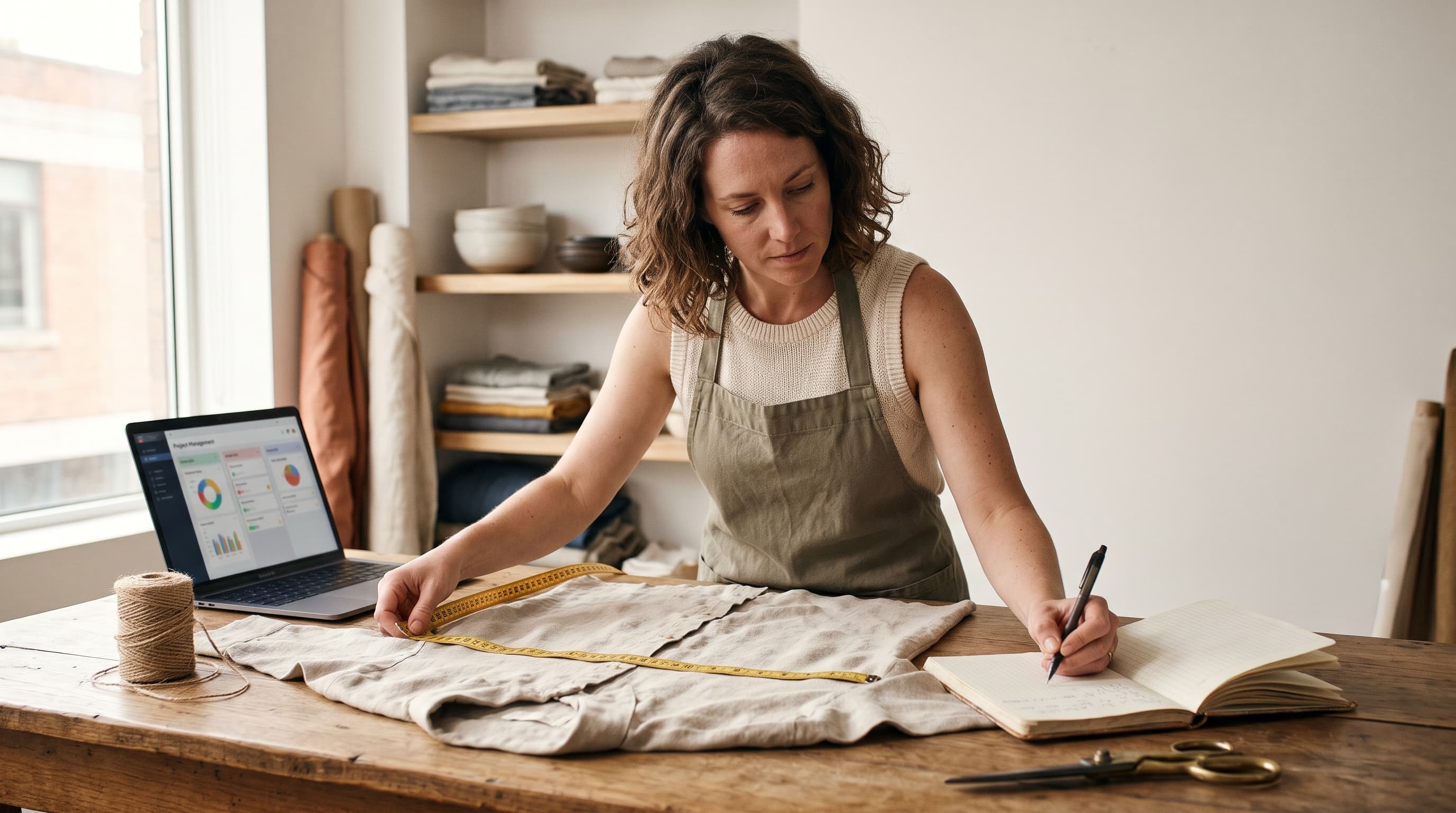
Good size guide page design puts a clear, measurable chart one tap from the size selector, explains how to measure, and shows what the model wears. Done well, it helps shoppers pick the right size the first time, which is the most direct way to lower fit-related returns in clothing and footwear.
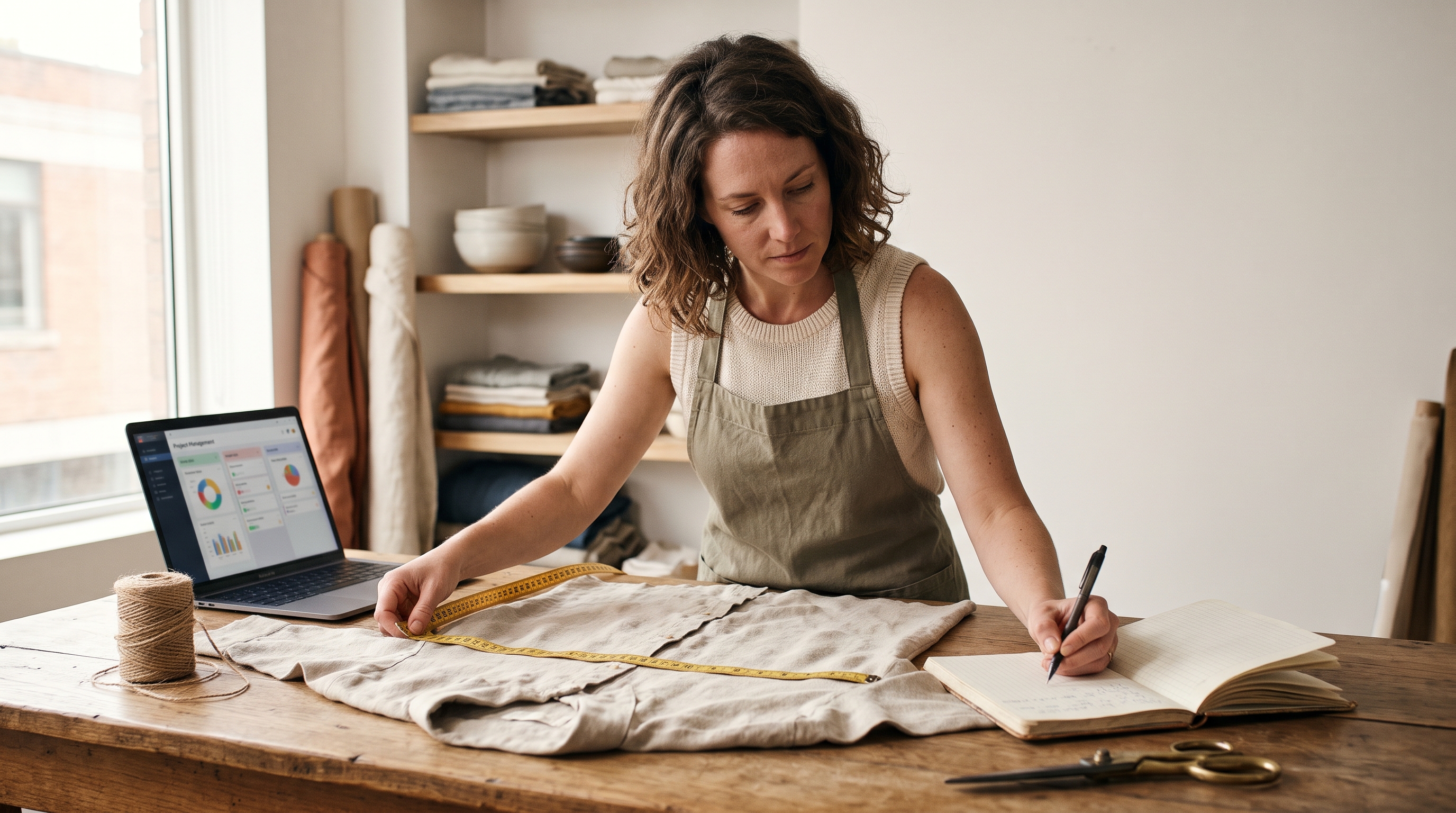
Wrong size or fit is consistently cited as one of the top reasons shoppers return clothing, and fashion has some of the highest return rates in ecommerce. Exact figures vary by report and store, so measure your own returns before trusting any benchmark. Most stores still treat the size chart as an afterthought: a blurry JPEG, a tiny link, a table in centimeters only. This guide covers where the guide should live, what goes in it, how well-known retailers structure sizing, and a template you can adapt this week.
What Makes a Good Size Guide Page Design?
A good size guide answers one question: "Which size should I buy?" It does that with a readable chart, simple measuring instructions, and fit notes specific to the product. Everything else is decoration.
Five elements show up on nearly every size guide that works:
- A table with real body measurements (bust, waist, hip, inseam), not just "S, M, L".
- Both units, inches and centimeters, with a toggle if you sell internationally.
- "How to measure" instructions, ideally with a short illustration or photo.
- Fit notes such as "runs small", "relaxed through the hip", or "true to size".
- A visible entry point next to the size selector, not buried in the footer.
Baymard Institute's product page usability research has repeatedly found that shoppers look for sizing and fit details before buying, and that missing or hard-to-find product information is a common reason for abandoning a purchase. Their studies are at baymard.com. The takeaway for a store owner: treat the guide as part of the buying decision, not as support content, and test whether a first-time visitor can find it within a few seconds.
Body measurements vs garment measurements
Body measurements tell the shopper what size they are. Garment measurements tell them how the item will sit. The best stores show both. A fitted dress needs body measurements. An oversized hoodie needs garment width and length, because "your size" isn't the question: "how loose is it?" is.
A quick example: a hoodie with a 26-inch flat chest width measures 52 inches around. A shopper with a 40-inch chest sees instantly that it will fit with 12 inches of ease. A label reading "M" tells them none of that. Remember to double the flat width when comparing to body circumference, and say so in your instructions.
Size Chart Popup vs Page: Which Should You Use?
For most stores, a popup or slide-in panel beats a separate page, because the shopper keeps the product in view. A dedicated page still earns its place for deep fit content and for search traffic. The strongest setup uses both.
| Format | Best for | Main risk |
|---|---|---|
| Popup / modal | Quick checks while shopping | Poor mobile scrolling, wide tables get cut off |
| Slide-in drawer | Mobile-first stores | Can cover the add-to-cart button |
| Inline accordion | Short charts, one or two categories | Pushes content down the page |
| Dedicated page | Large catalogs, multiple brands, SEO | Shoppers leave the product page and may not return |
Here's the practical rule. If your chart has more than six columns, or you carry several size systems (tops, bottoms, shoes), build a dedicated page and link to the right section from each product. If you sell one or two garment types, a drawer is enough.

How to display a size chart in your online store
- Place a "Size guide" text link directly beside or above the size selector.
- Open it in a drawer on mobile and a modal on desktop.
- Pre-scroll to the row or section for the product's category.
- Keep the table as real HTML text, never an image, so it's searchable and readable on small screens.
- Make the table scroll horizontally with a sticky first column.
Text tables also help SEO. A page with real measurements in HTML can rank for queries like "women's size chart in cm". An image can't.
Size Guide Examples Ecommerce Brands Get Right
The best size guide examples ecommerce stores publish share a pattern: they reduce guesswork with specifics. Layouts change often, so open the live pages of the brands below and compare them against the checklist after each pattern.
Pattern 1: Fit finder before the chart
Levi's is a good brand to study here. Its denim pages offer a fit and size recommendation flow built around height, weight, and fit preference, which suits a category where two people with the same waist can need different cuts. The trade-off is setup: a fit finder needs good product data and ongoing maintenance. Use it once your catalog is stable. Until then, a clear chart plus a fit note does most of the job.
Pattern 2: Category-specific tabs
ASOS and Uniqlo both separate sizing by product type, so a shopper looking at a shirt sees shirt measurements, not a table covering trousers and shoes too. ASOS also pairs product pages with the model's height and the size worn. Uniqlo's guides lean on a simple measurement table with a how-to-measure diagram. What to copy: one chart per category, each with no more than six or seven columns. What to avoid: one giant table with forty rows.
Pattern 3: Per-product fit notes
Everlane's product pages are a useful reference for a lighter approach: short fit guidance and the model's height and size on the page itself, rather than relying on a universal chart. Smaller brands can do the same with one line per product: "Cut generously. Size down if between sizes." It's cheap, honest, and it prevents returns that a generic chart can't.
Pattern 4: Customer fit feedback
Review forms that ask "How did it fit? Small, true, large" turn past buyers into your sizing advisors. Showing a fit bar on the product page gives new shoppers real evidence from people with real bodies. For more layout ideas, see our roundup of product page examples that convert.
Model Measurements on the Product Page
Listing the model's height and the size they're wearing is one of the cheapest fit upgrades you can make. It gives shoppers a reference point they can compare against their own body in seconds.
A solid model measurements block looks like this:
- "Model is 5'9" (175 cm), wearing size S."
- Bust, waist, and hip of the model, if you're comfortable sharing them.
- A second model in a different size, if your budget allows it.
Adding a second or third model body type is worth the cost for brands with broad size ranges. Shoppers see how the same garment drapes on different frames, which no table can show. If you're working on the rest of the page, our guide to AI prompts for product page design covers how to structure the surrounding content.

A Size Guide Template for Boutique Stores
A boutique usually sells small batches from several makers, so sizing is inconsistent. A simple size guide template for boutique stores should work per brand, not per store. Copy this structure:
- Heading: "[Brand name] size guide".
- One-line fit summary: "Runs one size small. Size up for a relaxed fit."
- Chart: Size label, bust, waist, hip, in inches and cm.
- How to measure: Three bullets, one per measurement, with plain wording.
- Model info: Height and size worn.
- Help line: "Between sizes? Message us and we'll recommend one."
That last line matters. A human fallback builds trust and catches the shoppers who would otherwise guess. Browse our online boutique website examples to see how small shops present sizing alongside their branding.
How to Reduce Clothing Returns With a Size Guide Page
A size guide reduces returns when it's accurate, easy to find, and backed by data from your own returns. Accuracy matters most: a pretty chart with wrong numbers causes more returns than no chart at all.
Use your return reasons as a feedback loop
Tag every return with a reason: too small, too large, poor quality, not as pictured. Review it monthly. If one dress drives most "too small" returns, update that product's fit note, not the entire chart. Small fixes compound.
Here is a hypothetical walk-through to show the method; the numbers are invented for illustration, not a benchmark. Say a store ships 400 units of a dress in a quarter and 80 come back, a 20% return rate. Tagging shows 52 of those returns say "too small". You add "Runs one size small, size up" and the model's size worn to the product page. If the next quarter's 400 units produce only 30 "too small" returns, you've avoided 22 returns on one product, with no new app and no new chart. Then repeat for the next biggest reason: find it, fix the one product, remeasure.
Test, then measure
Change one thing at a time: move the link, add model info, or add fit notes. Track return rate and add-to-cart rate for the affected products over four to six weeks. Without that, you're redecorating, not improving.
Common mistakes to avoid
- Using a supplier's generic chart that doesn't match your actual garments.
- Showing only S/M/L with no measurements.
- Hiding the link in the tab section far below the fold.
- Uploading a chart as an image that's unreadable on a phone.
- Mixing US, UK, and EU sizes without labels.
A fit guide for clothing website visitors should also be consistent with your product setup: if your variants say "Medium" but your chart says "M / 8-10", shoppers get confused. Keep naming identical everywhere.
Build Your Size Guide Without the App Stack
On many platforms, size charts mean installing a paid app, and that app adds to the pile of tools slowing your store down. Size chart apps in the Shopify App Store are commonly sold on monthly subscriptions, so the cost keeps repeating. Check current pricing on shopify.com/pricing and in the app listings before you decide.
If you'd rather skip that, Rovela builds a complete store from a plain-language conversation, and you can ask in chat for a size guide drawer, per-product fit notes, or model measurements on every product page. It's included in the subscription, not billed per app. You can see plans on the pricing page.
Frequently Asked Questions
Should a size guide be a popup or a separate page?
Use a popup or drawer for quick checks next to the size selector, and a separate page for extensive charts or SEO. Many stores do both and link the drawer to the full page, so shoppers get a fast answer and search engines get a full, indexable chart.
Where should the size guide link go?
Directly beside the size selector. Shoppers look for it when they're choosing a size, and every extra scroll costs you sales. On mobile, make the link large enough to tap without zooming.
Do model measurements really help?
Yes. They give shoppers a concrete comparison. At minimum, state the model's height and the size they wear. If you can, add bust, waist, and hip, and note whether the garment is sized to fit the model or deliberately oversized.
Should I show inches, centimeters, or both?
Both, if you sell to more than one country. A unit toggle keeps the table clean. Label every size system clearly, such as US, UK, or EU, so shoppers never have to guess which one they're reading.
How often should I update my size guide?
Review it whenever you change suppliers or cuts, and at least quarterly using your tagged return reasons. If one product keeps producing "too small" or "too large" returns, fix its fit note first.
Make Fit the Easy Part
The formula is simple: a readable text chart, clear measuring steps, honest fit notes, model details, and a link where shoppers actually look. Start with your top five products by return rate and fix those first. For wider inspiration on layouts, review our ecommerce website examples. And if you want a store where sizing, fit notes, and every other feature are built in from day one, try Rovela at rovela.ai.
