By El Ghali Bennis · Published
How to Increase Repeat Orders Online Store: 9 Tactics
Learn how to increase repeat orders in your online store with reorder buttons, reminder emails and loyalty rewards, plus the formula and a 60-day plan.

To increase repeat orders in your online store, make buying again effortless and timely: add a one-click reorder button to the order history page, send a reorder reminder email before customers run out, reward second purchases, and fix post-purchase friction. Measure progress with your repeat purchase rate, then improve it one lever at a time.

Most store owners spend their budget on getting new visitors. That's the expensive way to grow. A customer who already trusts you needs a reason and a path to come back, and you control both. This guide covers the math, the tactics, and the order to do them in.
Why Repeat Orders Matter More Than New Traffic
Repeat customers are cheaper to win and usually spend more per order. Every returning buyer skips the hardest step: trusting a store they've never heard of.
Frederick Reichheld of Bain & Company, in retention research popularized in Harvard Business Review (his widely cited article "Zero Defections: Quality Comes to Services", co-authored with W. Earl Sasser in 1990, and later "The Loyalty Effect"), reported that raising customer retention by 5% can increase profits by 25% to 95%, depending on the industry. That research predates ecommerce, so your numbers will differ, but the direction holds: retention compounds, because each returning customer costs far less to reach than a new one.
There's a margin angle too. Paid acquisition costs keep climbing, so every second order you earn without an ad click lands almost entirely as profit. If you want the wider picture on keeping more of each sale, read our guide on how to increase profit margins in ecommerce.
The repeat purchase rate formula
Your repeat purchase rate is the share of customers who have ordered more than once. The formula is simple:
Repeat purchase rate = (customers with 2+ orders ÷ total customers) × 100
If 1,000 people have bought from you and 230 ordered at least twice, your rate is 23%. Pick a fixed window, such as the last 12 months, and use it every time so you can compare month to month.
Track two companions: time between first and second order and second-order conversion within 90 days. The second purchase is the big hurdle. Customers who make it are far more likely to make a third.
How to Get Customers to Buy Again: Start With the First Order
Repeat behavior starts at the first purchase. A bad delivery, a confusing unboxing, or silence after checkout kills the second order before you ever try to sell it.
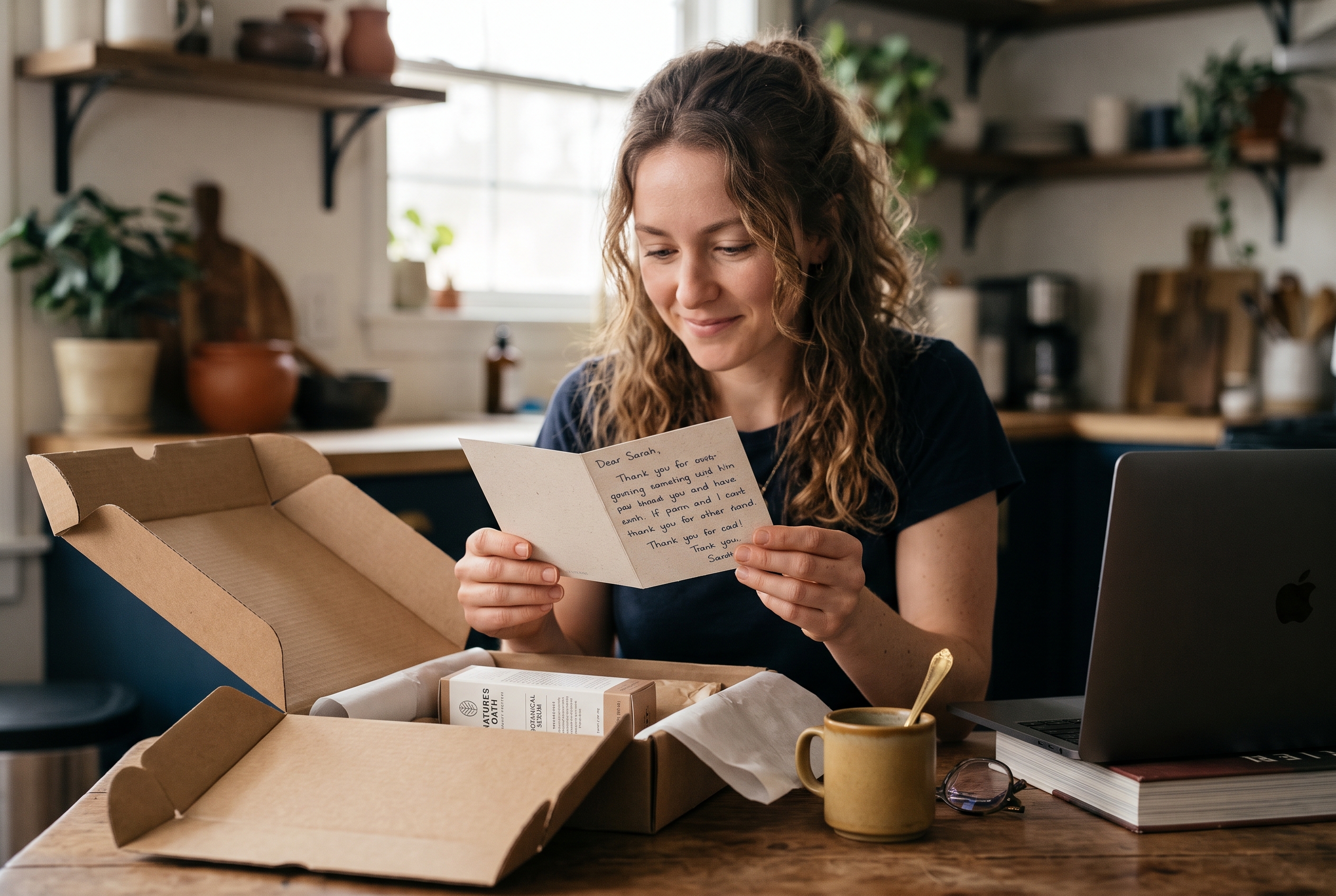
- Set delivery expectations honestly. Send tracking in the confirmation email and don't promise dates you can't hit.
- Make unboxing intentional. A short card with care or usage tips, plus a reason to return, beats a generic packing slip.
- Ask for feedback at the right time. Send a review request after the product has arrived and been used, not the day it ships.
- Fix problems fast. A customer whose issue is solved in one reply often becomes more loyal than one who never had a problem.
Treat the first 30 days as an onboarding period. Your goal isn't to sell again immediately. It's to make the customer glad they chose you.
An illustrative scenario: imagine a small coffee roaster that ships beans with a card saying "Your bag lasts about three weeks. We'll nudge you on day 17." That one sentence sets the expectation for the reminder email, so when it arrives it feels like service rather than marketing. This is a hypothetical, not a case study.
How to Increase Repeat Orders by Reducing Friction
The fastest way to reduce friction on a repeat purchase is to remove every step the customer already completed once: searching, re-entering details, and re-checking sizes or variants.
Baymard Institute's checkout usability research reports that roughly 18% of US online shoppers have abandoned a cart because the checkout process was too long or complicated. Returning customers are likely even less patient, since they already know what they want. Check Baymard's current cart abandonment page for the latest figure, as it is updated periodically.
Add a reorder button to your ecommerce store
A reorder button in ecommerce does one thing: it copies a past order into the cart. It should appear in three places: the order history page, the order confirmation or shipping email, and the customer account dashboard.
Make sure it keeps the exact variant, size, and quantity. If an item is out of stock, say so and offer the closest substitute rather than failing silently. Reordering a past order should take two clicks, not ten.
Build a useful order history page
Your order history page in ecommerce is the most underrated retention asset you have. Most stores bury it or fill it with tiny gray text. Instead, show product photos, dates, and totals, then put the reorder action beside each line.
- Show product thumbnails and variants, not just order numbers.
- Offer "Reorder all" and "Reorder this item" actions.
- Display tracking status and invoice downloads in the same place.
- Add a "Buy again" row of recently purchased items to the account homepage.
Offer one-click reorder with saved details
One-click reorder works when you store the shipping address and a payment method securely. With Stripe, saved payment methods let returning customers confirm an order without retyping a card. Guest checkout is good for the first order. Accounts are what make the fifth order effortless, so invite guests to create one after purchase.
If you're building or rebuilding your store, check that these pieces ship by default. On many platforms they need paid add-ons. Rovela, for example, includes customer accounts and order history in every store, so there's no extra app to install.
Reorder Reminder Email and Replenishment Ecommerce
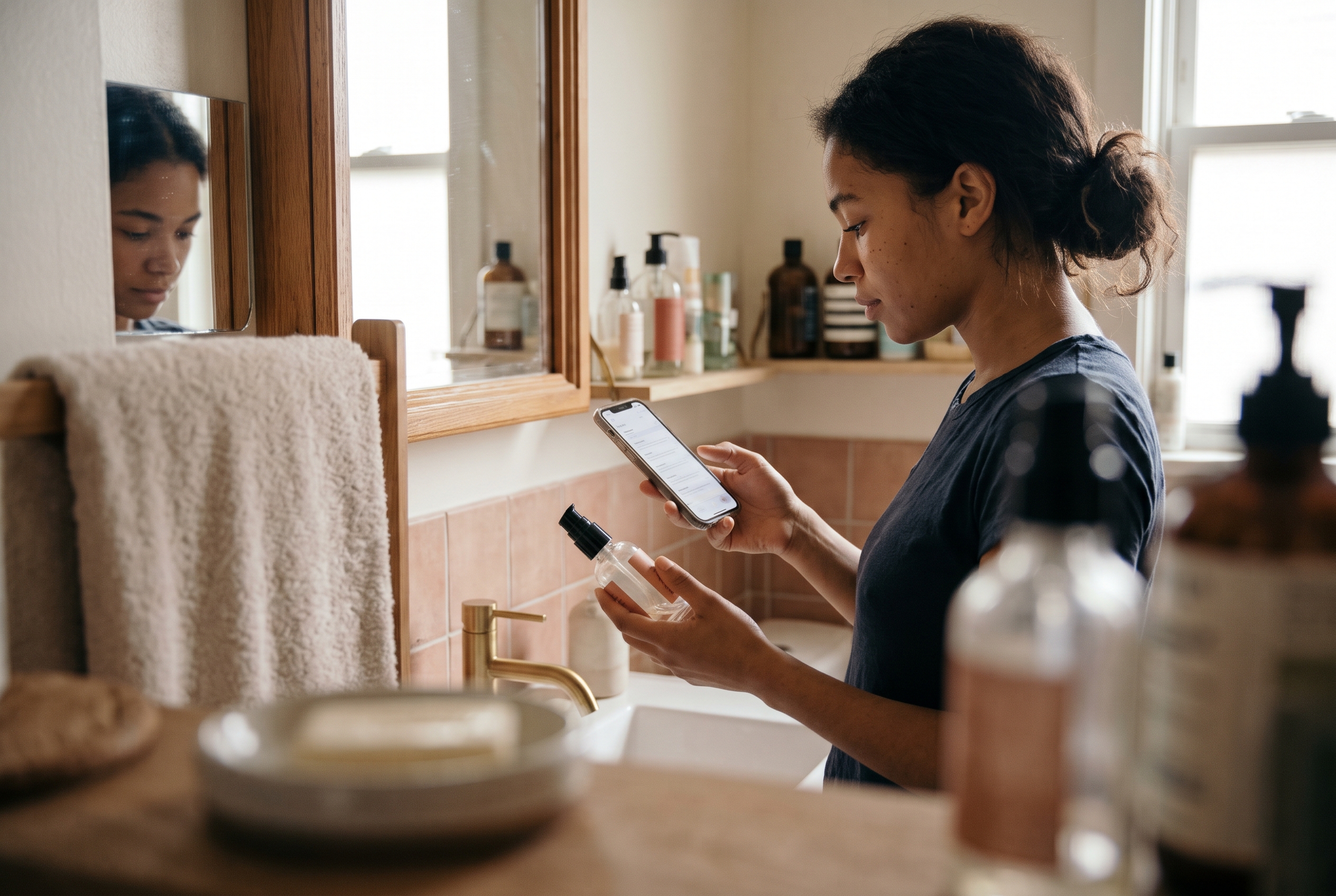
Replenishment ecommerce means selling products people use up, then reminding them to restock just before they run out. A well-timed reorder reminder email is usually the highest-return message you can send.
How to time the reminder
Work out your product's natural usage window. A 30-day supply of supplements should trigger a reminder around day 24 to 26. A bag of coffee might be day 18. Use your own order data: look at the median gap between first and second orders for that product, then send the email a few days earlier. The table below is a starting point based on typical consumption cycles, not a universal rule, so test it against your own data.
| Product type | Typical usage window | Reminder timing |
|---|---|---|
| Coffee, tea, snacks | 2-4 weeks | Day 14-21 |
| Supplements, skincare | 30-60 days | Day 24-50 |
| Pet food, household basics | 4-8 weeks | Day 25-45 |
| Apparel, home decor | No usage cycle | Cross-sell at day 30-45 |
Worked example: if your median gap between first and second order for a skincare serum is 38 days, send the reminder at day 31 to 33. Too early and it feels pushy. Too late and the customer has already bought elsewhere.
What a good reminder contains
- The exact product they bought, with a photo.
- A direct reorder link that lands on a pre-filled cart.
- A simple line about why now ("Your 30-day supply is almost up").
- An option to skip, delay, or switch.
Klaviyo is the tool most merchants use to automate these flows, and it integrates with most stores. If your product has a predictable cycle, consider offering a subscription too. Our guide to subscription ecommerce shows how to set up recurring revenue without forcing it on customers who prefer to reorder manually.
9 Customer Retention Strategies Ecommerce Stores Can Run This Month
The best customer retention strategies for ecommerce combine reminders, rewards, and relevance. You don't need all nine. Pick two or three, run them for 60 days, and compare your repeat purchase rate.
- Post-purchase email flow. Thank-you, usage tips, review request, then a soft cross-sell. Four emails across 30 days is plenty.
- Abandoned cart recovery. Returning customers abandon too. A reminder within hours often recovers the sale.
- Loyalty points or tiers. Reward the second order specifically. A small bonus on order two matters more than a big discount on order ten. For example, give 200 bonus points on order two (worth roughly 5% of a typical basket) and standard points afterward.
- Related product recommendations. Suggest items that complement what they bought. Our post on increasing average order value with related products covers the placements that work.
- Wishlists. Customers who save items tell you what they want next. Email when a wishlist item is back in stock or drops in price. These emails work because the customer already asked for the product, so the message is a favor rather than a pitch. Keep them to one per item.
- Early access for past buyers. A 24-hour head start on new drops costs you nothing. Send it only to customers with one or more orders, and say so in the subject line ("You're first in line"). It makes buying feel like membership and gives your best customers a reason to check in.
- Reviews and customer Q&A. Social proof on product pages raises confidence for the next purchase too. Answer questions publicly and quickly, and invite past buyers to answer new shoppers' questions. Customers who contribute tend to feel invested in the brand, and a reviewed product gives repeat buyers confidence to try a second item from your range.
- Segmented win-back campaigns. Target customers at roughly 1.5 times their usual reorder gap, before they drift away for good. This is a rule of thumb, not a proven constant: a customer who normally reorders every 30 days and is silent at day 45 is a sensible trigger, but test 1.25x and 2x against your own data.
- Fast mobile experience. Many repeat purchases happen on a phone from an email. See how to increase mobile conversion on product pages.
Discounts: use them sparingly
Discounts work, but they train customers to wait. Favor value over price cuts: free shipping thresholds, bonus points, a free sample with the next order. Reserve percentage discounts for win-back campaigns, where the customer was already slipping away.
How to Measure and Improve Your Repeat Purchase Rate
To increase repeat purchase rate reliably, change one thing at a time and watch the cohort, not the monthly total. Group customers by the month of their first order and track how many return within 30, 60, and 90 days.

Benchmarks to keep in mind
Benchmarks vary widely by category, and published figures differ by source and definition. The ranges below are rough working estimates drawn from commonly cited ecommerce industry reports and merchant experience, not from a single named study, so treat them as ranges rather than targets. Many ecommerce stores land somewhere around 20% to 30% repeat purchase rate over 12 months. Consumables such as coffee, pet food, and beauty often reach 30% to 45% or more, while furniture, mattresses, and jewelry commonly sit below 15%. Compare yourself to your own history first, and to competitors second. A move from 18% to 24% is a real win in any category.
A simple 60-day plan
- Week 1: Calculate your repeat purchase rate and median days between orders.
- Weeks 2-3: Add reorder buttons to the order history page and confirmation emails.
- Weeks 4-5: Launch a reorder reminder email timed to your usage window.
- Weeks 6-7: Add a loyalty reward on the second order.
- Week 8: Compare cohorts and keep what moved the number.
Common mistakes to avoid
- Sending the same promotional email to everyone, regardless of what they bought.
- Hiding the order history page behind a tiny account link.
- Forcing account creation before the first purchase.
- Measuring only revenue and ignoring customer-level cohorts.
- Stacking many apps for each feature, which slows pages and adds monthly bills.
Conclusion: Make Buying Again the Easy Choice
Repeat orders come from three things: a good first experience, a frictionless path back, and a reminder at the right moment. Start with your repeat purchase rate, add a reorder button to the order history page, then layer on reminders and a second-order reward. Small changes here beat another round of ad spend.
If you'd rather not assemble this from separate apps, Rovela builds stores with customer accounts, order history, abandoned cart, wishlist, loyalty, reviews, and marketing automations included in one flat subscription. You can see the details on the pricing page and decide whether it fits your store.
For background on the retention math, Harvard Business Review at hbr.org and Baymard Institute at baymard.com are good places to keep reading, and Klaviyo is worth a look for email automation.