By El Ghali Bennis · Published
How to Highlight New Products in Your Online Store
Learn how to highlight new products with badges, a New In page and drop marketing, plus timing rules and a simple way to test what works.

To highlight new products in an online store, combine four things: a "New" badge on product cards, a dedicated New In page, prime homepage and category placement, and email or social announcements at launch. Remove the badge after 14 to 30 days so it keeps meaning something.

New products have a problem most merchants don't notice. They launch with zero reviews, zero sales history and zero search ranking, so they sit in the catalog looking like everything else. Nobody clicks them, so nobody buys them, so they never build the signals that would help them sell. You have to break that loop on purpose.
This guide covers every lever you have: badge design, how long a product should stay labeled new, building a New In section, homepage merchandising, product drop marketing, and how to test whether any of it works. You'll also get a timing table and a checklist you can finish in an afternoon.
Why You Need to Highlight New Products in Your Online Store
New products need deliberate visibility because they have no social proof and no algorithmic momentum. Returning customers are also your best audience for them, and they only buy what they notice.
Think about who actually shops your new arrivals. It's mostly repeat buyers. They already trust you, they've bought before, and they're curious what changed. If they land on your homepage and see the same bestsellers they saw last month, they leave without knowing you launched anything.
Fresh inventory also does a second job: it gives you a reason to email, post and retarget. A store with a visible stream of new items feels alive. A store that looks frozen feels abandoned, which hurts trust before a shopper reads a single description.
What good new-product visibility actually does
- Gets first clicks so the product can start collecting reviews and sales data.
- Rewards repeat customers with a fast way to see what's changed.
- Creates reasons to email and post, which lifts return visits.
- Frees you from discounting to move unknown products.
Add a New Badge to Product Cards
A "New" badge is a small label, usually in a corner of the product image, that tells shoppers an item recently launched. It's the fastest, cheapest way to increase visibility of new products because it works everywhere the product card appears: category pages, search results, related items and the homepage.
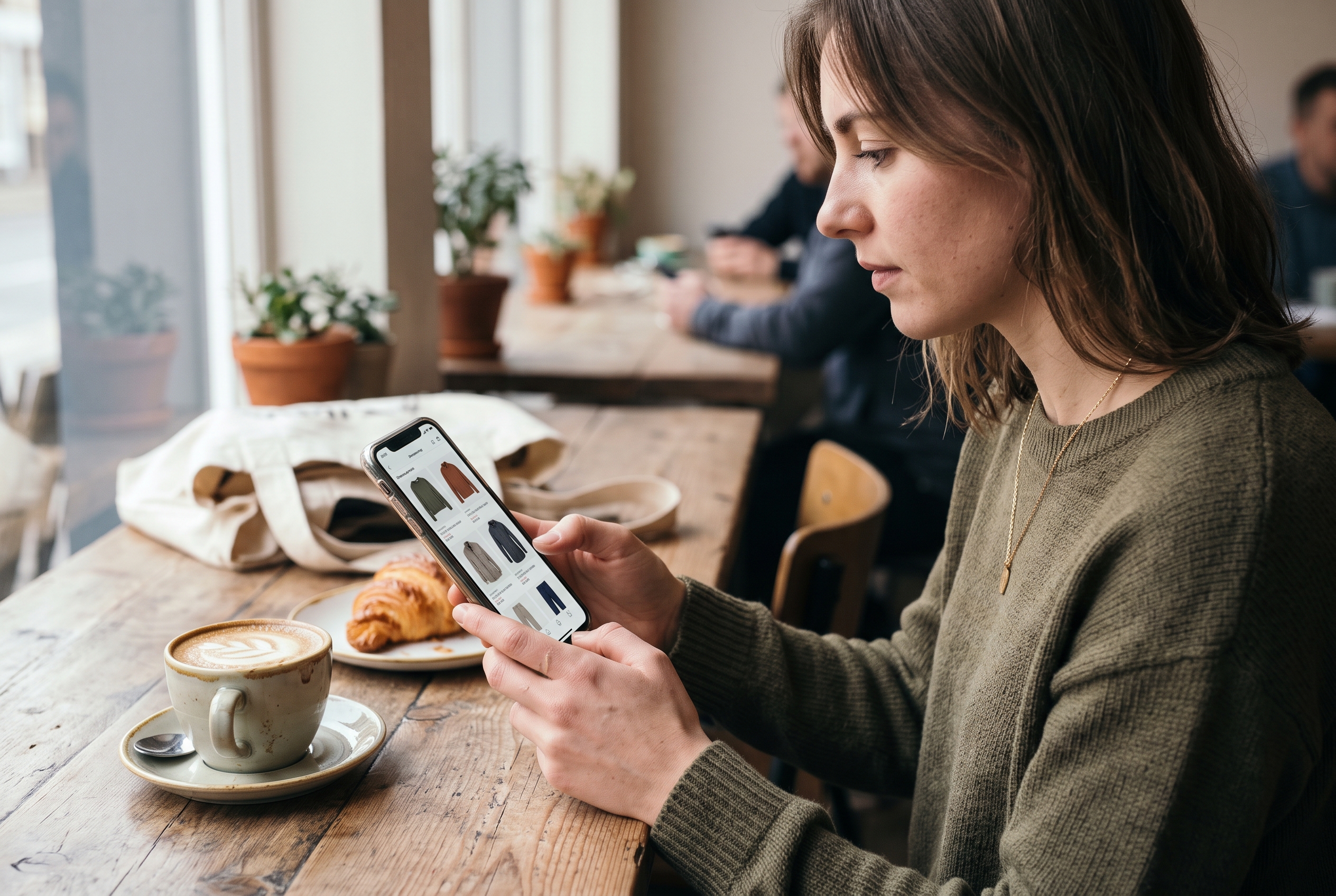
New product label design that gets noticed
Good new product label design is simple. Pick one badge color that doesn't clash with your sale or sold-out labels, keep the text to one word, and place it in the same corner on every card. Consistency matters more than creativity.
- Keep it short. "New" beats "Just Arrived This Week."
- Use contrast. A dark label on a light image, or the reverse. Test it on your busiest photos.
- Stay in the corner. Top-left is the most common spot because people scan left to right.
- Don't cover the product. The badge shouldn't hide the item it's promoting.
- Make it readable on mobile. If it's tiny on a phone, it isn't doing anything.
Product badge examples worth copying
These are product badges ecommerce stores use most often. You don't need all of them, and you shouldn't use more than two per card.
| Badge | Best for | Typical lifespan |
|---|---|---|
| New | Any recently launched item | 14-30 days |
| Just In | Fashion and fast-turnover stock | 7-14 days |
| Limited Drop | Small-batch or seasonal releases | Until sold out or the drop ends |
| Back in Stock | Restocked bestsellers | 7-14 days |
| Pre-order | Items not yet shipping | Until stock arrives |
| New Color / New Size | Variants of existing products | 14-30 days |
Automatic vs. manual badges
Manual badges are a trap. You'll forget to remove them, and three months later half your catalog says "New." The better approach is an automatic new badge on product cards, driven by the product's creation date. You set a rule once (say, 21 days), and the badge appears at publish and disappears on schedule.
On Shopify, that usually means a paid badge app or a theme edit with Liquid code. On WooCommerce, it's a plugin or a snippet. On Rovela, a new-product badge is one of the built-in features, and you can change the rule by asking in chat. Whichever platform you use, insist on date-based automation.
How to test whether your badge works
Don't assume a badge helps; measure it. The cleanest method is an A/B test on a single category page. Show the badge on half of your visitors' views of new items and hide it for the other half, then run the test for at least two to four weeks so weekday and weekend traffic both count. Compare three numbers: click-through rate from the category page to the product, add-to-cart rate, and purchases per view.
If your platform can't split traffic, use a simple before-and-after comparison instead. Record click-through on new items for two weeks without the badge, add it for two weeks, and compare. This is less rigorous because seasonality and promotions can skew results, so avoid running it during a sale. Test one change at a time: color, wording ("New" versus "Just In"), or corner position. Small stores with low traffic may never reach statistical certainty, so treat a clear, repeated lift as a signal and a flat result as permission to move on.
A realistic example: a boutique owner adds "New" badges to 12 new dresses and sees category-page clicks on those items rise while sales per click stay flat. That tells her the badge fixed a visibility problem, and that the remaining issue is the product pages. Without the test, she'd have credited or blamed the badge for the wrong thing.
How Long Should a Product Be Labeled New?
Label a product new for 14 to 30 days for most catalogs. Fast-fashion and drop-based brands can shorten it to 7 to 14 days, while slower categories like furniture, supplements or specialty tools can run 45 to 60 days.
The right number depends on how often you launch and how often people visit. If you add products weekly, a 60-day window means a quarter of your catalog wears the badge, and it stops standing out. If you launch twice a year, a 14-day window means almost nobody sees it.
A simple rule to pick your window
Aim for the badge to appear on roughly 5 to 15 percent of your visible products at any time. This is a practical starting guideline from merchandising experience, not a published benchmark, so use the badge test above to adjust it for your own audience. If it's higher, shorten the window. If it's near zero, lengthen it.
| Store type | Launch pace | Suggested "New" window |
|---|---|---|
| Fashion boutique | Weekly | 7-14 days |
| Beauty and skincare | Monthly | 30 days |
| Home decor | Seasonal | 30-45 days |
| Specialty or technical goods | A few per year | 45-60 days |
| Drop-based brand | Scheduled drops | Duration of the drop plus 7 days |
One more point: a product that sells well in its first week deserves a second life as a bestseller. Swap the "New" badge for "Bestseller" or "Popular" when it earns it. That way, the label always reflects the product's current story.
Build a New In Section Shoppers Will Use
A New In section is a dedicated collection that automatically lists your most recent products, newest first. It gives repeat customers one place to check, and it gives you one link to put in emails, ads and navigation.

New arrivals page best practices
- Put it in your main navigation. "New In" or "New Arrivals" should sit in the top menu, ideally first or second.
- Sort newest first by default. Don't make visitors change the sort.
- Make it automatic. Use a collection rule based on publish date, not a hand-curated list.
- Cap it. Show products from the last 30 to 60 days, or the newest 24 to 48 items. An endless page feels stale.
- Keep filters. Let people filter by category, size and price, since new arrivals span your whole catalog.
- Write a short intro. One or two sentences with natural keywords like "new arrivals" help the page rank and give context.
- Handle the empty state. If nothing is new, show a "Coming soon" message with an email signup instead of a blank page.
The page is also an SEO asset. A stable URL like /collections/new-arrivals accumulates links and authority over time, while individual product pages come and go. Keep the URL the same year-round and rotate only the contents. Google's own SEO Starter Guide recommends descriptive, stable URLs and clear page titles, which fits this approach.
If you haven't yet organized your catalog well, start with this walkthrough on how to add products to your online store, since clean product data (titles, images, categories) makes every badge and collection rule work better.
How to Promote New Products in Your Online Store Beyond Badges
Badges and a New In page are the foundation, but placement and announcements do the heavy lifting. To promote new products in your online store, put them where traffic already flows: the homepage, category pages, search, cart and your email list.
Homepage and category merchandising
Your homepage hero or first scroll should feature your newest launch at least during its first week. Below that, add a "Just Landed" row of four to eight products. Inside category pages, pin one or two new items to the top positions instead of leaving them to default sorting, which usually favors older bestsellers.
These are practical ecommerce merchandising tips that cost nothing: reorder, rephotograph, and rewrite. Use a lifestyle image as the first photo of a new item, since a bright, human image stands out among white-background shots.
Product drop marketing
Product drop marketing treats a launch as an event instead of a quiet catalog update. It works especially well for small-batch, seasonal or collaboration items.
- Tease 5-7 days ahead. Share a close-up or behind-the-scenes photo on Instagram and in email.
- Open an early-access list. A simple "notify me" signup gives you your warmest audience on launch day.
- Launch at a fixed time. Pick a time when your audience is active and stick to it, so customers learn your rhythm.
- Send the announcement email. Subject line, one hero image, a clear button to the New In page.
- Follow up at 48 hours. Remind people who opened but didn't click or buy.
- Report the results. Compare first-week sales and conversion rate against the previous launch.
Email, social and retargeting
Segment your list so past buyers of a related category hear about new items first. A customer who bought running shoes cares about your new running socks more than your new tote bag. Klaviyo and most other email tools support segmenting by purchase history, so you can send each launch to the people most likely to want it. For social, post a short video of the product in use; for paid, retarget visitors who viewed the category in the last 30 days.
Also consider small touches: a "New" mention in your announcement bar, a line in your order confirmation email, and a featured spot on the cart page for a complementary new item.
Common Mistakes When Labeling New Arrivals
The most common mistakes are leaving badges on too long, stacking too many labels, and highlighting products that aren't ready to sell. Each one trains shoppers to ignore your signals.
- Stale badges. A "New" label on a product that's been live for eight months damages credibility.
- Badge overload. If a card shows New, Sale, Bestseller and Low Stock at once, none of them register. Stick to a maximum of two.
- Weak product pages. Traffic to a page with one blurry photo and a two-line description is wasted. Finish photography and copy before you promote.
- Ignoring mobile. Most of your visitors are probably on phones. Check badge size, position and readability on a small screen.
- No tracking. Watch click-through rate on New In and conversion on new items. Google Analytics 4 ecommerce reports show product views and purchases by item, so you can see what's working.
- Skipping accessibility. Make sure badge text has enough contrast, following the W3C's WCAG guidelines.
If you're still deciding what to stock next, our guide on where to get products to sell online covers seven real sourcing options, and high margin products to sell online helps you pick launches that actually pay off.
A 30-Minute Checklist to Make New Products Stand Out
You can set up everything above in one sitting. Work through this list in order.
- Decide your "New" window using the table above.
- Turn on an automatic new badge for product cards, based on creation date.
- Check the badge on mobile and on your busiest category page.
- Create a New In collection with an automatic date rule, and add it to your main menu.
- Add a "Just Landed" row to your homepage.
- Pin one or two new items to the top of relevant category pages.
- Schedule a launch email and two social posts for your next product.
- Set a monthly reminder to review which new products got clicks and which didn't.
Products that get views but no sales usually have a product page problem (photos, price, description). Products that get no views have a visibility problem. Knowing which one you're facing tells you what to fix.
Make New Arrivals Work Without the App Stack
Highlighting new products shouldn't require a separate badge app, a collection app and an email plugin, each billed monthly. Rovela builds this in: automatic "New" badges, a New In collection, and launch emails come with the store, and you adjust the rules by asking in plain words. Stacking separate apps for each job adds up quickly in monthly fees and maintenance. You can see how Rovela is priced on the pricing page, or start from the homepage by describing your store and seeing it built in hours.
Whichever platform you choose, the principle stays the same: make new products obvious, keep labels honest, and give every launch a moment. Do those three things and your newest items stop sitting in the catalog unseen.