By El Ghali Bennis · Published
Free Shipping Threshold: How to Set One That Pays Off
Learn how to set a free shipping threshold with a simple two-test formula, worked examples and a progress bar that lifts AOV without eating margin.

A free shipping threshold is the minimum cart value a customer must reach to get shipping at no charge. A good starting point is 15-30% above your current average order value, so it nudges shoppers to add one more item while your margin still covers the shipping you absorb.

Get it wrong and you either give away shipping on tiny orders or set the bar so high that shoppers abandon at checkout. Get it right and it's one of the cheapest ways to increase average order value, because you're not discounting a product. You're reshaping the cart. This guide walks through the math, the psychology, the setup, and the mistakes operators make most often.
What Is a Free Shipping Minimum Order Amount, and Why Does It Work?
A free shipping minimum order amount is a cart-value line above which you cover delivery. It works because shoppers hate paying for shipping more than they dislike spending a bit more on products they actually want.
Shipping cost is a leading reason people abandon a cart. The Baymard Institute's ongoing cart abandonment research asks shoppers why they left, and "extra costs too high" (shipping, taxes and fees) is the most common answer, cited by roughly half of respondents in its surveys. It ranks ahead of forced account creation and slow delivery. A threshold turns that pain into a goal: "Add $12 more and shipping is free."
That's the mechanism. Shoppers sitting at $38 with a $50 threshold don't think about your margin. They think about the $6.95 they'd waste. So they add a $14 item. You get a bigger order, and the shipping cost gets spread across more revenue.
Where it fits in your ecommerce shipping strategy
Free shipping is one of several shipping incentives for ecommerce. Others include flat-rate shipping, free returns, free local pickup and tiered rates by region. The threshold is the most flexible because it protects margin on small orders while rewarding big ones. If you haven't set up carriers and zones yet, start with our guide on how to set up shipping for your online store.
Free Shipping Margin Calculation: The Math Before the Number
Setting the number takes two tests. The profit test gives you a floor: the lowest threshold your margin can support. The behavior test gives you a target: the level that actually pushes shoppers to add items. Your threshold is whichever number is higher, rounded to a believable figure.
Test 1: The profit test (your floor)
First, find break-even. If your gross margin is 50% and shipping plus packaging costs $8, a free-shipping order must be at least $16 ($8 ÷ 0.50) just to cover the shipping with its own gross profit. At $16 you'd earn nothing on the order, so break-even is not a usable threshold.
So decide the largest share of an order's gross profit you're willing to hand to the carrier. Call it the shipping share. A 25% share means that on a free-shipping order, shipping can consume at most a quarter of the gross profit, leaving you the other 75%. The floor is:
Floor threshold = shipping cost ÷ (gross margin × shipping share)
With $8 shipping, 50% margin and a 25% share: $8 ÷ (0.50 × 0.25) = $64. At a $64 order, gross profit is $32, shipping is $8, which is exactly 25% of that profit. A tighter 20% share raises the floor to $80. A looser 33% share lowers it to about $48.
Test 2: The behavior test (your target)
Now look at your average order value. If AOV is $62, a threshold only 3% above it ($64) is barely a nudge, because most customers would qualify already. Multiply AOV by 1.15 and 1.30 to get the target range: $71 to $81. The threshold should land inside that range, or above your floor if the floor is higher.
In this example the floor ($64) is below the target range, so the behavior test wins and you'd choose $75. If the floor were above the range, you'd have a decision: raise the threshold, raise prices, cut shipping cost, or exclude the heavy products.
A free shipping threshold calculator you can run in a spreadsheet
You don't need a special tool. Build a simple calculator with five inputs:
- Current average order value (AOV): total revenue ÷ number of orders over the last 90 days.
- Gross margin %: (price − product cost) ÷ price.
- Average shipping cost: what carriers and packaging actually cost you per parcel, not what you charge.
- Shipping share: the maximum percentage of gross profit you'll spend on shipping. 20-25% is a reasonable starting range.
- Target uplift: how much you want AOV to rise, typically 15-30%.
Outputs: the floor (input 3 ÷ (input 2 × input 4)) and the target range (AOV × 1.15 to AOV × 1.30). Pick the higher of the floor and the bottom of the range, then round.

Worked examples by business type
The examples below are hypothetical stores, not benchmarks or case studies. They show how the two tests work with a 25% shipping share. Every number in the last column comes from the columns before it.
| Business | AOV | Gross margin | Avg. shipping cost | Floor (profit test) | Target range (AOV +15-30%) | Suggested threshold |
|---|---|---|---|---|---|---|
| Candle brand | $34 | 65% | $6 | $37 | $39-$44 | $45 |
| Apparel boutique | $72 | 55% | $9 | $66 | $83-$94 | $90 |
| Supplements | $48 | 70% | $7 | $40 | $55-$62 | $60 |
| Home decor (bulky) | $115 | 45% | $22 | $196 | $132-$150 | $150, only with bulky items excluded |
The first three are straightforward: the behavior test is higher than the floor, so the target range sets the number. The candle brand rounds up to $45 so the figure feels natural. Home decor shows the conflict case. At $22 shipping and 45% margin, even a $150 order leaves shipping at about 33% of gross profit ($22 versus $67.50). To make $150 work, you'd need to exclude the heaviest items from the offer, negotiate rates, or accept a thinner margin on those orders. Heavy or bulky catalogs often need regional thresholds or a product-based exclusion.
How to Set a Free Shipping Threshold in 6 Steps
To set a free shipping threshold, find your AOV, calculate your shipping cost and margin, choose a number 15-30% above AOV that clears your floor, test it, then watch AOV and conversion for at least two weeks.
- Pull your real AOV. Use 90 days of orders and exclude wholesale or outlier orders above, say, $500. They distort the average.
- Look at your order distribution. Median matters as much as average. If half your orders land between $30 and $45, a threshold at $75 will only reach a sliver of customers. A useful check: count what share of orders fall in the band from 60% of the threshold up to the threshold itself. Those are the customers who can plausibly be nudged.
- Run the margin math. Use the floor formula above and confirm the threshold order still makes a profit after shipping.
- Pick a round, believable number. $50, $75 and $100 feel natural. $63.40 feels engineered. Keep it just above AOV, not miles above.
- Check you have add-on products. If your cheapest item is $40 and the gap to free shipping is $12, shoppers can't close it. You need items between $8 and $25 to fill the gap.
- Launch, measure, adjust. Track AOV, conversion rate, cart abandonment, and the share of orders landing within 10% above the threshold. A cluster just above the line means it's working.
Average order value and free shipping: what to expect
There's no universal lift figure. Published numbers vary widely by category, price point and how visibly the threshold is shown, and many come from vendors selling the tools. The 15-30% range in this guide is a target for how far above AOV to set the bar, not a promised increase in revenue. Treat any AOV gain as a hypothesis, and measure it against your own before-and-after data, ideally with a holdout period or an A/B test.
Here's what a realistic read looks like. Say AOV was $62 for 90 days and you launch a $75 threshold. After three weeks, you check three things: did AOV move, did the number of orders per week hold steady, and did orders cluster between $75 and $82? If AOV rose to $68, orders held, and the cluster appeared, the threshold is doing its job even though the gain is well under the 21% gap you set. Customers who were already above $75 don't change anything, so the average moves less than the gap.
Free Shipping vs Flat Rate Shipping: Which Is Better?
Free shipping with a threshold usually beats flat-rate shipping for stores with a wide price range, while flat rate suits stores with uniform, similar-weight products. The right pick depends on your margins and parcel weights.
| Model | Best for | Main upside | Main risk |
|---|---|---|---|
| Free shipping above a threshold | Mixed catalogs, healthy margins | Raises AOV, lowers abandonment | Cost absorbed if threshold is too low |
| Flat rate (e.g., $5.95 always) | Similar-size, similar-price products | Predictable, simple to explain | Discourages small orders and big baskets alike |
| Free shipping on everything | High-margin, high-AOV products | Strongest conversion message | Margin erosion on small carts |
| Calculated carrier rates | Heavy or international parcels | Accurate costs | Sticker shock at checkout |
Many small stores combine two: a flat rate below the threshold and free shipping above it. That's the most common setup, and for good reason. It's easy to understand and it gives shoppers a concrete reason to add to the cart.
A free shipping strategy for small business owners
If you're small, you can't absorb shipping like Amazon does. Start with a threshold 25% above AOV, exclude oversized items, and consider restricting free shipping to your home country. Expand only once you've seen two or three months of data. Small teams get hurt by generosity far more than by caution.
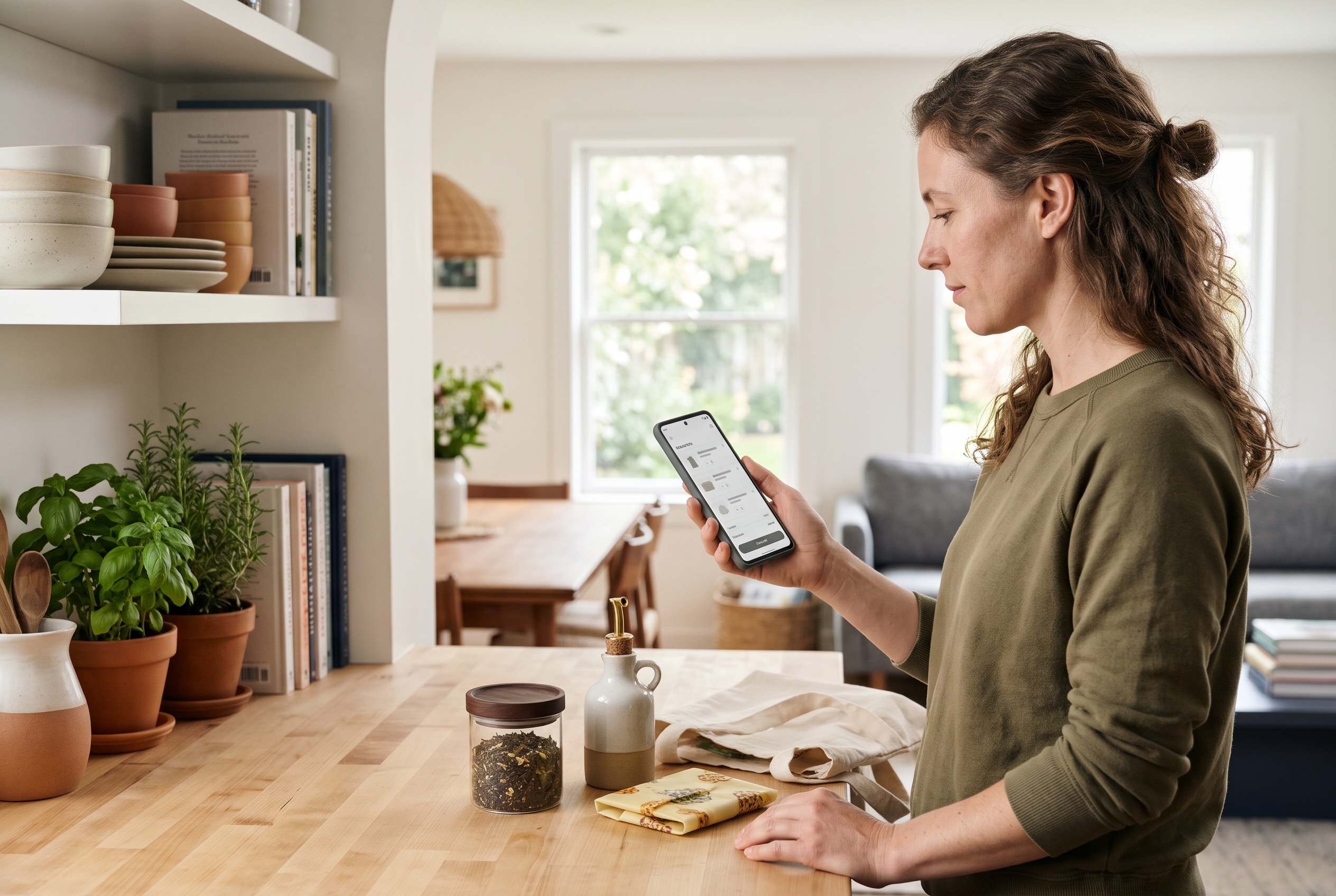
Using a Free Shipping Progress Bar to Increase AOV
A free shipping progress bar is a small message in the cart or header showing how much more a shopper must spend to unlock free delivery. It turns an invisible rule into a visible game, and it's one of the simplest ways to increase AOV in ecommerce.
Without a bar, many shoppers don't notice the threshold until checkout, when it's too late to browse. With one, the gap is visible from the first product they add. "You're $14 away from free shipping" works better than a static banner because the number is specific to them.
Where to put it and what to say
- Cart drawer or cart page: the highest-impact placement, since this is where decisions about adding more get made.
- Site header or announcement bar: a static line like "Free shipping over $75" sets the expectation early.
- Product pages: show the bar after add-to-cart so shoppers know what's next.
- Recommendations below the bar: show products priced near the remaining gap. A $9 add-on beside "$9 to go" converts well.
Keep the copy plain. Show the remaining amount, a visual bar, and a clear success message once the threshold is hit. Don't add timers or fake urgency. Shoppers see through it, and it hurts trust.
Most platforms charge extra for this. On Shopify, for instance, a progress bar typically means installing a paid app on top of your plan, one of the many pieces in a stack that Shopify's pricing doesn't include. Rovela ships it built in, alongside 100+ other features, so you switch it on and set your number. If you're weighing platforms for this reason, our roundup of Shopify alternatives shows what's included where.
Common Free Shipping Threshold Mistakes (and How to Avoid Them)
The most common mistakes are setting the threshold below AOV, ignoring product weight, hiding the rule until checkout, and never retesting. Each one quietly costs margin or conversions.
- Setting it below your AOV. If your average order is $60 and the threshold is $50, most customers already qualify. You've just cut your own revenue per order for nothing.
- Setting it too high. A threshold 60% above AOV feels unreachable. Shoppers give up and pay shipping, or leave.
- Ignoring bulky items. A $50 order of dumbbells can cost $25 to ship. Exclude heavy products or use a separate rule.
- Forgetting returns. If you offer free returns too, your real cost per order is higher. Fold that into the shipping cost input of your calculation.
- Not testing. Your first number is a guess. Test two or three thresholds, each for at least two weeks, and compare profit per visitor rather than conversion rate alone.
- Treating it as permanent. Carrier rates rise and product mixes shift. Review it every quarter. Most major carriers, including UPS, adjust rates annually.
How do you know it's working?
Look at four numbers before and after: AOV, orders per week, shipping cost as a percentage of revenue, and gross profit per order. If AOV rises, order volume holds, and shipping cost percentage stays flat or drops, the threshold is paying for itself. If volume drops sharply, the bar is too high.
For deeper ideas beyond shipping, our overview on AI in ecommerce covers how stores use personalization to push baskets up without discounting.
Frequently Asked Questions About Free Shipping Thresholds
What is a good free shipping threshold?
A good threshold is typically 15-30% above your current AOV, as long as it also clears your profit floor. For a store with a $60 AOV, that means roughly $70-$80.
Should I offer free shipping on all orders?
Only if your margins and AOV are high enough to absorb the cost, or you can bake shipping into product prices. For most small stores, a threshold protects profit better than blanket free shipping.
Does free shipping really increase average order value?
It can, when the threshold sits just above typical cart values and add-on products are available. The effect comes from shoppers topping up their cart to avoid paying shipping. The size of the gain varies, so measure it in your own store.
Can I change my threshold later?
Yes, and you should. Review it quarterly, and any time carrier rates, product costs or your catalog change meaningfully.
Put Your Free Shipping Threshold to Work
The formula is short: know your AOV, know your real shipping cost, calculate your floor, set the bar 15-30% above AOV, show it with a progress bar, and test. A free shipping threshold isn't a discount. It's a cart-building tool that pays for itself when the math is right.
If you'd rather not stitch together apps to make this work, Rovela builds complete stores from a plain-language conversation, with a free shipping progress bar, abandoned cart recovery and Stripe checkout included in one flat subscription. You can see how it works on the Rovela homepage or check the pricing page for what's included.