
June 12, 2026
How to Sell Online for Free: A Practical Guide
You can sell online for free if you know where to start. Here's how to launch with no upfront cost — and what to watch for as you scale.

You don't need a budget to start selling. You can sell online for free today using marketplaces, social platforms, and free-tier store builders — and plenty of merchants have turned a $0 start into a real business. The catch is that "free" comes in different shapes, and some of those shapes get expensive fast once you're actually moving product. This guide walks through every legitimate free way to sell online, how to set each one up, and how to spot the hidden costs before they eat your margin.

What "sell online for free" actually means
Free selling falls into three buckets: marketplaces that charge you only when you sell, social platforms that cost nothing to post on, and store builders with a free tier or trial. None of them are free forever in every sense — but all of them let you start selling online free without putting money down first.
The honest framing matters. A marketplace might charge zero to list but take 15% of every sale. A free store builder might cost nothing to set up but cap your features until you upgrade. Knowing which trade-off you're making is the difference between a smart start and a slow leak.
Here's the quick comparison most guides skip:
| Free channel | Upfront cost | The real cost later |
|---|---|---|
| Marketplaces (Etsy, eBay) | $0 to start | 6–15% per sale + listing fees |
| Social selling (Instagram, TikTok) | $0 | Your time, no owned customer data |
| Facebook Marketplace | $0 | Local only, low trust signals |
| Free store builder tiers | $0 | Feature caps, transaction fees, ads on your site |
If your goal is to sell products online free as a test before committing real money, all four work. If you're building something to last, read on — because the cheapest start isn't always the cheapest path.
How to sell online for free using marketplaces
Marketplaces are the fastest answer to how to sell online for free because the audience is already there. You're not building traffic from scratch — you're borrowing it. The trade-off is fees and the fact that the customer belongs to the platform, not to you.
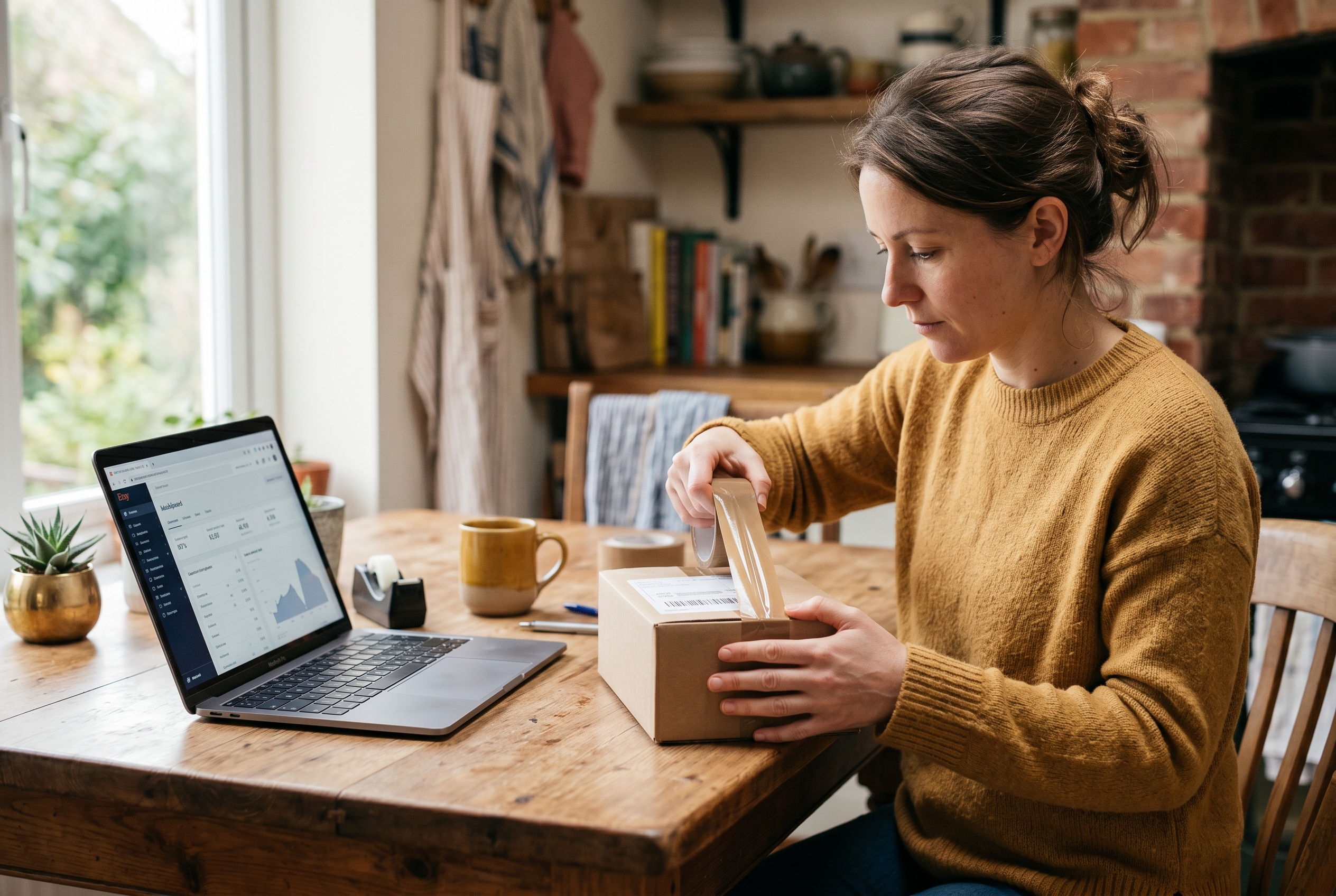
Etsy, eBay, and Amazon basics
Etsy works well for handmade goods, vintage items, and craft supplies. There's no monthly fee to open a shop, though each listing costs a small amount and Etsy takes a transaction percentage on every sale. eBay gives you a set number of free listings per month and charges a final-value fee when something sells. Amazon's individual seller plan has no subscription but charges per item sold.
To launch on any of them:
- Create a seller account with your email and bank details for payouts.
- Photograph your products clearly — natural light, plain background, multiple angles.
- Write titles with the words buyers actually search for, not clever names.
- Price to cover the platform fee so your margin survives the sale.
- Publish, then respond to messages fast — speed drives ranking.
The catch with marketplaces
You don't own the relationship. When a customer buys from you on Etsy, they think they bought from Etsy. You can't easily email them, run a loyalty program, or build a brand they remember. And the fees stack — between listing fees, transaction fees, and payment processing, you can lose 15–20% of each sale before you've paid for materials.
That's fine for testing demand. It's a problem once you're doing volume, because every dollar of growth still carries that tax.
A free way to sell online through social platforms
If you already have an audience — or the patience to build one — social selling is a genuinely free way to sell online. Instagram, TikTok, Facebook, and Pinterest all let you post products at no cost, and several offer built-in shopping features that connect to a checkout.

Social selling rewards consistency over budget. A maker who posts the process behind their product three times a week will out-earn someone who paid for ads but never showed their face. The content is the storefront.
Practical ways to start:
- Instagram and Facebook Shops — tag products in posts and stories so people can tap straight to buy.
- TikTok — short demos and behind-the-scenes clips that show the product in use, not just a static photo.
- Pinterest — long-life pins that keep driving traffic months after you post, useful for home, fashion, and craft niches.
- WhatsApp or DMs — for early sales, taking orders directly through chat costs nothing and feels personal.
The limitation is the same as marketplaces: the platform owns the audience. An algorithm change can wipe your reach overnight. Social is a brilliant free online selling platform for discovery, but pair it with somewhere you control — your own store, an email list — so a single update can't sink you.
How to create a store for free with a builder
Free store builders let you create a store for free with your own web address, your own branding, and a checkout you control. This is the closest thing to owning your business while still spending nothing upfront. The trade-off shows up in feature caps and fees.
Most free tiers limit something: the number of products, the payment options, the design control, or they slap the platform's branding on your pages. Some charge transaction fees on top — meaning a "free" plan still skims a cut of every order. Read the fee schedule before you fall in love with the editor.
What to check before you commit
A truly no upfront cost online store should still let you actually sell. Run through this checklist:
- Transaction fees — does the free plan add a percentage on top of normal payment processing?
- Essential features — can you recover abandoned carts, collect reviews, and run a wishlist, or are those paid add-ons?
- Custom domain — can you use your own .com, or are you stuck on a subdomain that looks unprofessional?
- Speed — does the free site load fast on mobile? Slow stores lose sales and rank poorly.
- Ownership — if you leave, do you keep your customers and content, or does it all stay locked in?
Traditional platforms make this harder than it looks. On Shopify, for example, the base plan starts at $39/month and most merchants add several paid apps to get features like abandoned cart recovery — features that aren't included by default. The free trial gets you started, but the monthly cost arrives quickly. WooCommerce is free as software, yet you pay for hosting, plugins, and the maintenance time to keep it from breaking.
When "free" stops being free — and what to do
Every free route has a ceiling. Marketplace fees eat your margin at scale. Social reach disappears when the algorithm shifts. Free builder tiers cap exactly the features that drive repeat revenue. The smart play is knowing when you've outgrown free and moving before it costs you sales.
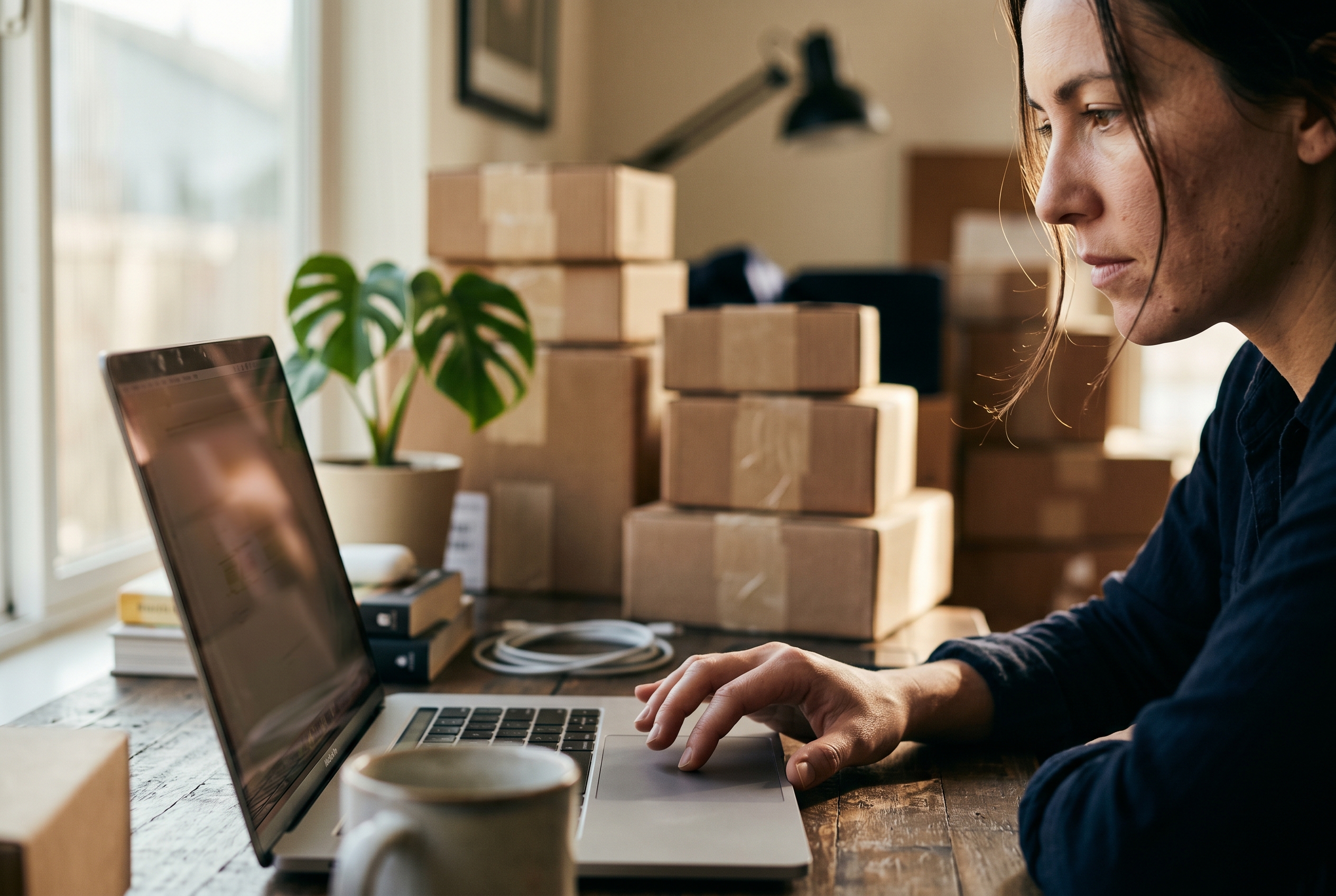
The signs you've outgrown free selling:
- You're paying more in marketplace fees each month than a flat store subscription would cost.
- You can't email past buyers because the platform won't give you their contacts.
- Customers ask for features — saved carts, loyalty points, reviews — that your free tier locks behind an upgrade.
- Your storefront looks like everyone else's because you can't customize it.
The good news: the data is on your side. Global e-commerce is heading toward roughly $7 trillion in annual sales, and the share of retail happening online climbs every single year. There's room to grow — the question is whether your selling setup can grow with you.
When you're ready for a store you own, look for a flat subscription with no commission on sales — a setup where you sell online no monthly fee surprises and no per-app billing. That's the difference between a tool that taxes your growth and one that backs it. Rovela, for instance, includes more than 100 features by default — abandoned cart, wishlist, loyalty, reviews, analytics — on a single subscription with no commission on your sales, and the store runs on standard code you can download and own.
Your step-by-step plan to start selling online free
Here's the sequence that's worked for thousands of merchants who started with nothing:
- Validate first. List on a marketplace or post on social to confirm people will actually pay. Don't build before you've sold one thing.
- Photograph well. Good photos cost nothing but a window and a phone, and they convert better than any paid ad.
- Collect contacts early. Even on free channels, capture emails or phone numbers however you can — that audience is yours forever.
- Reinvest the first dollars. When sales come, put them toward a store you control rather than more marketplace fees.
- Move before fees hurt. The moment platform cuts exceed what a flat plan would cost, migrate.
You can compare what an owned store actually costs against the fee-per-sale model on most platforms' pricing pages — run the math on your real order volume, not the headline number.
The bottom line on selling online for free
Starting for free is the right move. Marketplaces, social platforms, and free builder tiers all let you test an idea and make your first sales without risking money you don't have yet. Use them — they're real, they work, and they remove every excuse not to start.
Just go in clear-eyed. Free usually means you're trading either money, control, or your customer relationship for a $0 entry point. Once you've proven demand, the path to real profit runs through a store you own, with the features that drive repeat sales built in and no commission skimming your growth.
If you've outgrown free tiers and want a complete store — storefront, checkout, and 100+ features on one flat plan with no sales commission — see how Rovela builds your store from a plain-language conversation, or browse the blog for more guides on launching and scaling. Start free, then build something you keep.
