
July 7, 2026
Restaurant Online Store Builder: The 2026 Guide
Compare the best restaurant online store builder options for 2026. Online ordering, catering, and menus that convert — without paying for a dozen plugins.

If you run a kitchen, a bakery, a ghost brand, or a catering operation, the fastest way to lose money in 2026 isn't food waste — it's paying a third-party delivery app a 30% cut on every order. A good restaurant online store builder puts ordering, payments, and your menu on a site you actually own, so the margin stays in your pocket. The trouble is that most tools weren't designed for food. They were built for t-shirts and phone cases, then bolted onto restaurants with paid add-ons. This guide walks through what a restaurant site really needs, compares the main options, and gives you a clear recommendation.

What a restaurant online store builder actually needs to do
Selling food online is not the same as selling a static product. Your menu changes. Items sell out. Some things are pickup-only, some deliver, some need a lead time. A generic store template ignores all of that, which is why so many restaurant sites feel clunky the moment a customer tries to order.
Before you compare platforms, get clear on the jobs the site has to handle. A capable restaurant ecommerce website builder should cover:
- Live menu management — update prices, mark items sold out, add specials without calling a developer
- Order types — pickup, delivery, dine-in pre-order, and catering, each with its own rules
- Time and date scheduling — customers pick a slot; you control the windows
- Modifiers and options — no onions, extra cheese, choose your side, spice level
- Real checkout — card payments that settle to your bank, not a middleman's
- Order notifications — the kitchen and the customer both know what's happening
Miss any of these and you'll end up patching the gap with a paid app or a manual workaround. That's where the real cost of a cheap platform shows up — not in the monthly base fee, but in everything you have to buy to make it usable.
Why food ordering website builder options fall short
Most merchants start by searching for a generic food ordering website builder and land on the same handful of names. They're fine platforms in general. They just weren't designed with a restaurant in mind, and that shows up in the total bill.

The delivery apps (DoorDash, Uber Eats, Grubhub)
Convenient reach, brutal economics. Commission rates commonly run 15–30% per order, and you don't own the customer relationship — the platform does. The U.S. Federal Trade Commission and multiple state legislatures have documented these fees closely enough that several cities capped delivery commissions during the pandemic; you can read the ongoing coverage at Nation's Restaurant News' delivery section. Those fees are the single biggest reason margins on delivery evaporate. Great for discovery, terrible as your only channel.
Shopify and generic ecommerce platforms
Shopify is built for retail products, not plates of food. To turn it into a real restaurant website with online ordering, you're stacking paid apps for scheduling, local delivery, and menu modifiers on top of a base plan that starts around $39/month (see Shopify's pricing). The average Shopify store runs six apps. For a restaurant, that number climbs fast — and each one adds cost, load time, and one more thing that can break during Friday dinner rush.
Website builders (Wix, Squarespace)
Cheaper to start, weaker where it counts. Ordering features are often limited or paywalled, time-slot scheduling is thin, and catering workflows barely exist. You get a pretty page and a fragile ordering flow. Fine for a small pickup menu; painful once volume grows. Both now offer AI site generators (Wix ADI and Squarespace's Blueprint AI), but those tools design the page layout — they don't build a food-aware ordering engine underneath, so you still bolt on the same ordering apps afterward.
Comparing the main options for building a restaurant online store
Here's how the common paths stack up when you're trying to build a restaurant online store that handles ordering, catering, and payments without a plugin graveyard. The final column is a simple 1–10 score weighing total cost of ownership, ordering depth, and how much you actually own at the end.
| Option | Typical monthly cost | Order commission | Ordering built in? | Catering support | You own the code? | Score /10 |
|---|---|---|---|---|---|---|
| Delivery apps | $0 base | 15–30% per order | Yes | Weak | No | 4 |
| Shopify + apps | $39–$399 + $50–$200 apps | 0.5–2% + fees | Via paid apps | Add-on only | No | 6 |
| WooCommerce | $30–$100 + plugins + dev | None built in | Via plugins | Via plugins | Yes (self-hosted) | 6 |
| Wix / Squarespace | $17–$399 | Varies | Limited | Very limited | No | 5 |
| Rovela | Single flat fee | None | Included | Included | Yes (Next.js export) | 9 |
Two numbers matter more than any feature list: commission and total plugin cost. A platform with a low base price but a per-order cut or a $150/month app stack quietly costs you more than a flat subscription with everything built in. Do the math before you sign anything — and below, we actually do it.
Run the numbers: 500 orders a month
Say your average ticket is $35 and you push 500 online orders a month — a modest lunch-plus-dinner volume for a single busy location. That's $17,500 in monthly online revenue. Here's what each path actually costs you:
- Delivery app at 25% commission: $4,375/month gone to the platform. Over a year, that's $52,500 — before you've paid for a single ingredient.
- Shopify + apps: ~$79 base plan + ~$150 in ordering, scheduling, and catering apps + roughly 2.4% + $0.30 in processing on $17,500 (~$570). Call it ~$800/month, most of it in fees you can't opt out of.
- Flat-fee owned platform (e.g., Rovela): one subscription, no per-order cut. Processing still applies through Stripe (~$570), but the platform itself doesn't take a slice. You keep the difference — thousands per month versus the delivery-app route.
The gap between $4,375 and a flat fee is the whole argument. At this volume, moving even half your delivery-app orders onto a site you own pays for the platform many times over in the first month.
What to prioritize when you compare
- Zero commission on your own orders — you already pay for the site; don't pay again per sale
- Everything included — a real menu ordering website shouldn't need five plugins to function
- Speed under load — a slow site during dinner service is lost revenue, full stop
- You own the code — if you outgrow the tool, you can leave without rebuilding from scratch
- Easy edits — you should update a price or add a special yourself, in seconds
Matching the platform to your restaurant type
The right pick shifts depending on how you actually operate:
- Ghost kitchens live and die by margin because they have no dine-in revenue to cushion delivery fees. A flat-fee site with direct ordering is close to non-negotiable — every 25% commission dollar comes straight off a thin virtual-brand P&L. Multi-brand ghost kitchens also need one platform that can run several menus and storefronts without paying per brand.
- Bakeries lean on pre-orders and pickup windows: custom cakes with a 72-hour lead time, holiday boxes that sell out, and morning pickup slots that need caps so the counter doesn't get slammed. Lead-time enforcement and inventory-per-slot matter more than delivery routing.
- Full-service restaurants want dine-in pre-order and a clean pickup flow alongside a delivery option they control, plus modifiers deep enough to handle a real menu.
- Catering-heavy operations need quotes, minimums, headcounts, and invoicing — a different order type entirely, covered below.
How AI is changing the restaurant ecommerce website builder
The biggest shift over the past year is that you no longer need to assemble a store yourself. Instead of picking a template, installing apps, and wiring up a payment processor, you describe your restaurant in plain language and get a working site back. That's the model behind an AI-first approach like Rovela, which was built by operators who ran $15M+ in real e-commerce GMV and the team behind PrestaShop's 400,000+ merchants.
It's worth being clear about how this differs from the AI features you'll see advertised on general builders. Wix ADI and Squarespace's AI tools are layout generators — they assemble a good-looking page from your answers, then leave you to add ordering, scheduling, and payments through third-party apps. An AI-first commerce builder generates the working store itself: the ordering engine, the checkout, the catering flow, and the automations are the output, not a template you decorate afterward. That's the practical line between "AI wrote my homepage" and "AI built my restaurant's ordering system."
The practical difference for a restaurant is speed and inclusion. Instead of researching which scheduling app plays nicely with which delivery plugin, you get abandoned-cart recovery, loyalty, reviews, customer Q&A, marketing automations, and Stripe checkout in the box — over 100 features that would otherwise be a monthly app bill. In Rovela's own merchant benchmarks, stores that consolidated their plugin stack onto the platform reported figures in the range of +15% revenue and +22% margins, with $5,000+ a year saved on platform and plugin costs — largely because those savings mirror the delivery-commission and app-stack math laid out above. Treat these as directional platform figures rather than a guarantee; your numbers depend on your order volume and current fee load.
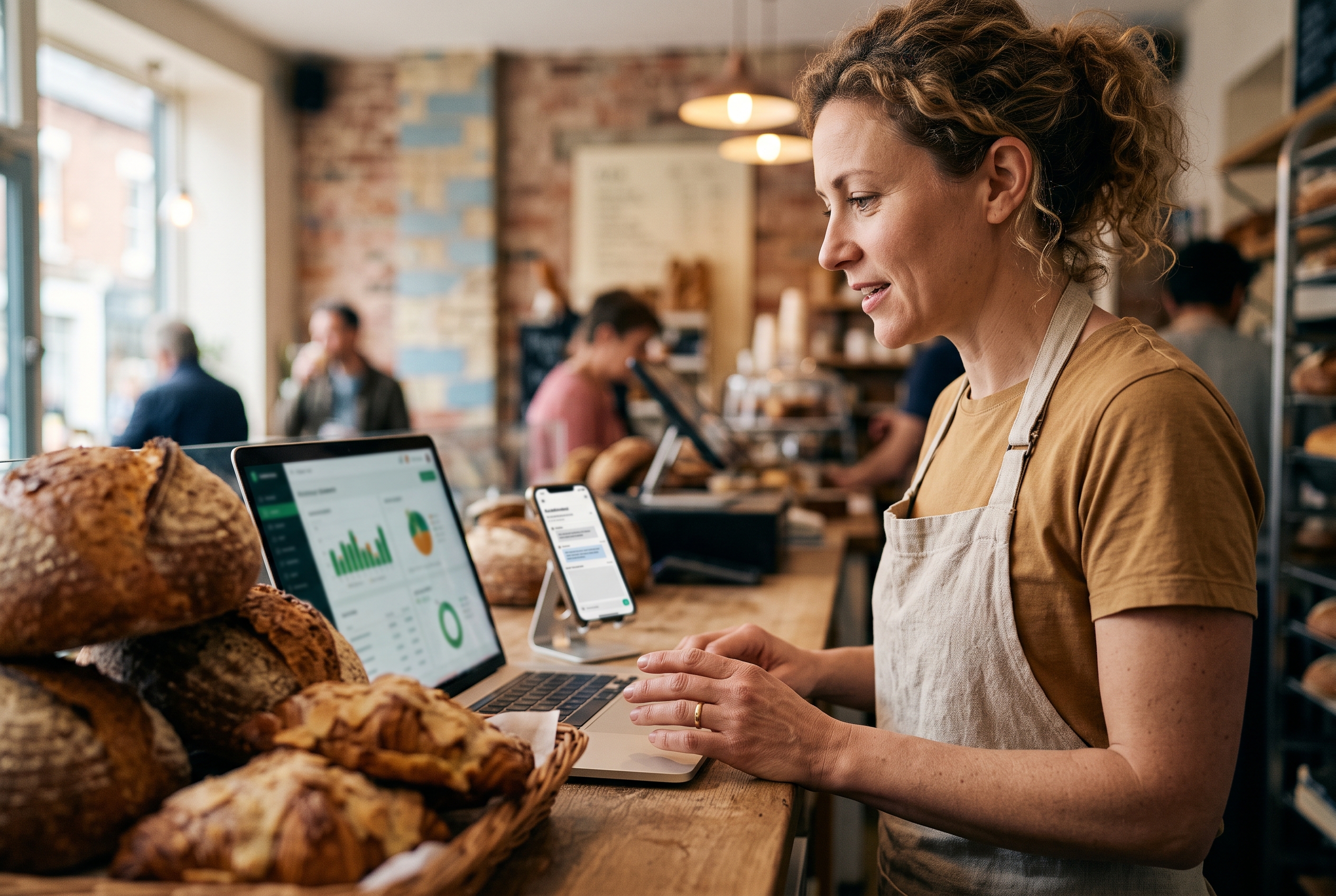
It also removes the developer bottleneck. Want to add a weekend catering menu with a 48-hour lead time? You ask for it in a chat and the site updates. That matters for a business where the menu is never static. And because these stores run on standard Next.js code you can download and own, you're never locked in — any developer can take over if you want to bring the work in-house later. If you're weighing the running cost, the Rovela pricing page lays out a single flat monthly fee — the same rate whether you push 50 orders or 5,000 — with no per-order commission and no metered app add-ons.
Do you need a catering website builder too?
If catering is more than 10% of your revenue, yes — and it's usually the most neglected part of a restaurant site. Catering orders behave differently from a single burrito: larger baskets, quotes, lead times, headcounts, delivery windows, and sometimes an invoice instead of instant card payment.
A proper catering website builder handles inquiry-to-order without forcing everything through the same checkout as a lunch pickup. Look for lead-time enforcement, minimum order values, and the ability to collect event details up front. Many restaurants lose catering business simply because the site makes people call, and people don't call anymore — they abandon and order elsewhere. For a deeper walkthrough of the specific workflows involved, our guides on the Rovela blog cover catering order types, deposits, and lead-time rules in more detail.
Whatever you choose, treat catering as a first-class order type from day one. Bolting it on later almost always means another plugin or another workaround. The whole point of a modern online ordering website for restaurants is that these workflows come standard instead of costing extra.
The bottom line: which restaurant online store builder wins
There's no single right answer for every kitchen, but the pattern is clear. If discovery is your only goal, keep a delivery-app presence — just don't let it be your whole business. If you want a site you own, where the margin stays yours, the deciding factors are commission and total cost, not the sticker price on a base plan. Run the 500-order math for your own average ticket and the winner usually picks itself.
For most independent restaurants, cafes, bakeries, ghost kitchens, and catering operations, the winning setup is a flat-fee platform with ordering, scheduling, catering, and payments built in — no per-order cut and no plugin stack to babysit. That's exactly the gap an operator-built restaurant online store builder like Rovela is designed to close: describe your restaurant, get a complete site with a real ordering flow in hours, and keep every dollar the delivery apps used to take.
If you're ready to stop renting your storefront from a delivery app, start by building a store you actually own, compare the numbers on the pricing page, or read more comparisons and playbooks on the Rovela blog. Your menu, your customers, your margin.
