
May 2, 2026
Restaurant Online Store: Build One That Actually Sells
Launch a restaurant online store with ordering, payments, and delivery built in. Compare platforms, real costs, and features to pick the right fit.
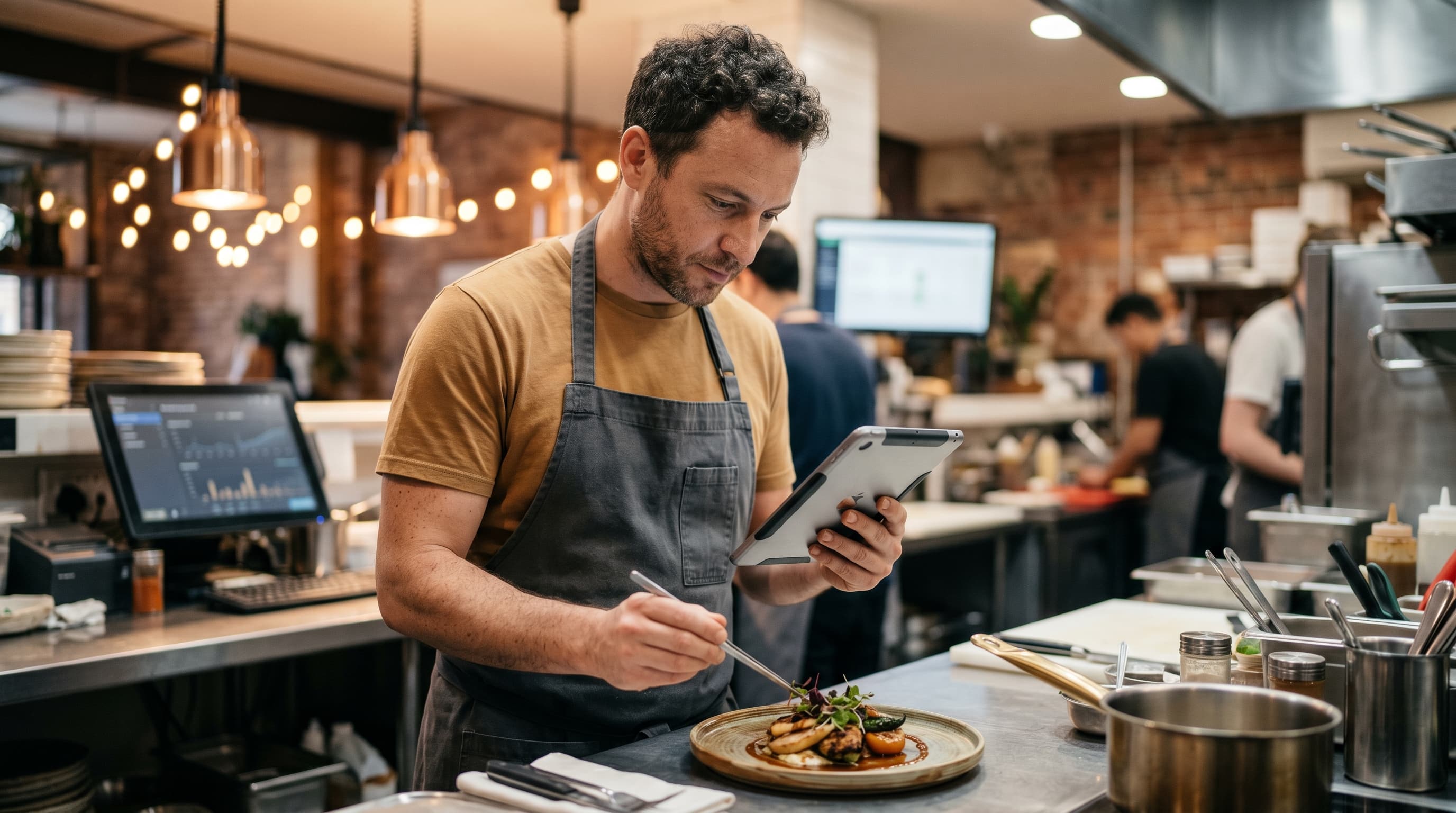
A restaurant online store isn't a luxury anymore — it's where most of your repeat customers expect to find you. Whether you run a single-location bistro, a ghost kitchen, a bakery shipping nationwide, or a specialty food brand selling sauces and meal kits, the question isn't if you need an ordering site. It's which restaurant online store setup will actually pay for itself instead of bleeding fees, plugins, and weekend developer hours.
This guide breaks down what a modern food business online store really needs, what the leading options cost when you add up the true bill, and how to choose between a website builder, a marketplace, and an AI-generated storefront. By the end, you'll know exactly which path fits your menu, your margins, and your patience for tech.
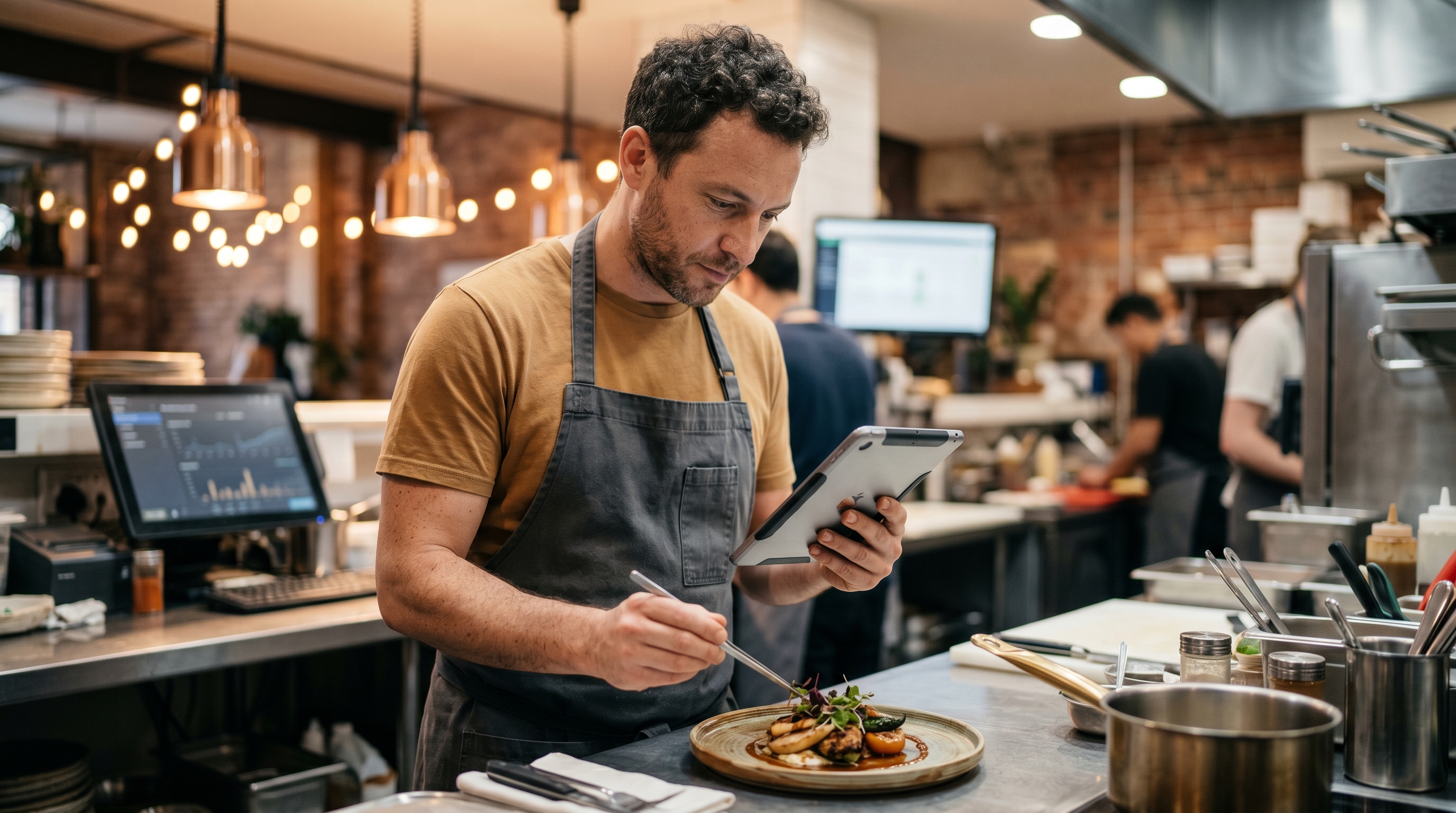
What a Modern Restaurant Online Store Actually Needs
A restaurant online store is more than a digital menu with a "Call to Order" button. To compete with DoorDash, Uber Eats, and the local pizzeria down the street, your site needs to handle the full ordering flow without sending customers to a third party that takes 25-30% of every ticket.
Here's the non-negotiable feature list for any serious restaurant ecommerce setup:
- Menu management with modifiers — sizes, toppings, dietary tags, allergen flags, daily specials
- Online ordering for restaurants with pickup, delivery, and scheduled order windows
- Real payments — Apple Pay, Google Pay, cards, and tipping at checkout
- Inventory and 86-ing so sold-out items disappear automatically
- Customer accounts for repeat orders and loyalty
- Mobile-first design — Statista's restaurant data shows roughly 70% of food delivery orders now happen on smartphones
- Email and SMS receipts plus order status updates
- Tax and tip handling that matches your local rules
If your current restaurant website builder with ordering can't do all of this without bolting on three plugins, you're already losing money to friction.
The Real Cost of a Food Business Online Store
Most restaurant owners get sticker-shocked twice. First when they see the platform price. Then again six months in, when add-on apps, payment surcharges, and developer fees stack up.
Here's what a typical food ecommerce website actually costs across the most common options:
| Option | Monthly Cost | Hidden Costs | Time to Launch |
|---|---|---|---|
| DoorDash / Uber Eats only | $0 upfront | 25-30% per order | 1-2 weeks |
| Shopify + ordering apps | $39-$399 | $120+/mo apps, transaction fees | 2-6 weeks |
| WooCommerce + plugins | $20-$200 | Developer retainer, security, hosting | 4-12 weeks |
| Square Online | $0-$72 | Higher per-transaction fees, limited customization | 1-2 weeks |
| AI-generated store (Rovela) | $29-$99 | None — payments, hosting, admin included | Under 10 minutes |
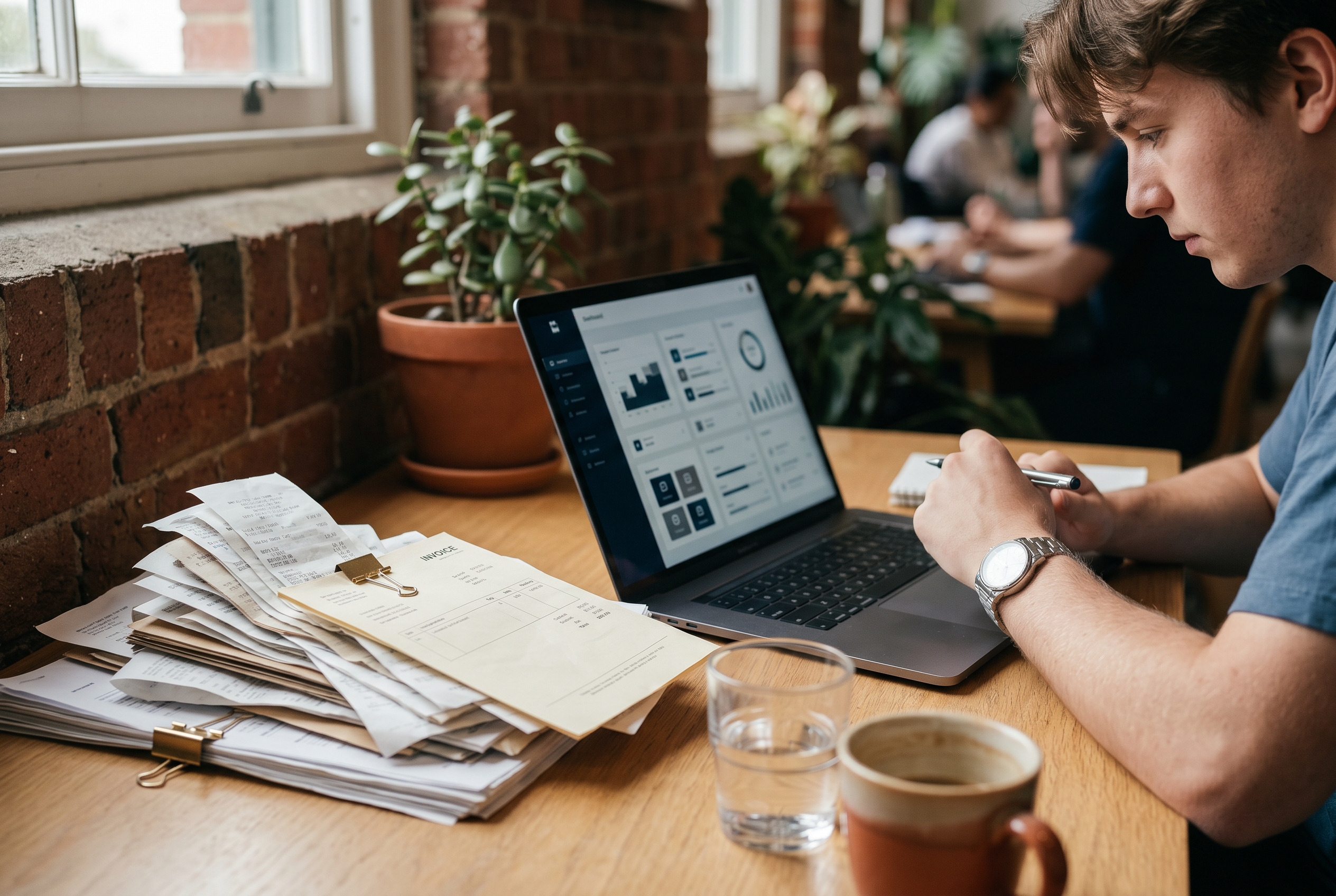
The marketplace path looks cheap until you realize a $40 ticket nets you $28 after commissions. The Shopify path looks reasonable until you've installed apps for menu modifiers, delivery zones, scheduled ordering, and SMS — each one $15-$40/month. Littledata's Shopify benchmarks peg average app spend at roughly $100-$120/month per merchant, and food businesses typically run higher because the stack is so specialized.
For a real-world reference point: Tender Greens publicly reported that shifting catering and group orders onto its own direct-ordering site lifted average order value above $200 — versus roughly $25-$35 on third-party delivery apps. Independent operators like Brooklyn-based Emmy's Organics have reported similar margin recovery after moving repeat customers off marketplaces and onto a direct online store.
Marketplace vs. Your Own Restaurant Online Ordering Website
This is the strategic question every food operator faces. Should you live on third-party apps, or own the customer relationship?
The case for marketplaces
Discovery is real. DoorDash and Uber Eats bring hungry users with intent. If you're new and unknown, marketplaces are a paid acquisition channel — expensive, but they work.
The case for your own restaurant online ordering website
Margin and ownership. Every order you process direct keeps the 25-30% commission in your pocket. You own the customer email, you control the brand experience, and you can run loyalty, upsells, and catering on your terms. Toast's annual Restaurant Trends Report consistently shows direct ordering produces higher average tickets and stronger repeat behavior — with direct digital orders averaging 20-30% larger than third-party tickets at the same restaurants.
The honest answer: a migration playbook
Use both — but treat marketplaces as a top-of-funnel channel, not a destination. The operators who win run a deliberate marketplace-to-direct migration:
- Bag insert with a one-time code. Every DoorDash order goes out with a printed card offering 15% off the next order placed direct. A QR code links straight to your menu. Operators like MrBeast Burger and Wow Bao have used variations of this to convert marketplace customers at 8-12% rates.
- SMS recapture. The first time a customer orders direct, capture their phone number. A single "your order's ready" text plus a follow-up offer 7 days later typically drives 15-25% repeat rates within 30 days.
- Loyalty and catering as the moat. Marketplaces don't run loyalty programs for you, and they don't handle catering well. Both are exclusive reasons for a customer to come back to your site.
The goal isn't to abandon marketplaces — it's to make sure your highest-LTV customers eventually live in a database you own.
How to Choose a Restaurant Website Builder With Ordering
Most "restaurant website builders" fall into one of three buckets. Each has trade-offs worth understanding before you commit a credit card.
Drag-and-drop builders (Wix, Squarespace, Square Online)
Fastest to launch and cheapest to start. The catch: ordering features are often limited, modifier logic is clunky, and design freedom is capped by templates. Fine for a small café with five menu items. Painful for a multi-location operation. Square Online, for example, caps modifier groups in ways that frustrate any kitchen running build-your-own bowls or pizzas.
Full e-commerce platforms (Shopify, BigCommerce)
Powerful, but built for retail products — not menus. You'll need ordering apps, delivery zone apps, and modifier apps to make it work for food. Costs add up fast and the merchant experience gets fragmented across five different vendor dashboards. Shopify's strength shows up when you sell shippable food products (sauces, coffee, frozen meals) — not when you need same-day local fulfillment.
Restaurant-specific platforms (Toast, ChowNow, BentoBox)
Built for the use case. Strong on ordering, POS integration, and food-specific features. Trade-off: pricing is opaque, contracts can be long (Toast typically requires 2-3 year commitments), and design flexibility is limited compared to general-purpose builders. ChowNow charges a flat monthly fee instead of commission, which works well for high-volume restaurants but penalizes smaller operators.
AI-generated storefronts
The newest category. You describe your restaurant in plain language — your concept, menu, style, delivery setup — and the AI builds a complete, payment-ready food store builder around your business. No templates to wrestle with, no apps to install. This is what Rovela does, and it's particularly well-suited to food brands that ship nationally, ghost kitchens, and specialty product lines like sauces, baked goods, or meal kits. For a side-by-side breakdown of how AI generation compares to traditional builders, see our AI website builder vs. Shopify comparison.
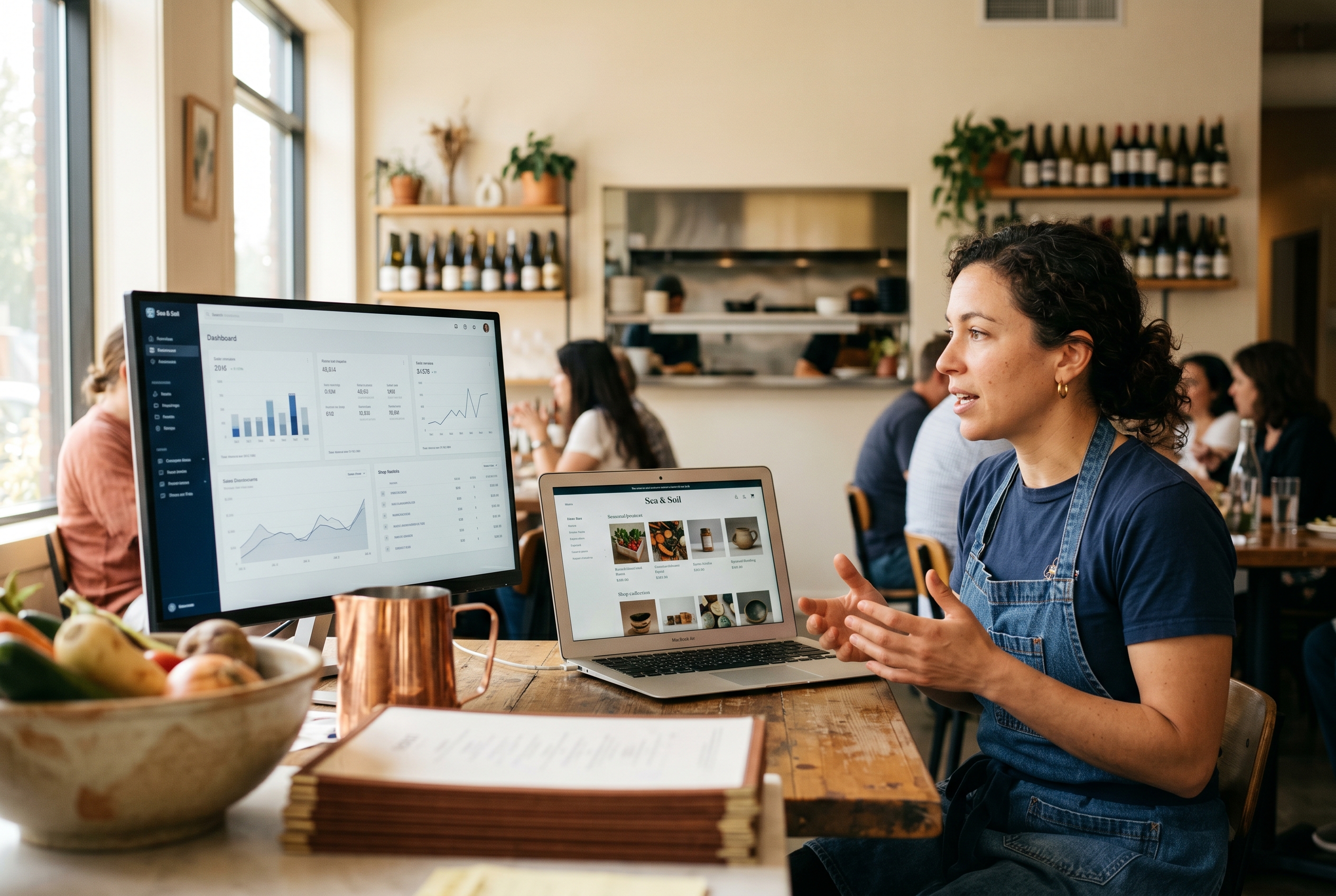
What Sells Best on a Food Ecommerce Website
Not every restaurant should run the same online playbook. The format that prints money depends on what you sell and how you fulfill it. Here's what the numbers actually look like across categories, drawn from published industry benchmarks:
- Local prepared meals — average ticket $25-$40, repeat rate 30-45% within 60 days for direct ordering. Win with speed and reliability inside a 5-mile radius.
- Catering and group orders — average tickets of $200-$2,000, with gross margins often 10-15 points higher than à la carte service because labor is concentrated. Toast data shows catering can represent 15-30% of revenue for restaurants that actively market it.
- Meal kits and subscriptions — recurring revenue, predictable inventory, shippable nationally. Subscription food businesses typically see 60-70% month-2 retention when onboarding includes a meaningful first-order discount.
- Specialty food products — sauces, spice blends, baked goods, frozen items. Margins of 50-65% are common, versus 8-15% on dine-in. Momofuku Goods is the canonical example — what started as a restaurant brand now runs a national CPG line through its own ecommerce site.
- Gift cards and merch — pure margin (often 90%+ on gift cards until redeemed), no kitchen labor, perfect for the holiday push. Restaurants that promote gift cards in November-December routinely book 5-10% of annual revenue in a 6-week window.
If you're only running one of these channels, you're leaving money on the counter. The best restaurant online store setups make all five available from a single menu and a single checkout.
A Practical Launch Checklist
Before you go live, walk through this list. It's the difference between a soft launch that builds momentum and a quiet launch nobody notices.
- Photograph your hero items. Phone photos are fine if the lighting is good. Bad photos kill conversion faster than anything else.
- Write menu descriptions that sell. Two sentences per item. Hero ingredient, flavor profile, why you make it that way.
- Set realistic prep times. Under-promising and over-delivering keeps reviews high.
- Connect Stripe or your payment processor and run a $1 test order end-to-end.
- Print QR codes for tables, takeout bags, and delivery boxes so every customer can re-order in two taps.
- Set up an email capture at checkout and send a thank-you with a small discount on order #2.
- Tell your existing customers. Email list, Instagram, in-store signage. Your warmest audience is the cheapest acquisition you'll ever get.
For a deeper breakdown of what working store launches look like, our food brand ecommerce case studies walk through real examples across bakeries, sauce makers, and ghost kitchens. Pricing for self-serve plans is on the Rovela pricing page if you want to compare directly.
Which Option Is Right for You
Here's the short version of how to choose:
- You run a small local café with a tight menu: Square Online or a restaurant-specific tool like ChowNow gets you live this week.
- You're on Shopify and the app bill is creeping past $200/month: It's time to evaluate consolidation. Either commit to a restaurant-native platform or move to an AI-generated store that bundles ordering, payments, and admin.
- You're launching a national food brand or specialty product line: Skip the templates. An AI-built food ecommerce website like Rovela ships you a production-ready store in minutes — including Stripe, customer accounts, and a real admin dashboard — without a developer.
- You want to test a ghost kitchen concept: AI generation lets you spin up, test, and iterate in days instead of months.
The food category is brutal on margins. Every dollar you spend on plugins, agencies, or platform fees is a dollar that doesn't go into ingredients, staff, or marketing. Pick the option that gets you to a working restaurant online ordering website with the smallest ongoing tax on your operations.
If you'd rather describe your restaurant in a few sentences and have a complete, payment-ready online store waiting for you in under ten minutes, that's exactly what Rovela was built for. Your menu, your brand, your direct customer relationships — live and selling, without the plugin pile.
