
July 4, 2026
Restaurant Menu Management Software: 2026 Buyer's Guide
Compare restaurant menu management software for 2026 — real costs, modifiers, hidden plugin fees, and how to manage your menu online without the app stack.
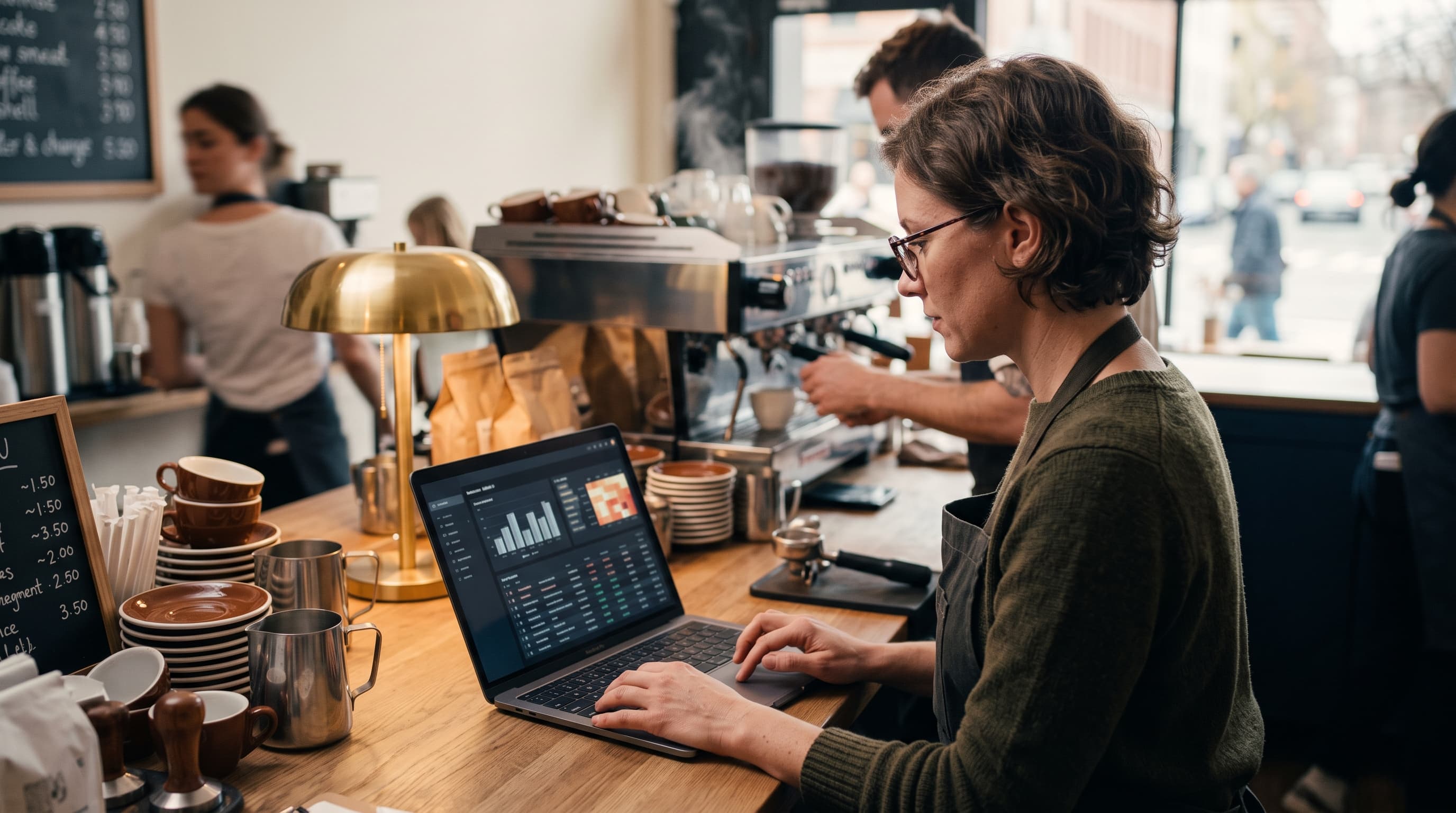
If updating your menu means emailing a developer, waiting three days, and paying for the privilege, you're using the wrong tools. The right restaurant menu management software lets you change a price, mark a dish sold out, or launch a seasonal special in the time it takes to pour a coffee. This guide breaks down what these tools actually do, what they cost, and how to pick one that grows your online orders instead of draining your afternoons.
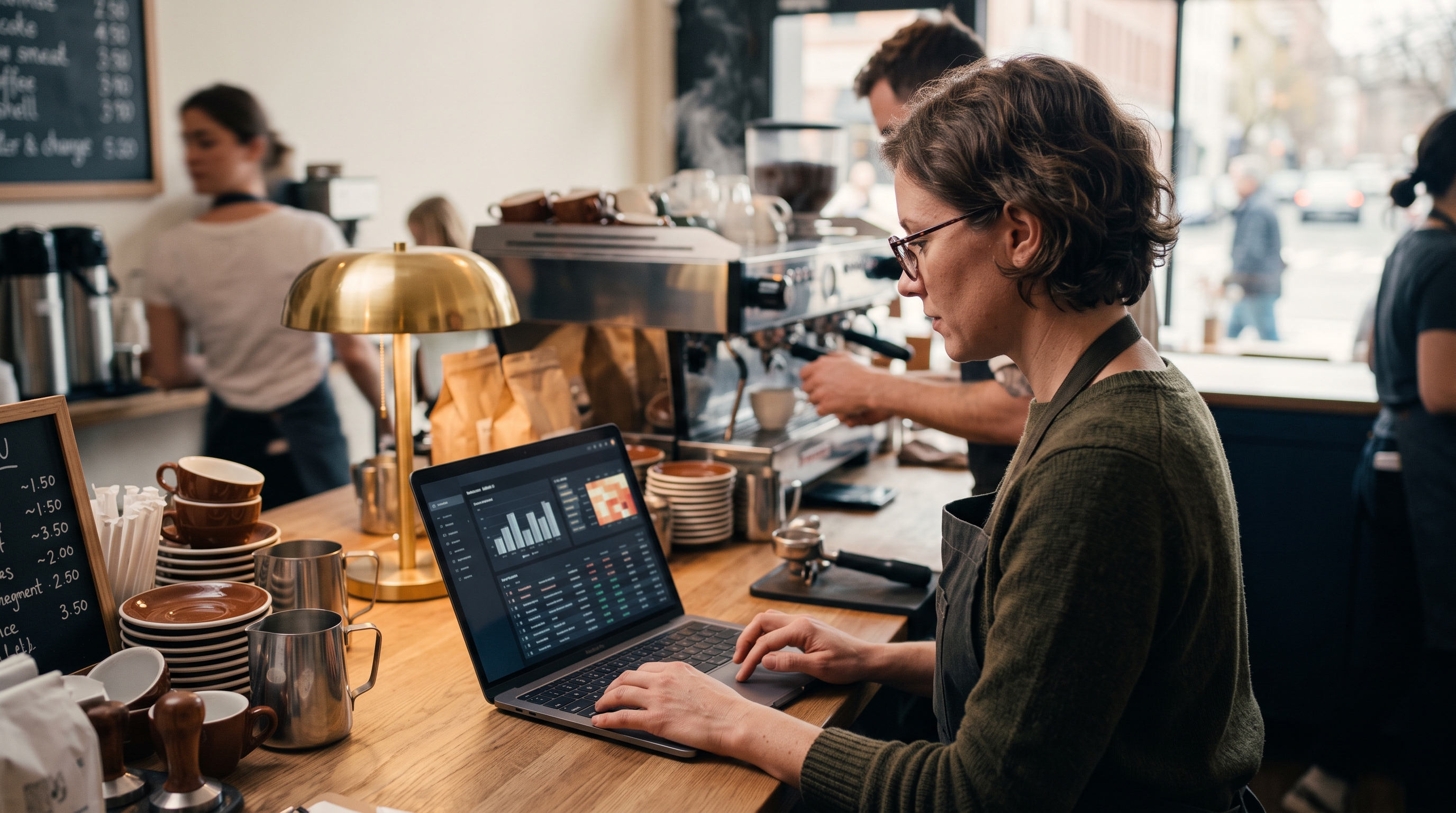
What restaurant menu management software actually does
At its core, this software gives you one place to control everything a customer sees when they browse your food online. Not a printed PDF stapled to your homepage. A living, editable digital restaurant menu that updates instantly across your website, ordering page, and any connected channels.
The good ones handle four jobs well:
- Item management — add, edit, reorder, and retire dishes without touching code.
- Pricing and availability — change prices, set happy-hour rates, and toggle sold-out items in real time.
- Modifiers and variants — let diners pick size, spice level, protein, or add-ons before they check out.
- Presentation — photos, descriptions, allergen tags, and categories that make food look worth ordering.
The difference between a menu that converts and one that doesn't often comes down to how well these four things work together. A dish photographed well with clear menu modifiers and options can lift average order value by double digits. A wall of gray text does the opposite.
The features that separate good tools from expensive ones
Every vendor claims to do menus. Few do the details that matter once you're taking real orders. Here's what to insist on before you pay for anything.

Menu modifiers and options that reflect real orders
Nobody orders a burger without deciding on cheese, doneness, and a side. If your restaurant menu builder can't capture that, your kitchen gets vague tickets and your customers get frustrated. Strong food item variants online store support means you can define required choices (pick a size), optional add-ons (extra bacon, +$2), and conditional rules (no fries with the salad combo). This is the single most underrated feature and the one cheap tools skimp on.
Real-time availability and 86ing dishes
When the kitchen runs out of salmon at 7pm, you need to pull it in one tap — not resubmit a support ticket. Look for one-click sold-out toggles and scheduled availability so lunch items disappear at 3pm automatically.
Photos, allergens, and structured data
A menu is a sales page. Every item deserves a photo, a short description, and allergen or dietary tags. Allergen labeling isn't just good practice — it's a legal expectation in many markets, and the U.S. FDA's guidance on major food allergens outlines what diners increasingly expect to see up front. Structured data also helps your dishes show up in Google search results, which is free traffic most restaurants ignore. If you want the mechanics, Google's own documentation explains how menu markup works.
One dashboard, not five plugins
The messiest setups stitch together a website builder, a separate ordering plugin, a payments add-on, and a menu app that all fight each other. Every plugin is another bill, another login, and another thing that breaks when one updates. The cleanest way to manage restaurant menu online is a single system where the menu, checkout, and admin live under one roof.
Comparing your real options in 2026
Most restaurants land on one of five approaches. Each has a cost you can see and a cost you can't. Here's an honest breakdown — including where each named platform genuinely shines and where it falls short for food service specifically.
| Approach | Typical monthly cost | Menu modifiers built in? | Main drawback |
|---|---|---|---|
| Shopify + menu/ordering apps | $39–$399 base + $50–$200 apps | No — needs paid apps | Plugin stack, app conflicts, slow pages |
| WooCommerce + plugins | $30–$100 hosting + plugins + dev | Partial — plugin-dependent | Maintenance and security are your job |
| Wix / Squarespace | $17–$49 base | Limited | Shallow ordering, weak variants |
| Restaurant-specific POS suites (Toast, Square for Restaurants) | $0–$165 + hardware + processing | Yes — strong for dine-in | Locked-in ecosystem, weaker web storefront |
| AI store platform (e.g. Rovela) | Single flat subscription | Yes — included by default | Newer category, fewer templates |
A closer look at each option
- Shopify is a mature e-commerce engine, but it was built to sell products, not plate food. Modifiers, ordering windows, and 86ing all live in third-party apps you pay for separately, and those apps are exactly where page speed and reliability erode.
- WooCommerce gives you total control if you have a developer on hand. Restaurant plugins like extensions for food ordering exist, but you own every update, security patch, and plugin conflict — a real cost in time even when the software is "free."
- Wix and Squarespace are excellent for a good-looking site, but their built-in ordering is shallow. Complex modifier logic — required choices plus conditional add-ons — is where they run out of road.
- Restaurant POS suites like Toast and Square for Restaurants handle dine-in and modifiers beautifully, which is why so many kitchens run them. The trade-off is a weaker branded web storefront, hardware commitments, and per-transaction processing that adds up on delivery and pickup orders.
- AI-native store platforms fold the menu, modifiers, and checkout into one system with no apps to assemble — newer, with fewer templates, but far less to maintain.
The pattern is hard to miss. Traditional builders quote you a low base price, then charge again for every feature that makes a menu actually work. Independent app-market data backs this up: BuiltWith's tracking of e-commerce technology consistently shows the majority of active Shopify stores running multiple third-party apps, and Shopify's own app ecosystem reporting highlights how central those add-ons are to the platform — each one adding cost, load time, and a fresh way for things to break. You can confirm the base pricing yourself on Shopify's pricing page.

Where the hidden costs hide
When you price out online menu management, add up the whole stack, not the sticker:
- Base platform subscription
- Ordering or restaurant plugin ($20–$100/month)
- Modifier or product-options app ($10–$40/month)
- Transaction fees on every order (0.5–2%)
- Developer time whenever something conflicts
A restaurant doing modest online volume can easily spend $150–$300 a month just to keep a menu editable. Consider a mid-sized neighborhood pizzeria doing $8,000 a month in online orders: a Shopify base plan, a food-ordering app, a product-options app, and a 1% transaction margin can quietly run past $200/month — roughly $2,400 a year before a single new feature. Consolidating that onto one flat-priced system routinely trims the biggest recurring line items, and that saved margin belongs in your kitchen, not your app subscriptions.
How to choose the right menu management software
Skip the feature-list arms race. These five questions cut straight to what matters when you need to add menu options to website and start taking orders.

- Can I edit a live menu myself in under a minute? If updating a price needs a developer, walk away.
- Are modifiers and variants included, not sold separately? Required choices, add-ons, and pricing rules should ship in the box.
- Does the checkout live in the same system? A menu that hands customers off to a third-party cart loses orders at the door.
- Is the page fast on a phone? Most food orders happen on mobile. Slow pages kill conversions and hurt your search ranking.
- Do I own my site if I leave? You should be able to move on without rebuilding from scratch.
Why the platform underneath matters
Speed isn't a nice-to-have. A menu bloated by six plugins loads slowly, and every extra second costs you orders — Google's own research on mobile page speed found that bounce probability climbs sharply as load time grows past three seconds. Platforms built on modern architecture — where features are native instead of bolted on — stay fast no matter how many options you switch on. That's the structural reason an integrated restaurant menu builder tends to outperform a patched-together plugin stack over time.
It's also worth choosing tools built by people who've actually run stores. Rovela, for example, was built by a team that has scaled real e-commerce operations and includes people from the group behind PrestaShop's large open-source merchant community. Menu modifiers, real-time availability, checkout, and analytics come standard — you describe your restaurant in plain words and the store builds itself, then you refine the menu by chatting. No plugin bills, no developer on retainer. You can see how the whole thing fits together on the Rovela homepage or check the flat pricing before committing.
Common questions restaurant owners ask
What is the best way to manage a restaurant menu online?
The best approach is a single platform that handles your menu, modifiers, photos, and checkout together — instead of gluing a website builder to separate ordering and product-options plugins. One system means one bill, faster pages, and edits you can make yourself in seconds.
Do I need separate software for menu modifiers and options?
You shouldn't. On many builders, menu modifiers and options require a paid add-on, but a purpose-built or integrated platform includes size choices, add-ons, and conditional rules by default. Paying extra for something this basic is a sign the tool wasn't designed for food.
How much should menu management software cost?
Watch the total, not the base price. A realistic all-in cost on plugin-based platforms runs $150–$300 a month once you add ordering and modifier apps plus transaction fees. Flat-subscription platforms that bundle everything usually come out cheaper once you count the apps you'd otherwise stack.
Can I keep my branding when I switch platforms?
Yes, if you pick the right tool. Good software preserves your branding, catalog, and customer list during migration rather than forcing a rebuild. Ask any vendor exactly what carries over before you move.
The bottom line
Great restaurant menu management software disappears into the background. You edit a price and it's live. You add a modifier and the kitchen sees it. You run out of a dish and one tap pulls it. Everything else — the plugin bills, the developer tickets, the slow mobile pages — is friction you don't have to accept in 2026.
Decide by total cost and native features, not the headline subscription. If modifiers, variants, checkout, and a fast digital restaurant menu all live in one system, you'll spend less and sell more. If you'd rather describe your restaurant once and get a complete store with the menu tools already built in, Rovela builds it in hours — no plugins to assemble and no code to touch. Browse more practical guides on the Rovela blog when you're ready to dig deeper.
