By El Ghali Bennis · Published
Post Purchase Upsell: How It Works and How to Start
Learn what a post purchase upsell is, see seven examples, and follow a five-step setup to raise average order value without hurting checkout.

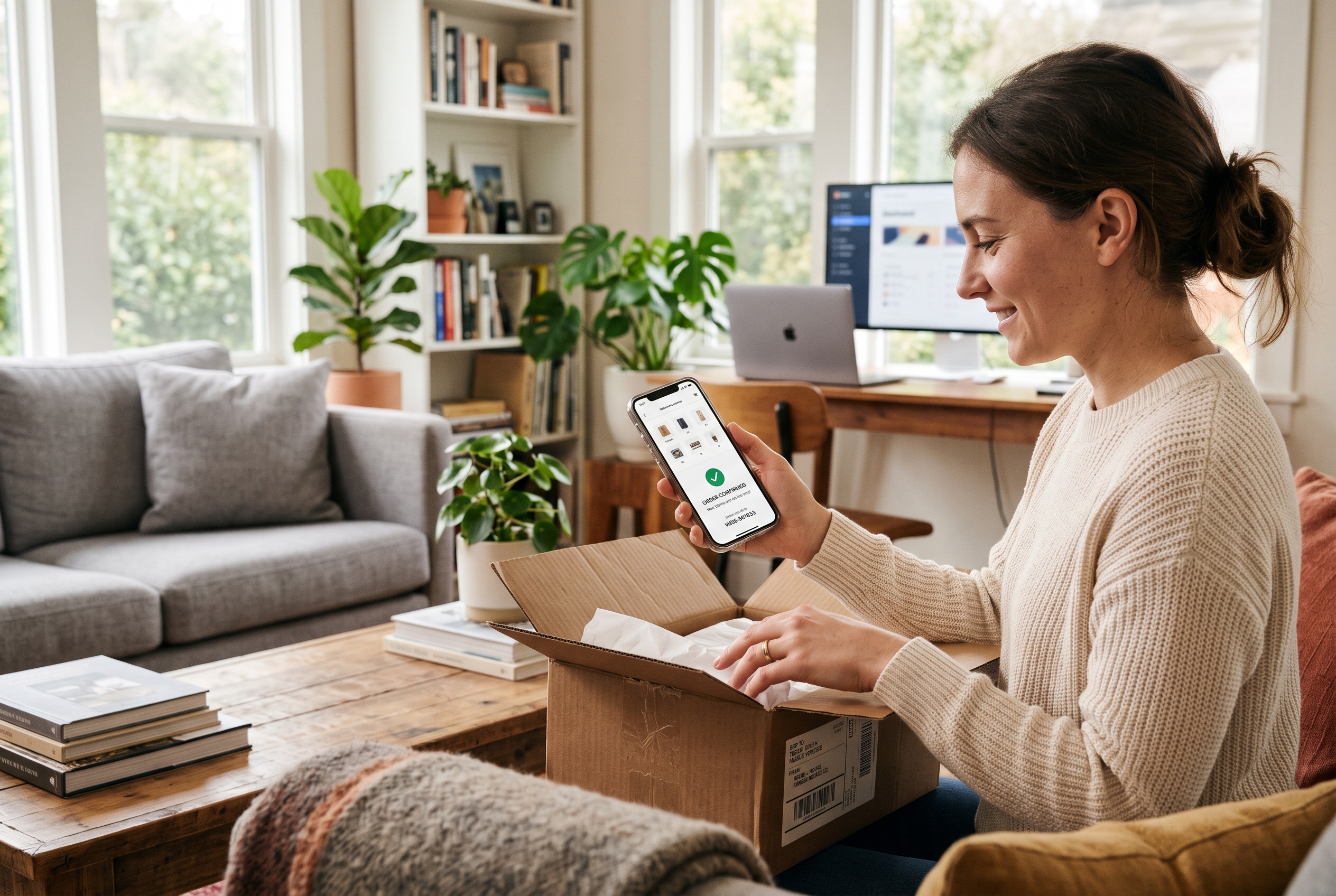
A post purchase upsell is an extra offer shown to a customer right after they pay, usually on the order confirmation or thank-you page. Because the main order is already complete, the shopper can add one more item in a single click, with no risk to the original sale and no new payment form.

What Is a Post Purchase Upsell?
A post purchase upsell is a post checkout offer presented after payment is captured. It can be a complementary product, a bigger size, a subscription, or a repeat purchase discount code for the next order. The customer accepts or declines. Either way, the first order stands.
That last point is what separates it from a cart upsell. Cart and checkout upsells compete with the purchase itself: add too many distractions and shoppers leave. An upsell after checkout can't cause that problem, because there's nothing left to abandon.
Upsell, cross-sell, and order bump: what's different?
- Upsell: a higher-value version of what they bought (the 3-pack instead of the single).
- Cross-sell: a related item (a leather conditioner after boots).
- Order bump: a small add-on ticked on the checkout page before paying.
- Post purchase upsell: any of the above, offered after payment, usually at the same shipping address and often with saved payment details.
In practice, most stores run cross-sells in this slot and still call it an upsell. Don't get hung up on the label. What matters is that the offer is relevant and the next step takes one click.
Why does it work?
The customer has just decided to trust you. They've typed their card number, so friction is at its lowest and commitment is at its highest. Acquiring a customer is the expensive part of any store. Selling a second item to someone who already paid costs you nothing in ad spend, which is why this is one of the cleanest ways to increase revenue per order.
There's also a behavioral reason. Psychologist Robert Cialdini calls it the commitment and consistency principle, one of the six principles in his 1984 book Influence: The Psychology of Persuasion: once people commit to a decision, they tend to act in line with it. A buyer who has just said yes to your store is more likely to say yes again within the same minute than at any later point.
Why Stores Start With Post-Purchase Marketing
Post-purchase offers are popular because they raise average order value (AOV) without touching your ad budget or your checkout conversion rate. The customer is already yours, so every accepted offer is nearly pure margin once you subtract the product cost and any extra shipping.
Consider the math with round numbers. Say you get 1,000 orders a month at a $60 AOV, which is $60,000. If 8% of buyers accept a $20 add-on, you make 80 extra sales and $1,600 a month. That's modest on its own. But it compounds with every order you ever receive, and it costs no more traffic. At 5,000 orders a month, the same acceptance rate is $8,000.
Now run the downside case. At a 3% acceptance rate on the same 1,000 orders, you earn $600 a month, and after a 40% product cost you keep about $360. That's still positive, and it took a few hours to set up. The point of the model is that the downside is small and the upside scales with volume.
Acceptance rates vary a lot by catalog, price, and offer relevance. Treat the 8% above as a hypothetical to test against rather than a promise. Your own data is the only number that counts.

The cost of acquiring versus keeping customers
The economics of retention are well documented. Frederick Reichheld of Bain & Company, in his work with W. Earl Sasser published in the Harvard Business Review as "Zero Defections: Quality Comes to Services" (1990), reported that reducing customer defections by 5% could raise profits by 25% to 85%, depending on the industry. That range comes from service businesses, so treat it as directional for ecommerce rather than a guarantee. You can find the article through Harvard Business Review. For a small store, the lesson is that every customer retention ecommerce tactic you add to the confirmation page works harder than another ad dollar.
What it does to your margins
Ad costs rose steadily across most paid channels over the past few years, and many stores now spend most of their first-order margin on acquisition. A post-purchase offer is where a break-even first order turns into a profitable one. If you're also working on the broader picture, our guide on AI in ecommerce covers other places to find the same kind of margin.
Post Purchase Upsell Examples That Work
The best post purchase upsell examples are cheap, obviously related to the first item, and easy to accept. Here are seven patterns you can copy, with a worked example of each. The numbers are illustrative, so swap in your own prices.
- The complement. A customer buys a yoga mat for $48. The offer: a strap and block set, normally $24, at 25% off ($18), shipped in the same box. The add-on is 37% of the order, so keep an eye on the price ceiling covered below.
- The refill or bundle. A customer buys one $16 bag of coffee. The offer: add two more bags and drop the per-bag price by 15%, to $13.60. Consumables work well because the customer will use them up and need them anyway.
- The upgrade. A customer buys a $70 standard dog bed. The offer: swap to the $110 orthopedic version for the $40 difference. You refund the original line and charge the new one.
- The protection add-on. A customer buys a $30 phone case. The offer: a two-pack of screen protectors for $9.
- The subscription. A customer buys $35 of vitamins. The offer: convert this order to a monthly delivery at 10% off. (Our subscription ecommerce guide shows how to build that recurring revenue.)
- The gift. A customer buys a $28 candle. The offer: a matching gift box shipped to someone else, with a handwritten-style note.
- The next-order code. No product at all. The offer: a thank you page discount code valid for 14 days.
Order confirmation page ideas beyond products
Not every offer needs to be a sale. These order confirmation page ideas build the relationship and often pay back later:
- A referral link giving the buyer and a friend $10 each.
- An invitation to join your loyalty program and earn points on this order.
- A prompt to create an account with one click, so the next purchase is faster.
- A short survey asking how they found you. It's free attribution data.
- A link to care instructions or a setup video that cuts support tickets.
A repeat purchase discount code: use it carefully
A repeat purchase discount code is a classic thank you page upsell because it costs nothing unless it's used. Set an expiry, usually 14 to 30 days, so it creates urgency. Make it single-use and tied to the customer's email so it can't leak onto coupon sites. And keep it smaller than your first-order discount, or you'll train people to wait for deals.
How to Set Up a Post Purchase Upsell After Checkout
To set up a post purchase upsell, pick one product, decide the discount, choose who sees it, and test it against a control. Keep the first version simple. Most failed upsell programs are over-engineered from day one.
Step 1: Choose the right offer
Look at your order data. Which two products are most often bought together in separate orders? That pair is your first offer. As a rule of thumb from our own testing approach rather than a published study, keep the add-on price at about 30% or less of the original order value. Above that, the ask feels like a second purchase decision, and acceptance tends to drop. Treat 30% as a starting hypothesis and test 20% and 40% variants against it.
Step 2: Decide the incentive
You have three options: a percentage discount, free shipping on the add-on (since it ships in the same package), or no discount at all if the item is genuinely useful. Shipping-based incentives are underrated because the customer has just paid for shipping and wants to feel they're getting value from it. A practical test: if the add-on adds no weight to a parcel that's already going out, free shipping costs you almost nothing but feels generous.
Step 3: Segment who sees what
Don't show everyone the same thing. At minimum, split these groups:
- First-time buyers: low-risk, low-price add-ons and an account prompt.
- Returning customers: bundles, upgrades, and loyalty points.
- High-value orders: skip the upsell and show a thank-you and a referral ask instead. Someone who just spent $400 is far more sensitive to a pushy ask than someone who spent $40.
Step 4: Make acceptance one click
This is where most stores lose the sale. If accepting means re-entering a card, you've rebuilt the checkout you just finished. Use a payment flow that reuses the saved payment method. Stripe, for example, documents how to save and reuse payment details in its official documentation. Also let the customer decline without friction. A clear "No thanks" button builds trust.
Step 5: Test and measure
Run one change at a time for at least two weeks, or until you've got a few hundred views per variant. Track three numbers:
| Metric | How to calculate | What it tells you |
|---|---|---|
| Acceptance rate | Offers accepted ÷ offers shown | Is the offer relevant? |
| AOV lift | New AOV − old AOV | Is it adding real revenue? |
| Refund rate on add-ons | Add-on refunds ÷ add-on sales | Is the offer misleading or poorly matched? |
If you don't yet have the store infrastructure in place, our guide to adding products to your online store is a good place to start, since a clean catalog makes pairing products much easier.
How to Increase Average Order Value Beyond the Thank-You Page
The post-checkout slot is one lever among several. To increase average order value consistently, combine it with tactics earlier in the journey. Each one catches a different kind of buyer.
| Tactic | Where it appears | Best for |
|---|---|---|
| Free shipping threshold | Cart | Pushing shoppers to add one more item |
| Product bundles | Product page | Complementary items |
| Order bump | Checkout | Small, low-cost add-ons |
| Post purchase upsell | After payment | Add-ons with zero checkout risk |
| Follow-up email | Days after delivery | Replenishment and repeat orders |
Follow up where the page stops
Plenty of customers will ignore the confirmation page offer, and that's fine. Your transactional emails give you a second chance. A shipping confirmation that includes a recommended product, or a review request followed by a replenishment reminder, extends the same logic. This is core post purchase marketing ecommerce work, and it's also the heart of customer retention.
Time replenishment emails to the product's real usage cycle. A 30-day supply of vitamins calls for a reminder around day 24 to 26. A one-off furniture purchase calls for a care or accessory email instead.
Don't annoy your best customers
One offer is enough. Showing three popups on a confirmation page makes the store feel desperate, and the page is also where customers look for their order number and delivery date. Keep that information prominent. If your upsell hides it, you'll raise support tickets and lose more than you gain.
Common Post Purchase Upsell Mistakes and Questions
The biggest mistakes are irrelevant offers, too many choices, and hidden order details. Fix those three and you'll avoid most of the problems that kill post-purchase programs.
Does a post purchase upsell hurt conversion?
No, not the original sale. The payment has already been captured. The real risk is indirect: if the offer feels pushy, it can hurt repeat purchase rates and reviews. Keep it relevant and easy to dismiss.
What's a good acceptance rate?
It depends heavily on price and relevance, so published benchmarks vary widely. Low single digits is common for broad offers, and targeted add-ons priced under $20 often do better. Use your first month as the baseline, then improve it.
Should the offer include a discount?
Not always. A useful complement at full price can outperform a weak one at 30% off. Start with a modest 10 to 20% incentive, then test full price.
Is this legal and compliant?
Be clear about what's being added and what it costs, and make sure the customer knows the charge before they accept. Consumer protection rules differ by country, so check the Federal Trade Commission's guidance at ftc.gov if you sell in the US.
Which products should I never upsell?
Skip anything that delays shipping, needs a separate delivery, or is much pricier than the original purchase. Avoid items with high return rates, too. A returned add-on costs you shipping twice.
Can small stores do this without developers?
Yes. On many platforms it requires a paid app, which adds monthly cost and another script slowing your pages. If you're weighing platforms, see our comparison of Shopify alternatives to see which ones build this in.
Start Your Post Purchase Upsell This Month
A post purchase upsell is a simple idea: make one relevant offer after the sale is safe. Pick your best product pair, add a modest incentive, make acceptance a single click, and measure acceptance rate, AOV lift, and refunds. Then add a thank-you page discount code or a loyalty prompt for the customers who pass on the product offer.
If you'd rather not stitch this together with extra apps, Rovela builds a post-purchase upsell banner into every store alongside abandoned cart recovery, loyalty, and reviews, all under one flat subscription. You describe your store in plain words, and you can see how it works at rovela.ai or check the pricing page for what's included.