By El Ghali Bennis · Published
How to Get Customers to Come Back to Your Online Store
Most visitors leave without buying. Learn how to get customers to come back to your online store with wishlists, guest saving, and smart follow-up.
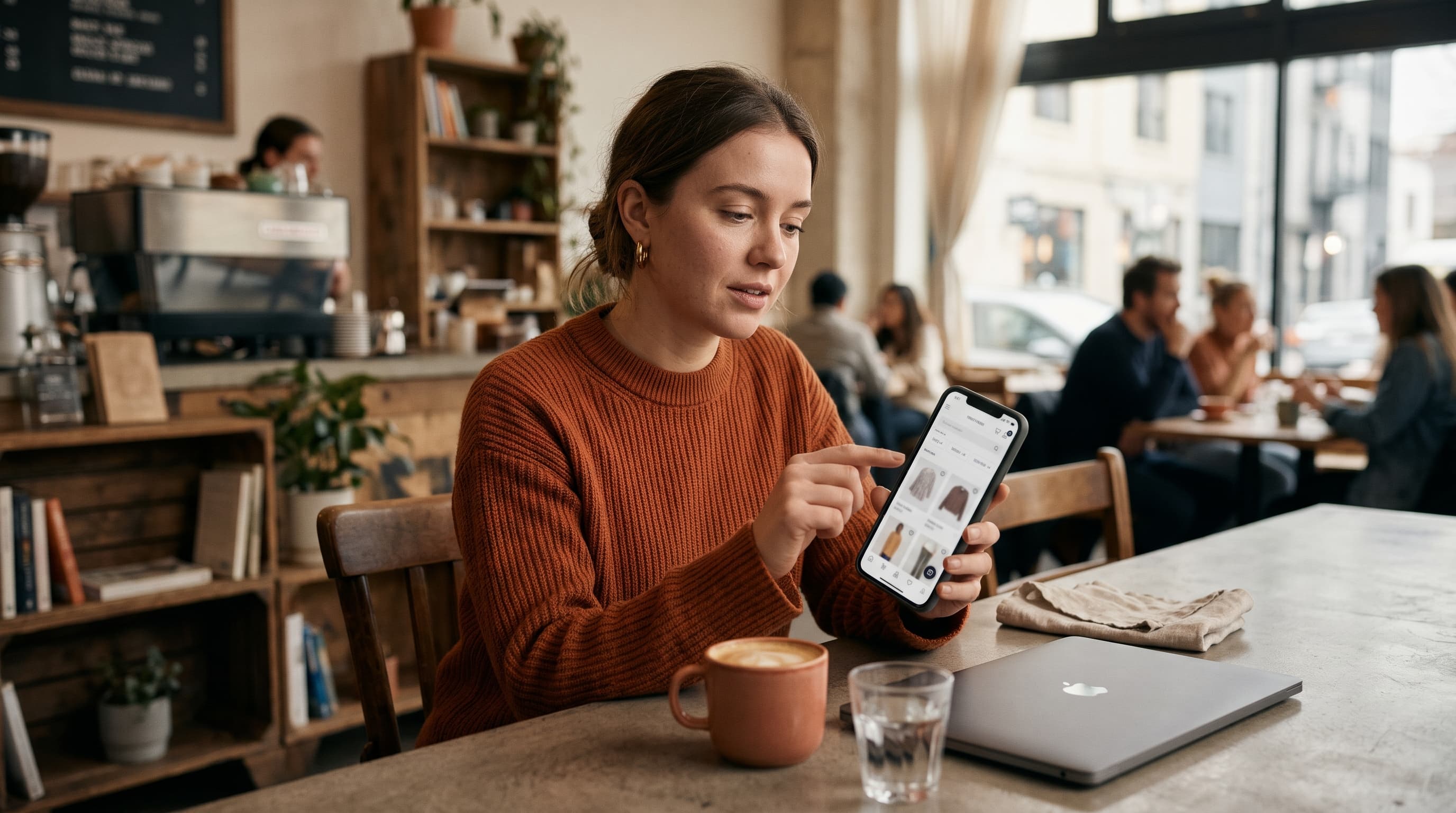
The way to get customers to come back to your online store is to give browsers a low-effort way to save what they liked, then remind them at the right moment. A wishlist or save-for-later button, a guest option with no account, and well-timed follow-up turn window shoppers into return visitors.
Here's the uncomfortable math. Most people who land on your store aren't ready to buy on that first visit. According to Baymard Institute's cart abandonment research, roughly seven in ten carts are abandoned, and that's only the shoppers who got as far as a cart. Many more leave earlier, after looking at a product page or two. If your store converts at a typical 2 to 3 percent, that means 97 or more out of every 100 visitors leave empty-handed. Even a small slice of them coming back changes your month. This guide covers why that happens and the practical steps that bring people back.
How to Get Customers to Come Back: Why Shoppers Leave Without Buying
Shoppers leave without buying because they were never planning to buy that day. They're comparing, daydreaming, waiting for payday, or checking a price. Your job isn't to force the sale. It's to make sure they have a reason and a path to return.
If you want the cart-stage version of this problem, our breakdown of why customers abandon shopping carts covers nine reasons in detail. Browse abandonment, though, happens earlier and for softer reasons.
The most common reasons window shoppers bounce
- They're just researching. They want to see options, not commit.
- Price comparison. They have three other tabs open.
- Not the right moment. Wrong budget week, wrong device, kid needs dinner.
- Unanswered questions. Sizing, shipping time, returns, materials.
- Friction. Forced account creation, slow mobile pages, cluttered layouts.
- Nothing to hold onto. They liked something, but you gave them no way to keep it.
That last one is the most fixable. If a shopper can't save an item in one tap, they rely on memory or browser history. Both fail. Be honest with yourself: when did you last go back to a product you only remembered vaguely?
Browse abandonment versus cart abandonment
| Type | Where they leave | Intent level | Best recovery tool |
|---|---|---|---|
| Browse abandonment | Product or category page | Low to medium | Wishlist, save for later, retargeting |
| Cart abandonment | Cart or checkout | High | Abandoned cart email and SMS |
| Post-purchase churn | After first order | Proven buyer | Loyalty, replenishment, cross-sell |
Most stores only fight the middle row. That leaves the biggest group, the browsers, completely unaddressed.
A quick worked example
Picture a store with 10,000 monthly visitors, a 2.5 percent conversion rate, and a $60 average order. That's 250 orders and $15,000. Now say a wishlist heart gets tapped by 4 percent of visitors, which is 400 people. If just 10 percent of those savers come back and buy, that's 40 extra orders, or $2,400 a month. These are illustrative numbers, not a promise, so plug in your own. The point is that a small save rate on a large pool of browsers adds up quickly.
Add a Wishlist Feature for Your Online Store
A wishlist lets shoppers save products for later with a single tap, which gives them a reason to return and gives you a signal of what they want. It's the simplest way to reduce browse abandonment because it captures interest at the exact moment it appears.
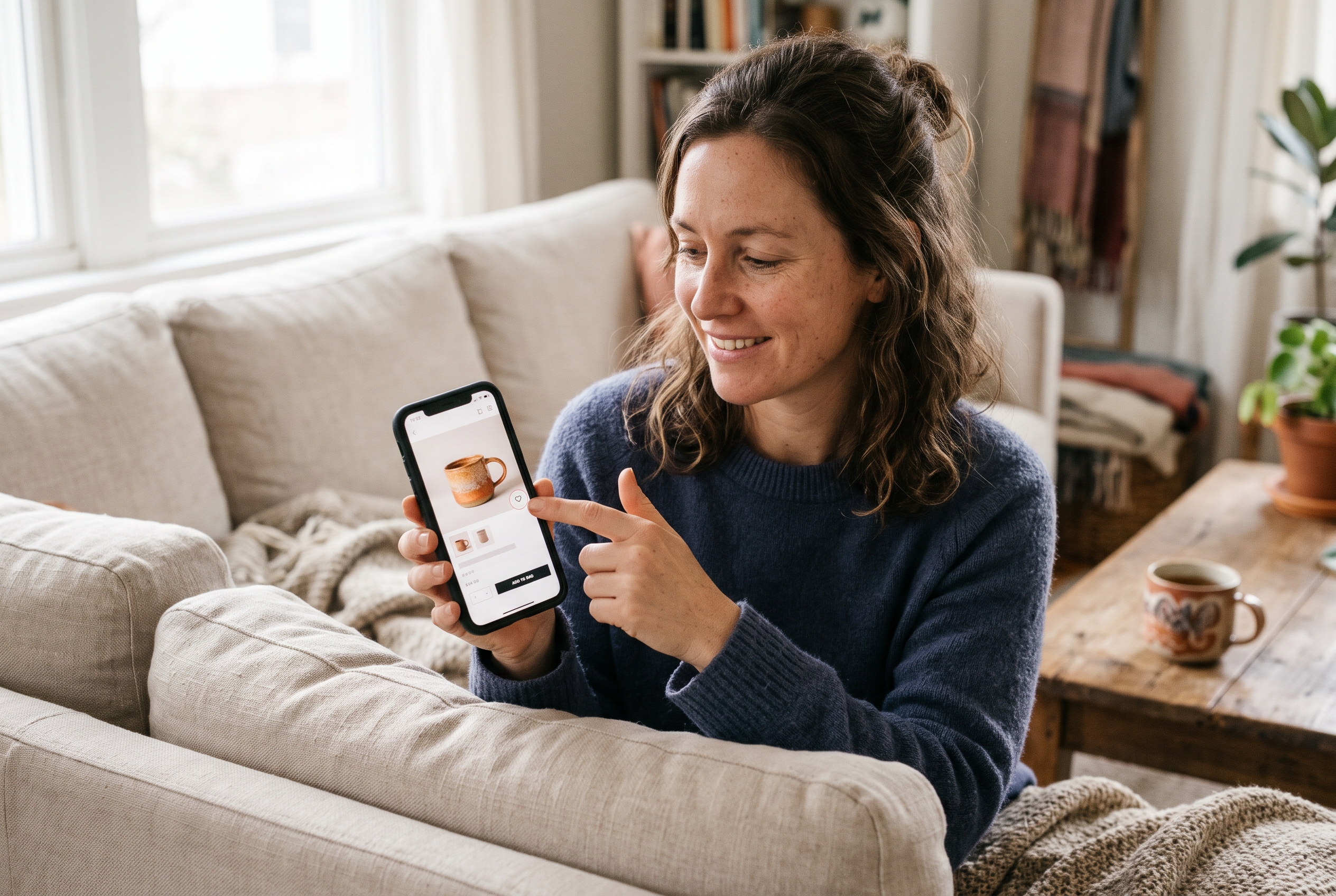
Ecommerce wishlist benefits you can actually measure
- Return visits. A saved list is a bookmark that lives inside your store.
- Demand data. You see which products get saved but not bought, which is gold for pricing and merchandising decisions. A mug saved 200 times and bought 12 times usually has a price, shipping, or trust problem, not a traffic problem.
- Remarketing triggers. A saved item can trigger a price-drop or low-stock message.
- Gifting. Shared lists bring new people to your store, around birthdays and holidays especially.
- Lower pressure. Saving feels safer than carting, so more people do it.
Where to put the add to wishlist button on ecommerce pages
Placement matters more than people expect. A heart icon buried below the fold does nothing. Use these spots:
- Product page, next to the main buy button. Same eye line, clearly secondary in style.
- Product cards on category pages. A small heart on the image corner lets people save while scrolling, without opening each page.
- Header icon with a counter. A visible count of saved items reminds people they have a list.
- Cart page. Offer "Move to wishlist" so a hesitant buyer doesn't just delete the item and vanish.
Keep the interaction instant. If tapping the heart triggers a page reload or a popup, you've added friction to a feature meant to remove it.
Guest wishlist with no account required
This is where many stores get it wrong. If you force sign-up before someone can save a product, most won't. A guest wishlist, no account needed, stores items in the browser first. You then offer to sync the list when the shopper creates an account or enters an email, ideally at a natural moment such as "Email me this list" or "Get notified if the price drops."
That sequence matters: value first, ask second. People who've already built a list of six items are far more willing to hand over an email address than someone staring at a blank sign-up form.
One caveat: a browser-based list disappears if the shopper switches devices or clears cookies. That's why the email sync step matters, and why it's worth testing on mobile and desktop both.
Use Save for Later and Product Page Basics to Convert Window Shoppers Online
Save for later ecommerce features and strong product pages work together. Saving catches interest, and the product page decides whether that interest survives. If you want to convert window shoppers online, fix both.

Save for later versus wishlist
They sound similar but serve different moments. A wishlist is a long-term collection: things I want, might gift, or will buy eventually. Save for later usually lives in the cart: I'm not buying this right now, but don't let me lose it. Offer both if your catalog has higher-priced or considered purchases. If you sell $12 items, a single wishlist is plenty.
Product page conversion tips that keep people considering
- Answer the sizing, shipping and returns questions above the fold. Hidden policies create doubt, and doubt creates exits. Baymard's research lists unexpected extra costs as the top reason for cart abandonment, so show shipping costs early.
- Show real photos from several angles. Include at least one in-use or scale shot.
- Display reviews and a customer Q&A. Real questions from real buyers settle objections better than your copy can.
- Be clear on delivery dates. "Arrives Thursday" beats "3-7 business days."
- Keep mobile fast. Slow pages lose people before they've even seen the product. Google's web.dev documentation on Core Web Vitals is a good place to learn what to measure.
- Don't force an account to browse or save. Guest access wins.
If your products aren't sitting right yet, it's worth reviewing how you add products to your online store, since titles, variants, and images set the foundation for everything above.
How to Bring Back Website Visitors With Follow-Up
You bring back website visitors by contacting them about something they already showed interest in, within a reasonable window, with a clear reason to click. Generic newsletters rarely do that. Behavior-based messages do.
Email and SMS triggers worth setting up
The timings below are sensible starting points based on common practice, not universal rules. Treat them as your first A/B test and adjust to your own buying cycle: a $15 accessory has a shorter decision window than a $400 jacket.
- Wishlist reminder (2-3 days after saving). Show the saved items, keep the tone light.
- Price drop alert. When a saved item goes on sale, tell the people who saved it. They're the most likely buyers.
- Low stock alert. Only send it when it's true. Fake scarcity burns trust fast.
- Back-in-stock notice. Someone who wanted a sold-out item is warm.
- Abandoned cart sequence. Three messages over about three days is a sensible baseline, with the first within an hour. For wording ideas, see these abandoned cart subject lines and abandoned cart text message examples.
Retargeting without being creepy
Ads through Meta and Google can follow people who viewed or saved specific products. Keep frequency capped, exclude people who just bought, and show the actual item they looked at. A good rule: if the ad feels useful rather than stalking, you're doing it right.
Know your sending permissions
Collect consent before emailing or texting. The US Federal Trade Commission explains the CAN-SPAM rules on ftc.gov, and SMS has stricter opt-in requirements. Ask clearly, and make unsubscribing easy.
Increase Return Visitors on Ecommerce Stores Long Term
To increase return visitors on an ecommerce store over the long term, give people reasons to come back that aren't a discount: a loyalty program, content, new arrivals, and a better experience after the first order. Discounts train people to wait. Value trains them to return.
Build the second-purchase habit
- Loyalty points. Make the reward reachable. If the first reward takes eight orders, nobody cares; if it takes two, people plan their next purchase around it.
- Replenishment reminders. If you sell coffee, skincare or pet food, remind buyers just before they run out. Work out the typical gap between reorders from your own order data and send at about 80 percent of that gap.
- Post-purchase cross-sell. Suggest items that go with what they bought, a week after delivery rather than the same day.
- Ask for a review. It re-engages the customer and helps the next shopper. Ask after the product has had time to be used, not on the delivery day.
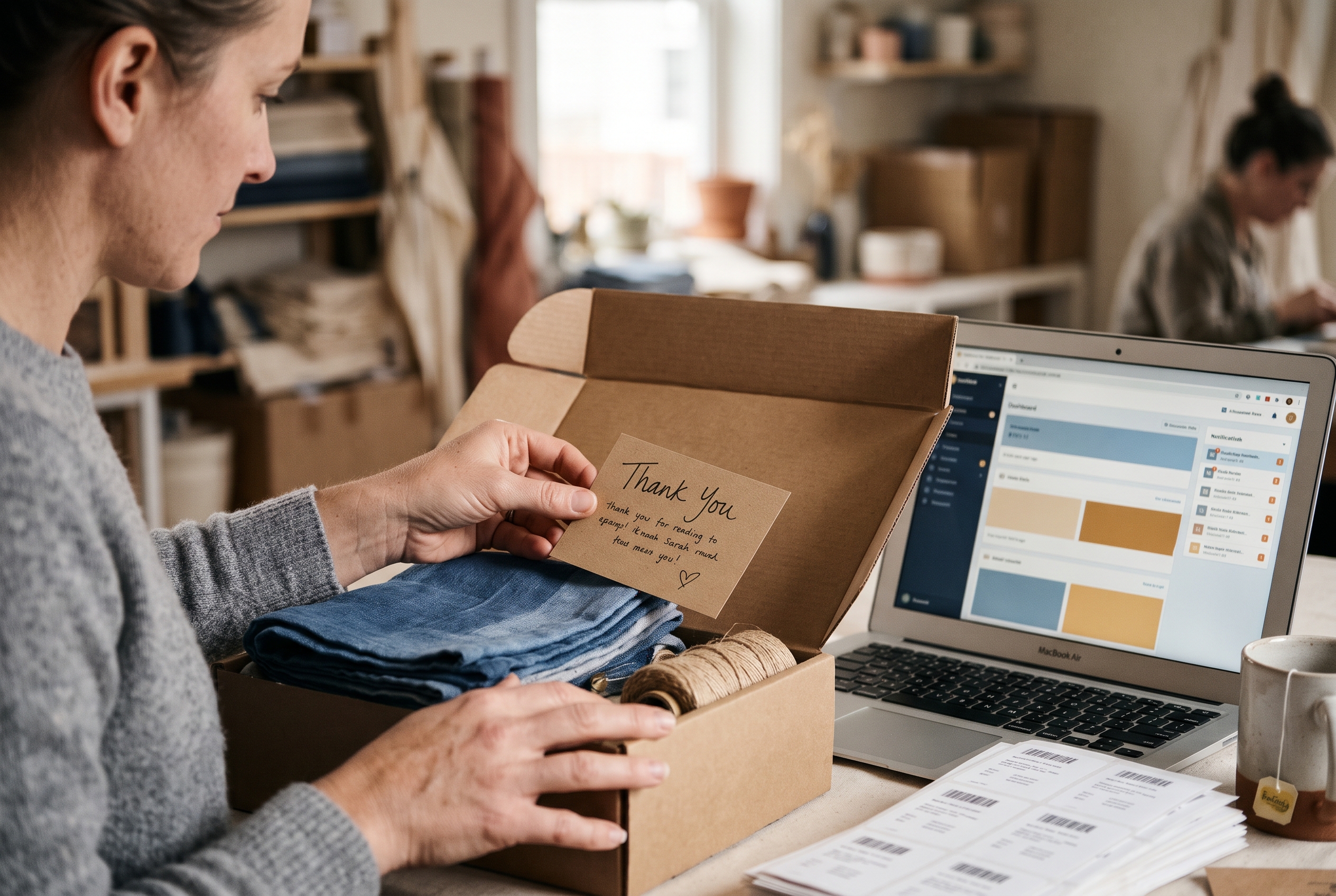
- Surprise small perks. A free sample in the box costs little and gets mentioned.
A simple 30-day plan to recover lost sales
If you want to know how to recover lost sales in ecommerce without rebuilding your store, work through this in order:
- Week 1: Add a wishlist heart to product pages and cards. Allow guests.
- Week 2: Set up the abandoned cart sequence and a wishlist reminder email.
- Week 3: Tighten your top five product pages using the checklist above.
- Week 4: Add price drop and back-in-stock alerts, then review which saved items convert.
Track three numbers: wishlist adds per product view, return-visitor rate, and revenue from reminder messages. If those climb, the system works.
Common questions
Do wishlists really help sales? They help most on considered purchases, gifts, and higher price points, where shoppers rarely buy on the first visit. Test it against your own data rather than assuming a lift.
Should I offer a discount to get people back? Not first. Try a reminder and social proof, and save discounts for people who've ignored two messages.
How soon should I follow up? For wishlists, two to three days. For carts, within an hour, then again the next day. Adjust these once you have your own open and conversion data.
Make Coming Back Effortless
Getting customers to return isn't one trick. It's a chain: catch interest with a guest-friendly wishlist, keep it alive with strong product pages, follow up on real behavior, and reward the second order. Fix the first link and the others get easier.
The catch on most platforms is cost and assembly. On Shopify, features like wishlist and abandoned cart typically mean paid apps stacked on top of your plan, and each one can slow the store down. Rovela includes wishlist, abandoned cart, loyalty, reviews and customer Q&A in the flat subscription, so you can turn them on by asking in chat. You can see what's covered on the pricing page, or describe your store and try it. Either way, start with that heart button. It's the cheapest return visit you'll ever earn.